
Turning One Customer Call Recording Into a Week of Content
Creating compelling product walkthroughs and training videos shouldn’t require hours of recording, editing, and writing. What if you could transform a single customer call recording into a week’s worth of valuable content? This post explores how AI-powered solutions can revolutionize your workflow, from the editing process to customization options and practical tips for maximizing efficiency.
The Problem of Manual Content Creation
The Time-Consuming Process
Creating even short product walkthroughs is laborious. A product manager might spend four hours recording, six editing, and a technical writer three creating documentation. This time could be spent on product development or customer feedback analysis. The cumulative effect of these delays impacts time-to-market and team productivity.
The Quality of Human-Generated Content
While human-generated content holds value, it’s prone to inconsistencies. Different writers may adopt varying tones and styles, leading to a fragmented user experience. Maintaining consistent branding across all content often falls to a single person, creating a bottleneck. For more on building a consistent brand experience, see our guide to setting up your brand kit.
How Demofable’s AI Video Editor Works
The AI Editing Process
Demofable leverages AI to automate video editing and documentation creation. The platform analyzes screen recordings, identifying key moments and structuring content while removing pauses and stumbles. The AI generates a rough cut with basic transitions and audio adjustments, while simultaneously extracting key steps and actions into a structured, step-by-step guide.
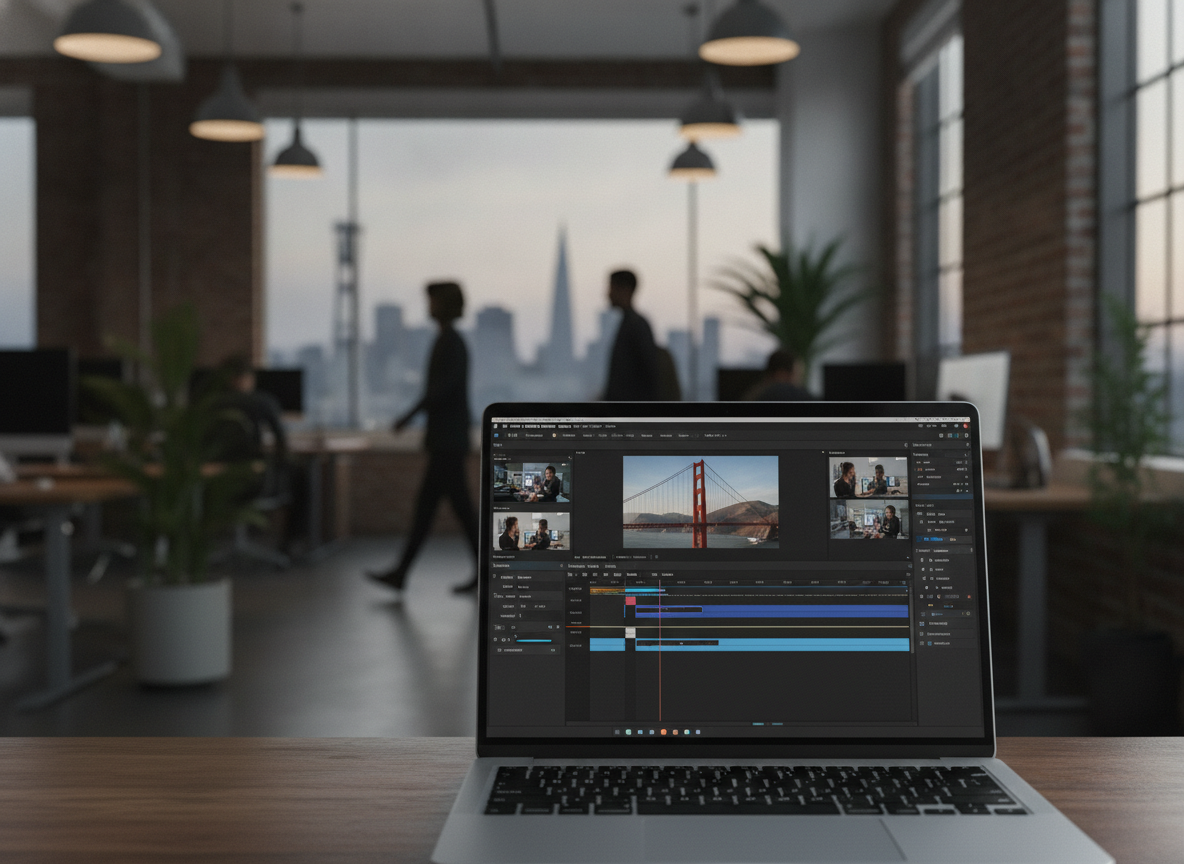
Photo by Quixess Social
The AI’s understanding of software usage patterns allows it to anticipate user needs and highlight relevant features, reducing editing time. Data shows an average time savings of 70% on video and documentation creation. A 30-minute raw recording might transform into a 3-minute video and a 5-page guide within an hour.
The Output: A Polished Demo Video and Step-by-Step Guide
The output is a polished demo video and corresponding step-by-step guide, both ready for distribution. The video is optimized for clarity and engagement with a professional look and feel. Both outputs work together, creating a comprehensive learning experience. For more details, see our guide to one recording, two deliverables.
Customizing Your Demo Video and Guide
Branding and Tone
While the AI handles core editing, customization aligns content with your brand identity. Demofable allows extensive customization of brand colors, fonts, and logos, ensuring a consistent look and feel. The platform also allows users to adjust the tone of generated content to resonate with the target audience.
Starting Points and Output Shapes
Demofable provides multiple starting points for content creation, a full screen recording, specific task, or template, catering to diverse needs. Choosing the right output shape maximizes visibility and engagement, and the platform simplifies this process.
The Benefits of Using Demofable’s AI Video Editor
Demofable streamlines the content creation workflow, offering a solution that drastically reduces production time and increases content volume.

Photo by Quixess Social
Increased Efficiency is the most immediate benefit. The platform automates the editing process, leveraging AI to identify key moments and generate documentation. Early adopters report a 70% reduction in video creation time, freeing team members to focus on strategic initiatives. A product update requiring a new onboarding video can be completed in hours rather than days.
Improved Consistency is another advantage. Manual video editing is subjective, leading to variations in style and quality. The solution enforces brand guidelines and ensures a unified look and feel across all content. Consider setting up a brand kit, as detailed in our guide to brand consistency.
Tips for Getting the Most Out of Demofable’s AI Video Editor
Maximizing the platform’s potential requires thoughtful preparation. A well-structured recording forms the foundation for a compelling demo video. Consider your audience and desired outcome before recording.

Photo by Kevin Malik on Pexels
Best Practices for Recording include minimizing distractions and ensuring clear audio. Close unnecessary applications, silence notifications, and use a high-quality microphone. A script or outline helps maintain focus and ensure logical flow. The more structured the recording, the more effectively the AI can interpret and edit the content.
Optimizing Content for Different Channels requires adjusting video format and length. Social media platforms favor shorter, more engaging videos. Consider creating shorter “teaser” clips from longer demo videos to generate interest and drive traffic to the full content.
Conclusion
Creating high-quality product walkthroughs no longer requires extensive time and resources. Demofable’s AI video editor offers a transformative solution, reducing production time while ensuring consistency and enhancing content quality. By automating tedious tasks and generating documentation, the platform empowers product and customer success teams to focus on delivering exceptional user experiences. Get started with Demofable today and turn one customer call recording into a week’s worth of content.
