Setting Up Your Brand Kit Once So Every Video Matches
Creating compelling product walkthroughs is a cornerstone of successful product launches and ongoing customer education. Creating those walkthroughs can be time-consuming. Imagine instantly converting recordings into engaging, branded content, that’s the power of Demofable. This article explores how to leverage the platform to streamline your workflow, covering everything from initial recording to brand customization and ultimately, using the solution for effective product education.
Getting Started with Demofable
How to Record a Demo
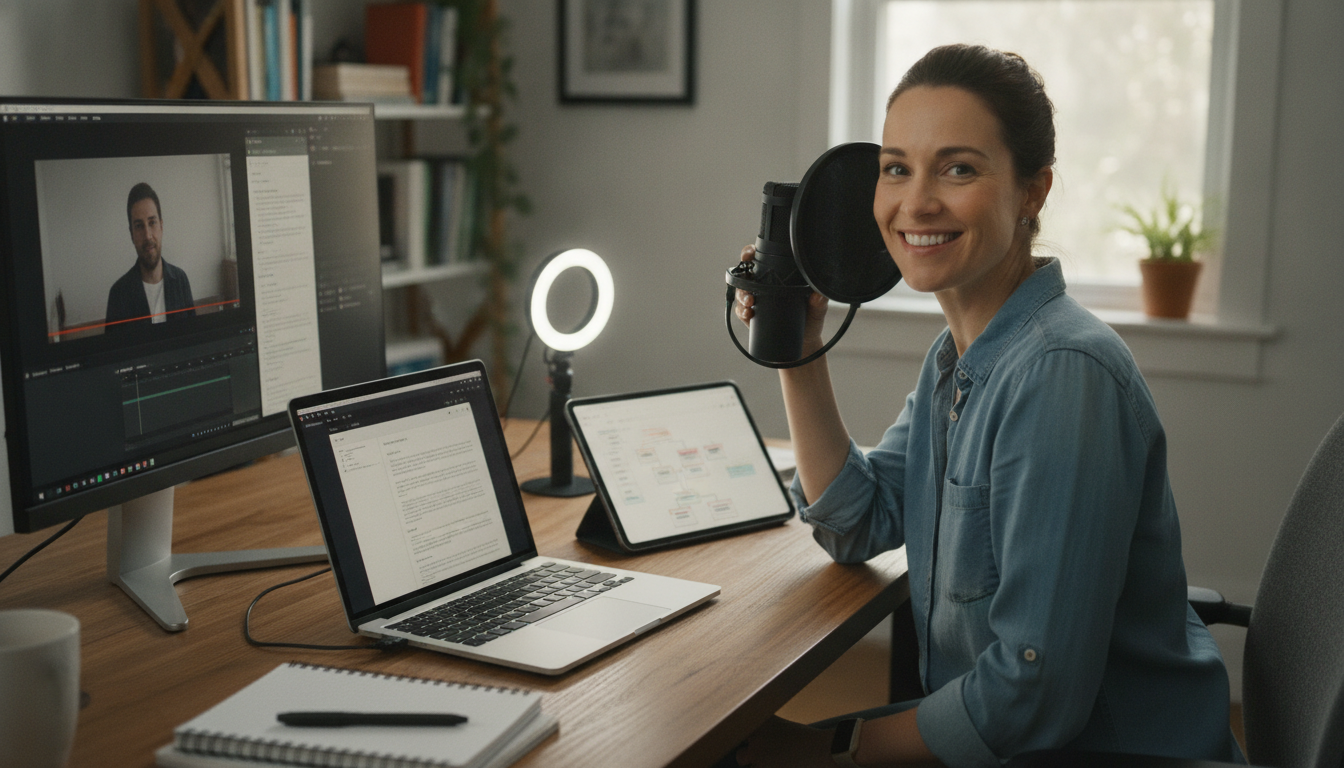
Recording a polished demo video and written guide with the platform is straightforward. Simply click the record button, walk through your product, and click stop. That single recording becomes the foundation for a professional-grade demo and a detailed guide. There’s no need for complex setups or technical expertise.
What You’ll Get from the AI
The AI engine analyzes your screen recording, identifying key actions and interactions. This analysis forms the basis for both the video edit and the written guide. You’ll receive a fully edited video and a detailed, step-by-step guide. For teams needing to produce many product demos, this efficiency is invaluable. Consider building a multi-brand demo library.
The AI Editing Process
How Demofable Trims Dead Air
The platform automatically eliminates awkward pauses and extended periods of dead air, creating a more engaging viewing experience. This automated trimming process drastically reduces editing time.
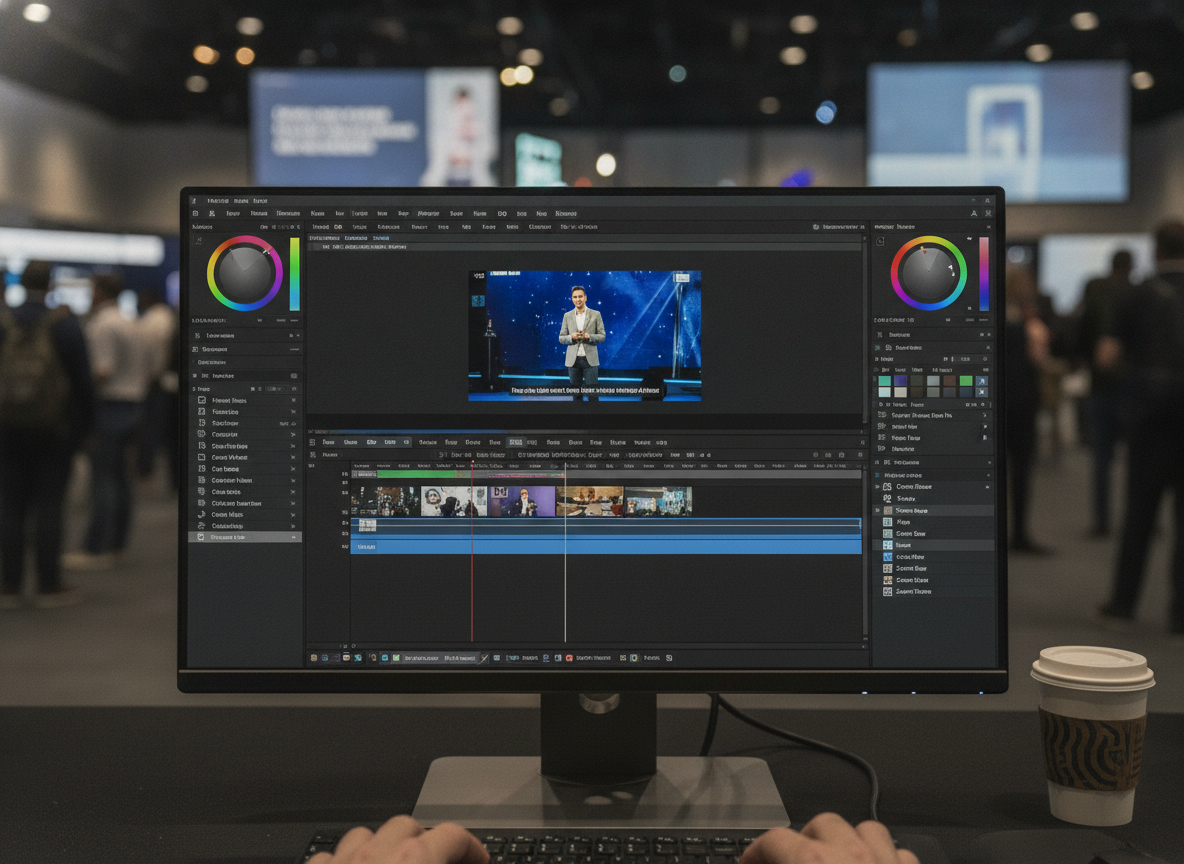
Photo by Quixess Social
What the AI Zooms In On
The AI dynamically zooms in on the precise area you’re discussing, ensuring viewers can clearly see every interaction. This improves comprehension and reduces confusion. Find guidance on video shape and format here.
Customizing Your Brand Kit
Adding Your Logo and Colors
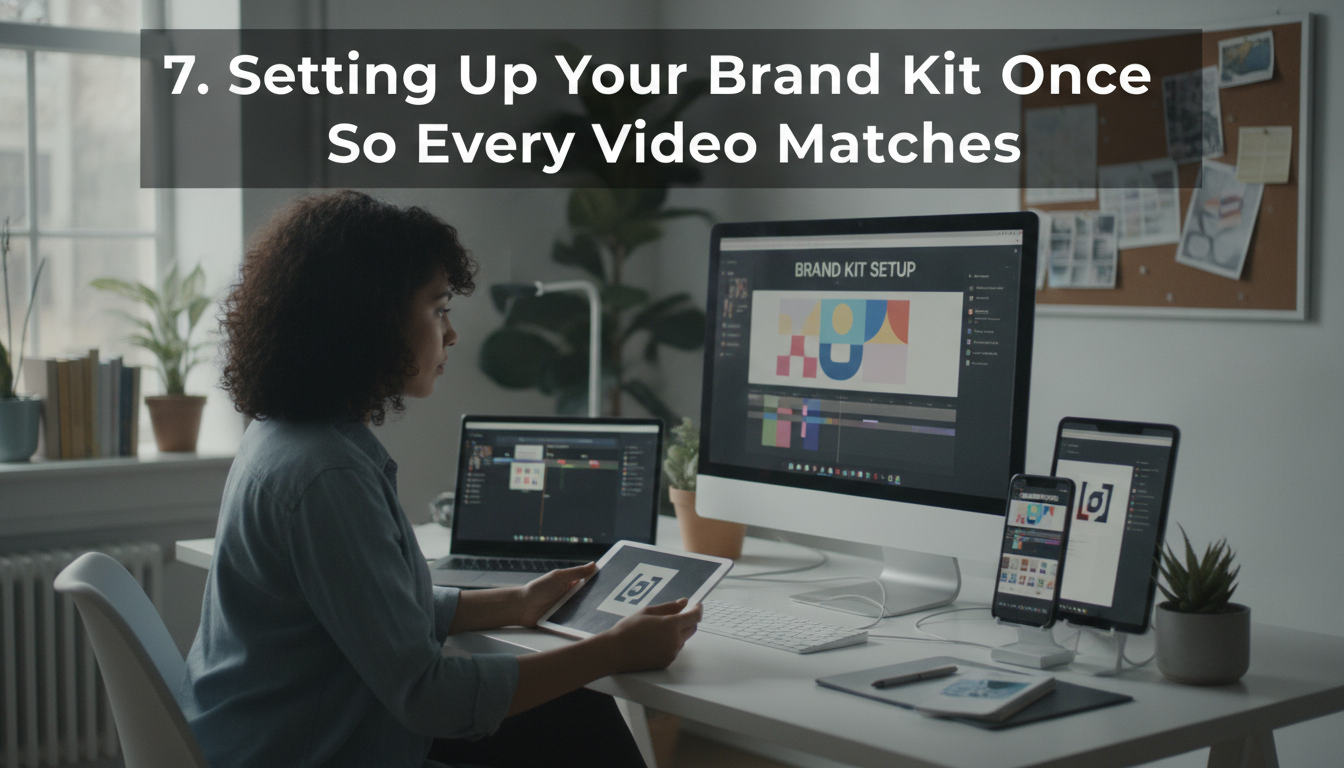
Consistency is key to building a recognizable brand. With the platform, establishing that consistency is effortless. You can set your company colors, upload your logo, and define your preferred font styles, all in one centralized location. Every video and guide created afterward will automatically adhere to these brand guidelines, reinforcing your brand identity.
Choosing a Narration Voice
The platform allows you to select a narration voice that aligns with your brand’s personality and tone. This customization extends beyond just the voice; you can also adjust the pacing and intonation. What’s more, the platform can turn your library of recordings into a chat assistant you embed on your own website. Learn more about the workflow here.
Using Demofable for Product Education
Creating a Multi-Brand Demo Library
Maintaining consistency across product demonstrations, especially with multiple brands, can be a logistical challenge. A centralized demo library allows for version control, easy updates, and a consistent brand experience. This approach streamlines the creation process and ensures every demonstration aligns with the overarching brand identity.
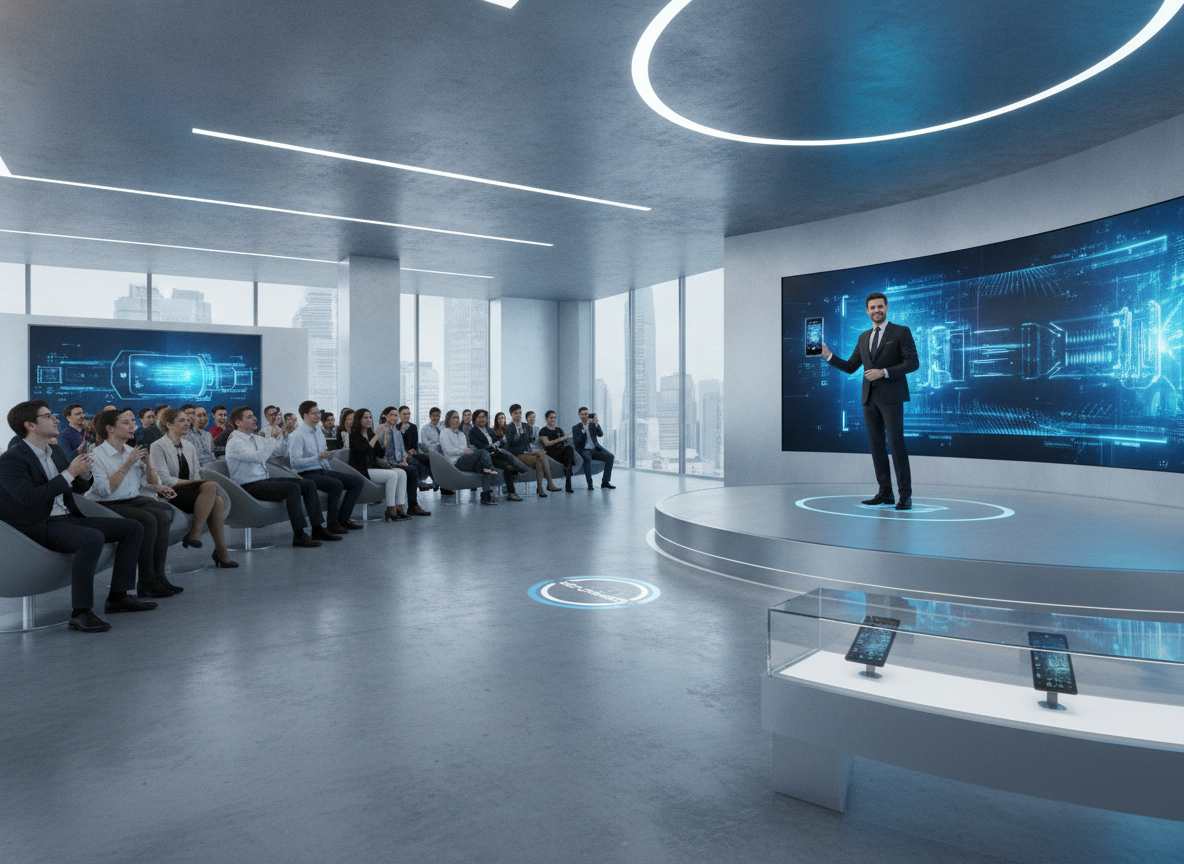
Photo by Quixess Social
A well-organized demo library simplifies onboarding for new team members and makes it easier to track which demos are most effective.
Choosing the Right Starting Point
Selecting the right starting point is critically important. Consider the purpose of the demo: is it a comprehensive product overview, a deep dive into a specific feature, or a short clip for social media? A product demo provides a broad introduction, while a sales deep dive focuses on specific benefits. Social clips are designed to be attention-grabbing and shareable. Our guide provides a detailed breakdown.
Often, teams need various formats. For example, a detailed product demo might be used internally for training, while shorter clips are shared on social media. The ability to repurpose a single recording into multiple formats significantly reduces the overall workload. Understanding your audience and tailoring the demo accordingly is key to maximizing its impact. Find guidance on video shape here.
Final Thoughts and Next Steps
Summarize Key Takeaways
Creating compelling product walkthroughs doesn’t have to be daunting. By embracing a structured approach and leveraging intelligent tools, teams can streamline the process and produce high-quality videos and guides that effectively showcase their products. Understanding the nuances of different demo types is crucial for ensuring your content resonates.
Final Thought or Call-to-Action
The efficiency gains offered by Demofable are substantial, allowing product teams to focus on delivering exceptional product experiences. Try Demofable today and see how it can help you create polished demo videos and written guides. The journey to efficient product education starts now.
Conclusion
Throughout this exploration, we’ve emphasized the power of structured content creation for product education. Understanding the nuances of product demos, sales deep dives, and social clips allows teams to tailor their content for maximum impact. Demofable is a powerful tool for creating polished demo videos and written guides that showcase your product. By using this tool, you can save time and effort when creating product walkthroughs, ensuring a consistent brand experience and empowering your team to focus on delivering exceptional product experiences. Start your journey towards streamlined product education today, explore the features and unlock the potential to create impactful content that drives engagement and understanding.