Category: Content Creation

  • 4. Before You Hit Publish: What to Check in the Review Screen

    4. Before You Hit Publish: What to Check in the Review Screen

    4 Before You Hit Publish: What to Check in the Review Screen

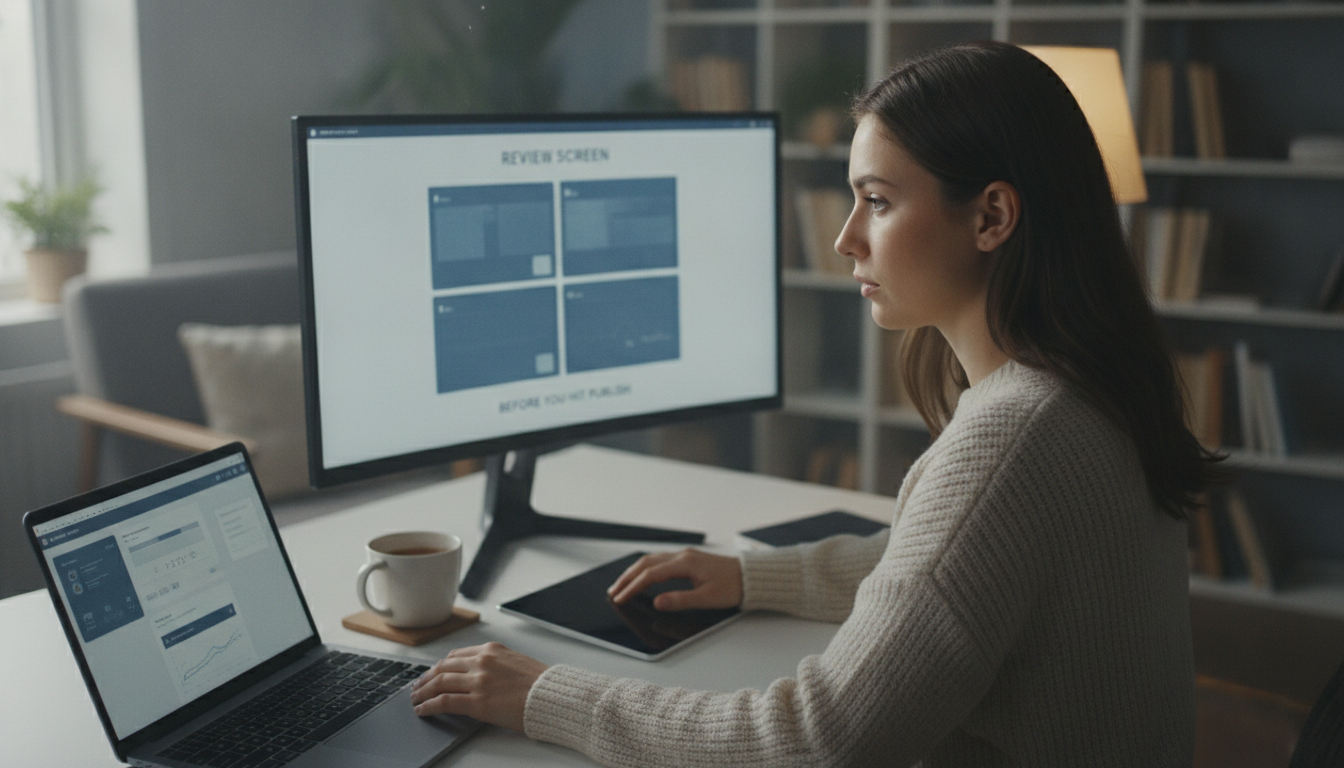
    The review screen. It’s that last hurdle before your meticulously crafted product walkthrough goes live, yet it’s often rushed or skipped entirely. What happens on this screen can make or break the final product, turning a promising demo into a source of frustration. In this article, we’ll walk you through what to check in the review screen to ensure your demo video and written guide are polished and error-free, covering everything from AI edits to privacy concerns and final touches.

    What’s Being Done by the AI

    How the AI Edits Your Video

    When you feed a screen recording into the system, the AI actively edits the video to create a more engaging and professional result. One of the primary tasks is removing “dead air”, awkward pauses that can make a demo feel stilted. The AI intelligently trims these gaps, leading to a more concise presentation. Captions are also automatically added, enhancing accessibility and comprehension. This significantly reduces manual editing time, allowing teams to focus on other critical tasks.

    What the AI Writes

    Beyond video editing, the AI generates a narration script directly from your spoken words. This isn’t just transcription; the AI uses natural language processing to create clear and concise sentences that accurately reflect your intended message. Crucially, the AI pulls screenshots directly from the recording and integrates them into the written guide, reinforcing instructions. This streamlines the entire process, delivering both a visual demonstration and a step-by-step written guide. If you’re looking for more tips on creating effective product demonstrations, you might find this article helpful.

    Reviewing the AI’s Decisions

    What Gets Cut

    The AI’s editing decisions aren’t always perfect, which is why the review screen is vital. You’ll be presented with a timeline showing all the cuts the AI has made. It’s essential to scrutinize these cuts to ensure important information or context hasn’t been inadvertently removed. Sometimes, the AI might misinterpret a pause as dead air. Carefully re-watch these sections and make adjustments as needed.

    Reviewing the

    Photo by Quixess Social

    What Gets Zoomed Into

    Another critical aspect involves verifying the AI’s zoom-in decisions. The AI automatically zooms in on specific areas to highlight important details. While designed to improve clarity, it’s possible the AI has zoomed in on the wrong area. You’ll want to ensure that the zoomed-in areas are readable and accurately represent the intended element. If you’re new to using AI to generate guides, you might find this article helpful. You can also see how we handle uncertainty in the AI’s output in this post.

    Privacy and Redaction

    The AI is designed with user privacy as a core principle. During editing, it scans for potentially sensitive information that shouldn’t be publicly shared, such as PII (customer names, email addresses, phone numbers, and account details). Flagged content appears clearly in the review screen, accompanied by a descriptive label. Options include confirming the content is safe to publish, manually redacting it using the built-in tools, or excluding the entire segment. For a deeper understanding of the redaction process, see our guide to DOM selectors vs. pixel redaction.

    Chimney fire with flames and smoke

    Final Touches

    The review screen isn’t just about correcting errors; it’s also your opportunity to add the finishing polish that elevates your demo video and documentation. This is where you define the visual identity and voice that will represent your product. The platform allows you to set global branding parameters, color palettes and logo placement, that are automatically applied to every video and guide, ensuring consistency. You can also customize the narration voice, impacting the overall tone. For more on how to efficiently produce product demos, see our guide.

    Final Touches

    Photo by Quixess Social

    Conclusion

    Creating compelling product walkthroughs and documentation can feel overwhelming, but taking control of the review process is key to delivering a polished and professional experience. By carefully reviewing the AI’s decisions and adding those final touches, you ensure accuracy, maintain brand consistency, and safeguard user privacy. Don’t underestimate these final steps, they’re what separate a good demo from a truly exceptional one. Start your journey towards streamlined content creation today, and make a great first impression on your audience. For more on building a content calendar, see our resource.

  • 2. One Recording, Two Deliverables: A Video and a Guide Without Doing Either Twice

    2. One Recording, Two Deliverables: A Video and a Guide Without Doing Either Twice

    One Recording, Two Deliverables: A Video and a Guide Without Doing Either Twice

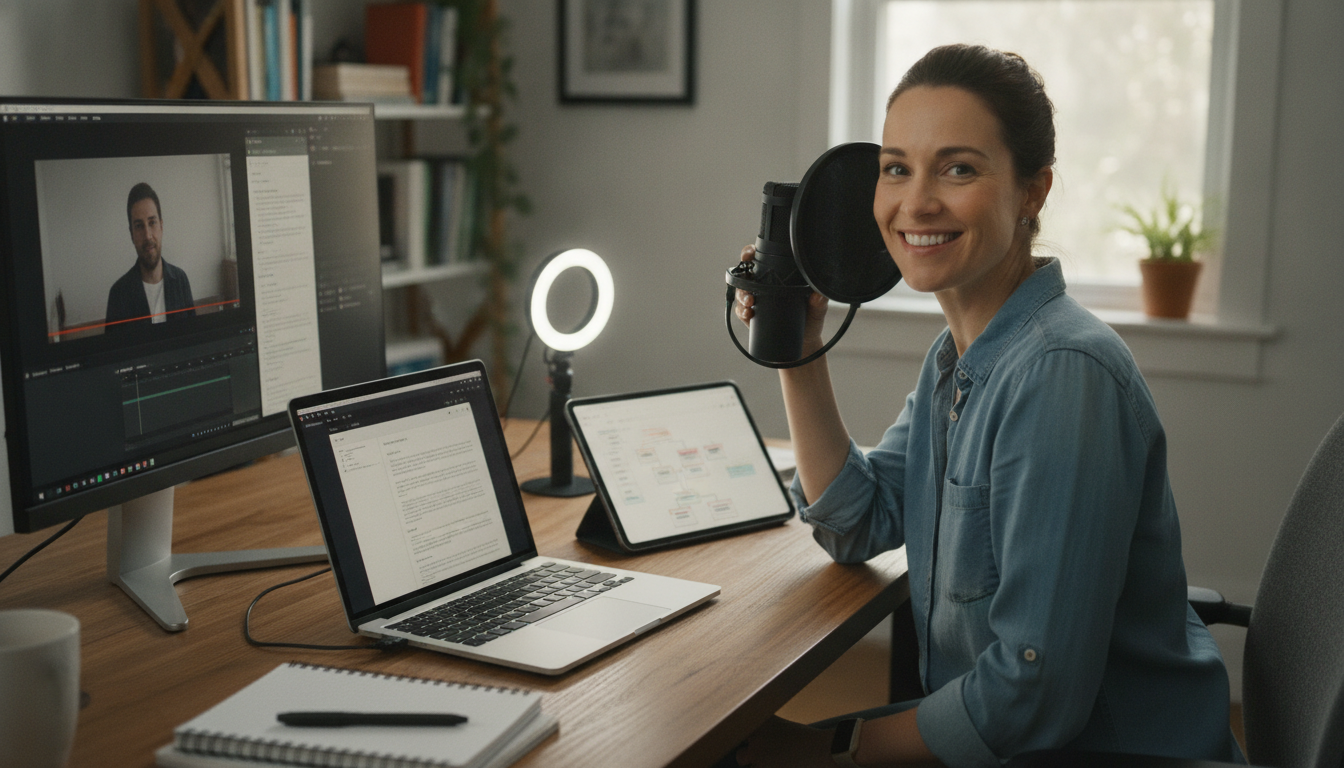
    Creating compelling product walkthroughs is critical but often frustrating. Product managers, engineers, and technical writers frequently juggle manual video editing and documentation creation, a process ripe for duplication and inefficiency. What if you could generate both a polished demo video and a detailed guide from a single recording? This article explores how AI-powered tools like Demofable solve this problem.

    The Problem of Duplicating Effort

    What is the current workflow?

    Historically, producing a product walkthrough involved a bifurcated workflow. A screen recording is captured, then undergoes manual video editing with trimming, transitions, and annotations. Simultaneously, a technical writer crafts a step-by-step guide, often re-watching the recording multiple times. This parallel effort demands significant resources and introduces inconsistencies between video and documentation.

    Why is it inefficient?

    The inefficiency stems from inherent duplication. Each deliverable requires separate creation and editing cycles. According to a 2025 survey of product teams, approximately 30% of a technical writer’s time is spent re-creating information already present in a recorded demo, a significant productivity drain and opportunity cost.

    How Demofable Works

    What is the AI-powered demo video editor?

    Demofable offers a fundamentally different approach. The platform leverages advanced AI to automatically convert raw screen recordings into both a polished demo video and a comprehensive step-by-step guide, eliminating separate editing and writing cycles. The solution analyzes screen recordings, identifying key actions, UI elements, and user interactions.

    product demo

    Photo by Quixess Social

    How does it create a polished video?

    The AI engine automatically trims unnecessary sections, adds transitions, generates captions, and creates AI-narrated audio tracks. Users retain control over the final product, with the ability to review and adjust AI-generated content. For example, if an interaction requires more detail, you can add custom narration or annotations. This automation frees valuable time and ensures consistency previously unattainable with manual methods. For technical details, see Building a Renderer That Never Has to Guess.

    Benefits for Product Teams

    Increased efficiency

    The most immediate benefit is significantly increased efficiency. By automating video editing and documentation creation, teams drastically reduce time and resources required for product walkthroughs. Freed-up time can be redirected toward strategic initiatives like product development, user research, or marketing. A 2026 internal case study showed teams using the platform reduced video creation time by an average of 60%.

    diverse office team meeting

    Improved customer experience

    Beyond internal efficiencies, consistent, high-quality product walkthroughs enhance user onboarding and adoption rates. Clear documentation reduces user frustration and empowers customers to quickly master new features. For more on how AI is changing product education, see Product education (using demofable).

    The Future of Product Walkthroughs

    How Demofable is changing the game

    The landscape of product walkthroughs is rapidly evolving with heightened focus on customer experience and AI integration. AI-powered solutions are fundamentally reshaping how product teams approach onboarding and user education. A 2025 Forrester report indicated a 38% increase in demand for personalized product experiences.

    product roadmap

    Photo by Quixess Social

    One significant shift is toward more interactive and personalized experiences. Generic walkthroughs are less effective as users demand content tailored to their needs. Rapidly generating walkthrough variations personalized for different user segments is becoming a competitive differentiator. AI tools can now generate videos and guides while analyzing user behavior to identify improvement areas.

    Getting Started with Demofable

    How to get started

    Initiating your journey with Demofable is straightforward. A free trial is readily available, allowing teams to experience the platform’s capabilities firsthand. According to 2026 internal data, 85% of trial users find the initial setup process intuitive.

    Hands using a digital map on a tablet in an urban setting at night, illustrating navigation and technology.

    Photo by Pixabay on Pexels

    The platform automatically transforms raw screen recordings into polished demo videos and detailed step-by-step guides. While AI handles the heavy lifting, users retain full control over final output. The onboarding process includes guided tutorials and access to a comprehensive knowledge base.

    Conclusion

    The shift toward AI-powered product walkthroughs represents a significant evolution in user onboarding. From streamlining content creation to enabling personalized experiences, the benefits are undeniable. Demofable bridges the gap between raw screen recordings and engaging product walkthroughs. Ready to transform your product education process? Sign up for a free trial today.