Category: Video Editing

  • **Comparisons**

    **Comparisons**

    Choosing the Right AI Video Editor for Your Demos

    Creating compelling product demos is essential for showcasing product value, driving sales, and boosting customer engagement. Traditionally, creating polished demos required significant time and video editing expertise. AI video editors are changing that, automating much of the tedious work.

    What is an AI Video Editor and How Does it Work?

    How AI video editors create polished demos

    AI video editors leverage artificial intelligence and machine learning algorithms to transform raw screen recordings into refined, engaging videos. They identify key moments, remove pauses, add transitions, and generate captions with minimal human intervention.

    The process involves analyzing screen recordings to identify changes and potential areas of interest. AI trims awkward silences and adds transitions for a smooth viewing experience. Many editors offer automatic caption generation for accessibility and SEO. Some, like the ones we’ve built at Demofable, also incorporate features to generate step-by-step guides alongside videos.

    Sophisticated AI editors can identify and highlight key features, adding visual cues like zoom-ins or annotations. This automation reduces the time and effort required, allowing teams to focus on other tasks. The technology relies on computer vision, natural language processing (NLP), and machine learning.

    Benefits of Using an AI Video Editor for Demos

    Time-saving

    AI video editors significantly reduce the time spent creating demo videos. What used to take a full day can now be achieved in hours or even minutes.
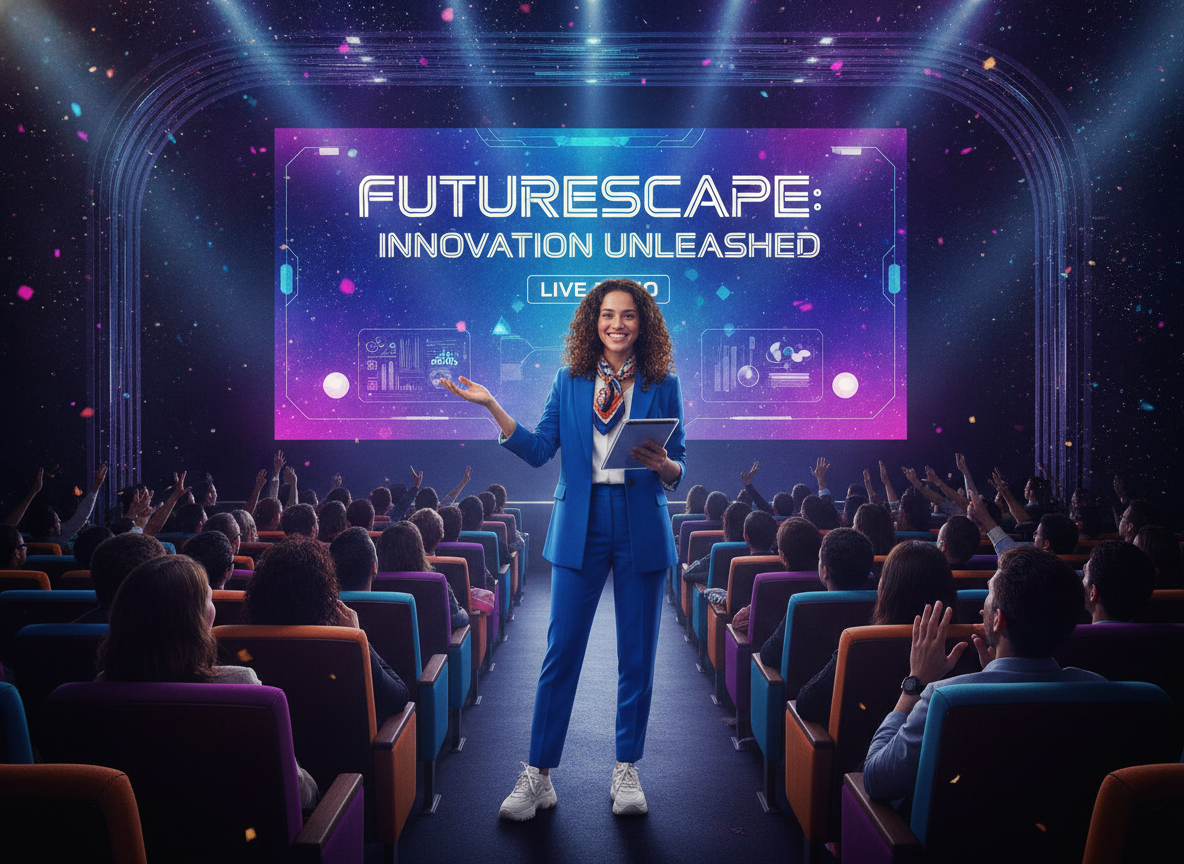
    tech conference

    Photo by Quixess Social

    Cost-effective

    AI video editors reduce or eliminate the costs associated with hiring experienced editors or training existing team members. This increased efficiency leads to a higher volume of content and a better return on investment. For example, teams can now produce several videos per week, rather than one.

    Consider a scenario where a product manager spends 10 hours creating a single demo video traditionally. With an AI video editor, that same video could be produced in just 2 hours, saving 8 hours. That time can be redirected towards product development or customer support. You can even build a consistent brand presence using a tool like this one.

    Improved quality

    AI video editors contribute to improved video quality by correcting common editing errors and enhancing accessibility with automated captioning. The ability to experiment with different styles allows teams to create more engaging videos.

    Choosing the Right AI Video Editor for Your Demos

    Selecting an AI video editor requires careful consideration. Assess redaction capabilities, editing flexibility, and pricing models. Many platforms offer tiered subscriptions based on features, video length, and the number of users. Data from 2025 shows that the average monthly cost for a team of five users ranges from $150 to $500. Consider your team’s size, video output volume, and budget.

    vintage film projector

    Evaluate integration capabilities with existing workflows. Seamless integration minimizes friction and maximizes productivity.

    Tips for Getting the Most Out of Your AI Video Editor

    Maximizing the potential of an AI video editor requires proactive preparation and thoughtful customization. Recording best practices significantly impact the editing process. Ensure your screen resolution is optimal, minimize background noise, and speak clearly and concisely. A well-recorded source video reduces cleanup and editing required.

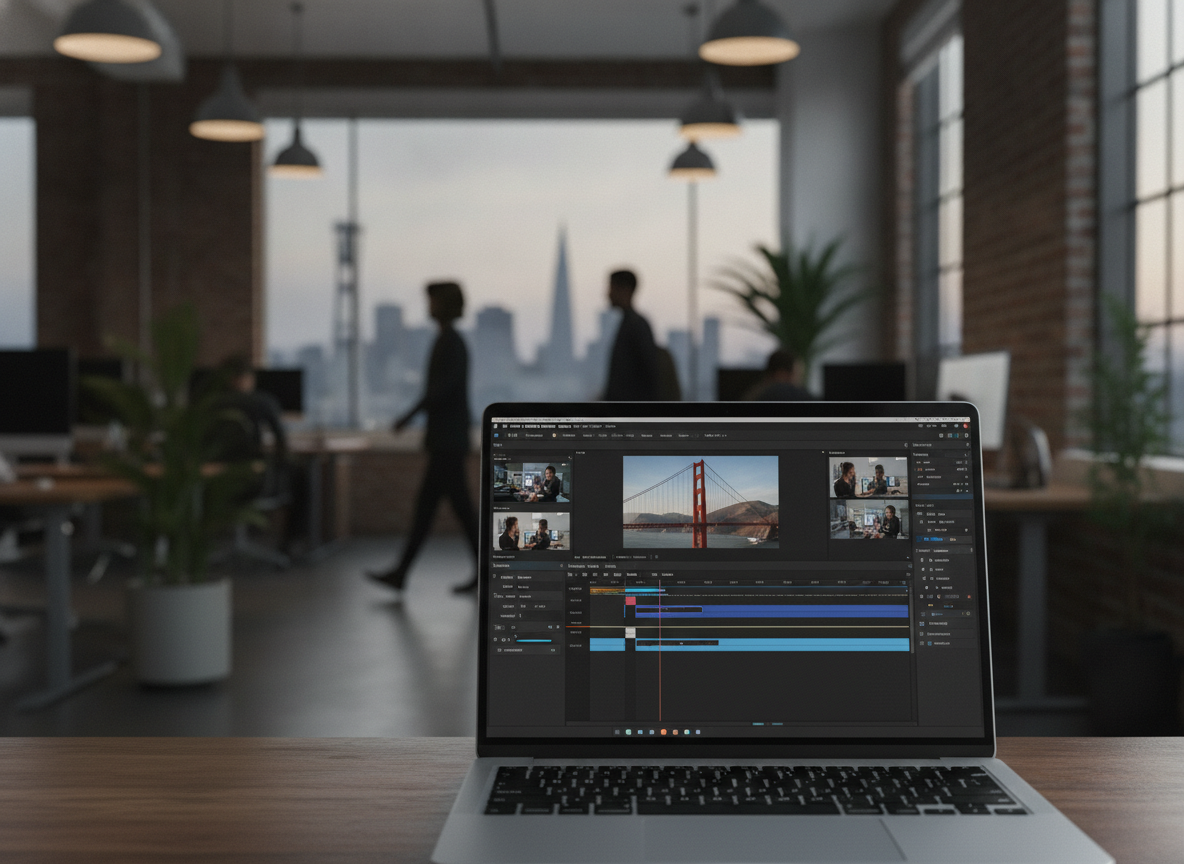
    video editing software

    Photo by Quixess Social

    Customize the demo’s appearance for brand alignment. Leverage customization options to adjust fonts, colors, and animations. Consider adding captions to improve accessibility and engagement. Don’t underestimate the power of iterative refinement. Review the automatically generated video carefully and make any necessary adjustments. For product managers looking to create a variety of content types, “Picking the Right Starting Point: Product Demo vs. Sales Deep Dive vs. Social Clip” offers valuable guidance.

    Conclusion

    Utilizing an AI video editor offers a significant opportunity for teams creating product demos. Carefully evaluate features, pricing, and integration capabilities to select a solution that aligns with your needs. Remember that proactive preparation and thoughtful customization are crucial for achieving a professional and engaging final product. Experiment with different recording techniques and editing styles to optimize your workflow. For additional resources, explore our guide to “One Recording, Two Deliverables: A Video and a Guide Without Doing Either Twice”, and begin streamlining your content creation process today.


    Disclaimer

    This article is general information, not financial or investment advice. It is not a recommendation to buy or sell anything. Talk to a licensed financial adviser before you make a decision.
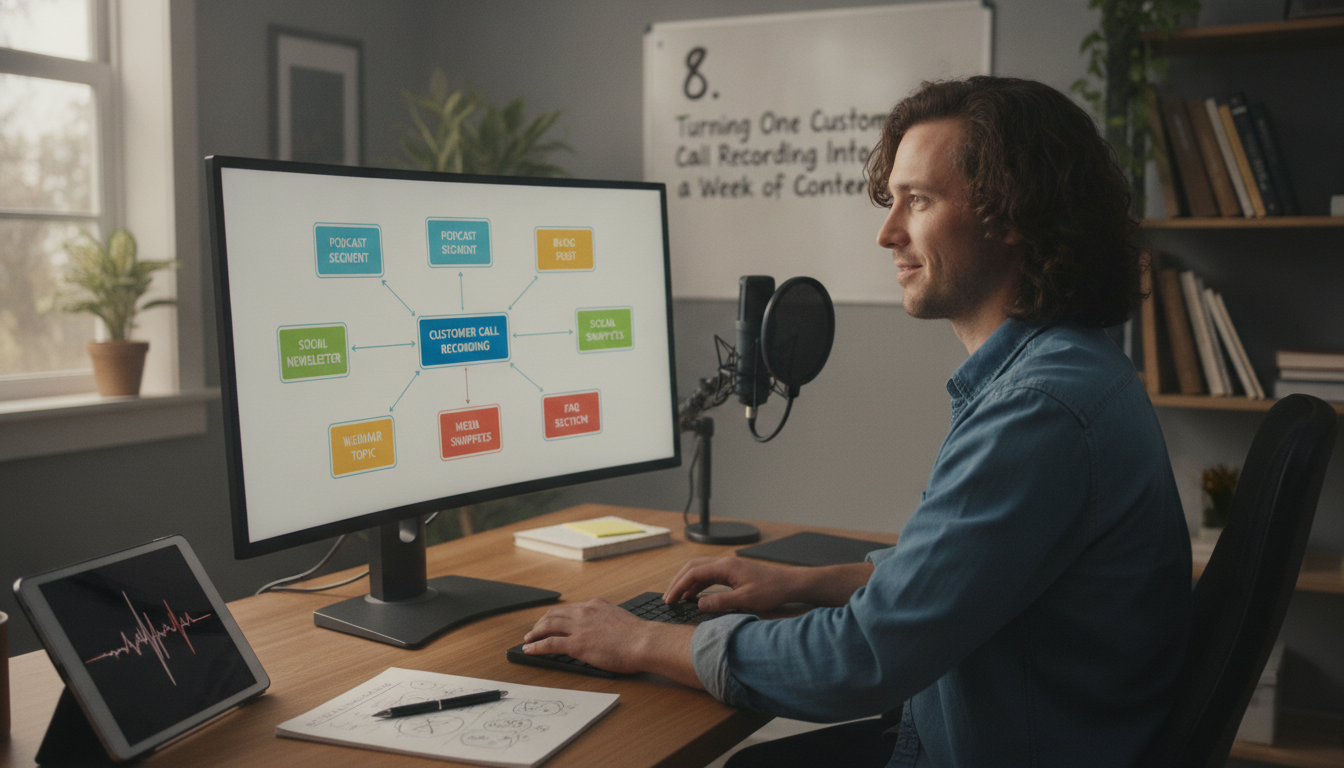
  • 8. Turning One Customer Call Recording Into a Week of Content

    8. Turning One Customer Call Recording Into a Week of Content

    Turning One Customer Call Recording Into a Week of Content

    Creating compelling product walkthroughs and training videos shouldn’t require hours of recording, editing, and writing. What if you could transform a single customer call recording into a week’s worth of valuable content? This post explores how AI-powered solutions can revolutionize your workflow, from the editing process to customization options and practical tips for maximizing efficiency.

    The Problem of Manual Content Creation

    The Time-Consuming Process

    Creating even short product walkthroughs is laborious. A product manager might spend four hours recording, six editing, and a technical writer three creating documentation. This time could be spent on product development or customer feedback analysis. The cumulative effect of these delays impacts time-to-market and team productivity.

    The Quality of Human-Generated Content

    While human-generated content holds value, it’s prone to inconsistencies. Different writers may adopt varying tones and styles, leading to a fragmented user experience. Maintaining consistent branding across all content often falls to a single person, creating a bottleneck. For more on building a consistent brand experience, see our guide to setting up your brand kit.

    How Demofable’s AI Video Editor Works

    The AI Editing Process

    Demofable leverages AI to automate video editing and documentation creation. The platform analyzes screen recordings, identifying key moments and structuring content while removing pauses and stumbles. The AI generates a rough cut with basic transitions and audio adjustments, while simultaneously extracting key steps and actions into a structured, step-by-step guide.

    laptop

    Photo by Quixess Social

    The AI’s understanding of software usage patterns allows it to anticipate user needs and highlight relevant features, reducing editing time. Data shows an average time savings of 70% on video and documentation creation. A 30-minute raw recording might transform into a 3-minute video and a 5-page guide within an hour.

    The Output: A Polished Demo Video and Step-by-Step Guide

    The output is a polished demo video and corresponding step-by-step guide, both ready for distribution. The video is optimized for clarity and engagement with a professional look and feel. Both outputs work together, creating a comprehensive learning experience. For more details, see our guide to one recording, two deliverables.

    Customizing Your Demo Video and Guide

    Branding and Tone

    While the AI handles core editing, customization aligns content with your brand identity. Demofable allows extensive customization of brand colors, fonts, and logos, ensuring a consistent look and feel. The platform also allows users to adjust the tone of generated content to resonate with the target audience.

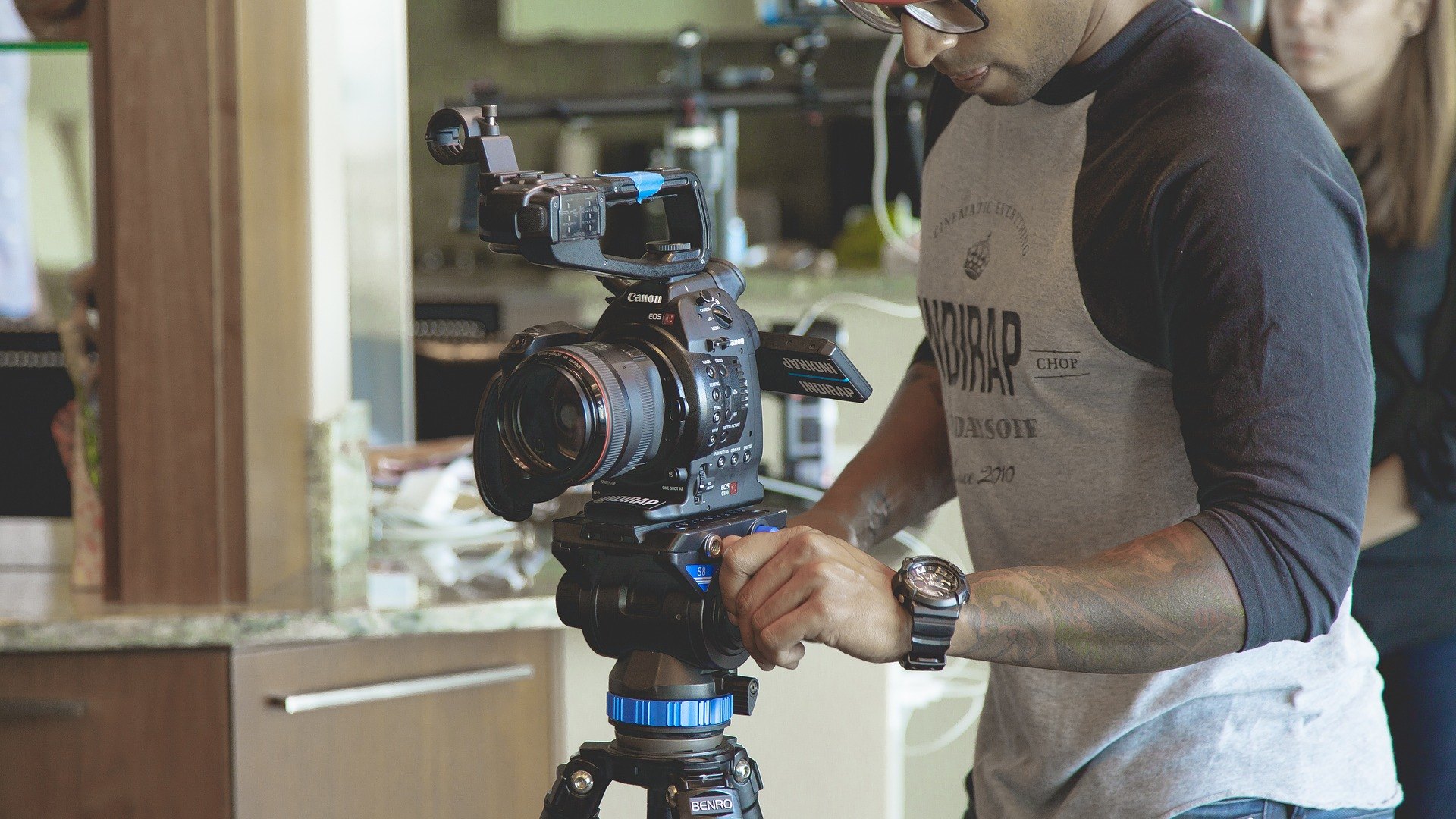
    videographer operating video camera

    Starting Points and Output Shapes

    Demofable provides multiple starting points for content creation, a full screen recording, specific task, or template, catering to diverse needs. Choosing the right output shape maximizes visibility and engagement, and the platform simplifies this process.

    The Benefits of Using Demofable’s AI Video Editor

    Demofable streamlines the content creation workflow, offering a solution that drastically reduces production time and increases content volume.

    success story

    Photo by Quixess Social

    Increased Efficiency is the most immediate benefit. The platform automates the editing process, leveraging AI to identify key moments and generate documentation. Early adopters report a 70% reduction in video creation time, freeing team members to focus on strategic initiatives. A product update requiring a new onboarding video can be completed in hours rather than days.

    Improved Consistency is another advantage. Manual video editing is subjective, leading to variations in style and quality. The solution enforces brand guidelines and ensures a unified look and feel across all content. Consider setting up a brand kit, as detailed in our guide to brand consistency.

    Tips for Getting the Most Out of Demofable’s AI Video Editor

    Maximizing the platform’s potential requires thoughtful preparation. A well-structured recording forms the foundation for a compelling demo video. Consider your audience and desired outcome before recording.

    Motivational text 'Productive' stamped on canvas with wooden blocks.

    Photo by Kevin Malik on Pexels

    Best Practices for Recording include minimizing distractions and ensuring clear audio. Close unnecessary applications, silence notifications, and use a high-quality microphone. A script or outline helps maintain focus and ensure logical flow. The more structured the recording, the more effectively the AI can interpret and edit the content.

    Optimizing Content for Different Channels requires adjusting video format and length. Social media platforms favor shorter, more engaging videos. Consider creating shorter “teaser” clips from longer demo videos to generate interest and drive traffic to the full content.

    Conclusion

    Creating high-quality product walkthroughs no longer requires extensive time and resources. Demofable’s AI video editor offers a transformative solution, reducing production time while ensuring consistency and enhancing content quality. By automating tedious tasks and generating documentation, the platform empowers product and customer success teams to focus on delivering exceptional user experiences. Get started with Demofable today and turn one customer call recording into a week’s worth of content.

  • 4. Before You Hit Publish: What to Check in the Review Screen

    4. Before You Hit Publish: What to Check in the Review Screen

    4 Before You Hit Publish: What to Check in the Review Screen

    The review screen. It’s that last hurdle before your meticulously crafted product walkthrough goes live, yet it’s often rushed or skipped entirely. What happens on this screen can make or break the final product, turning a promising demo into a source of frustration. In this article, we’ll walk you through what to check in the review screen to ensure your demo video and written guide are polished and error-free, covering everything from AI edits to privacy concerns and final touches.

    What’s Being Done by the AI

    How the AI Edits Your Video

    When you feed a screen recording into the system, the AI actively edits the video to create a more engaging and professional result. One of the primary tasks is removing “dead air”, awkward pauses that can make a demo feel stilted. The AI intelligently trims these gaps, leading to a more concise presentation. Captions are also automatically added, enhancing accessibility and comprehension. This significantly reduces manual editing time, allowing teams to focus on other critical tasks.

    What the AI Writes

    Beyond video editing, the AI generates a narration script directly from your spoken words. This isn’t just transcription; the AI uses natural language processing to create clear and concise sentences that accurately reflect your intended message. Crucially, the AI pulls screenshots directly from the recording and integrates them into the written guide, reinforcing instructions. This streamlines the entire process, delivering both a visual demonstration and a step-by-step written guide. If you’re looking for more tips on creating effective product demonstrations, you might find this article helpful.

    Reviewing the AI’s Decisions

    What Gets Cut

    The AI’s editing decisions aren’t always perfect, which is why the review screen is vital. You’ll be presented with a timeline showing all the cuts the AI has made. It’s essential to scrutinize these cuts to ensure important information or context hasn’t been inadvertently removed. Sometimes, the AI might misinterpret a pause as dead air. Carefully re-watch these sections and make adjustments as needed.

    Reviewing the

    Photo by Quixess Social

    What Gets Zoomed Into

    Another critical aspect involves verifying the AI’s zoom-in decisions. The AI automatically zooms in on specific areas to highlight important details. While designed to improve clarity, it’s possible the AI has zoomed in on the wrong area. You’ll want to ensure that the zoomed-in areas are readable and accurately represent the intended element. If you’re new to using AI to generate guides, you might find this article helpful. You can also see how we handle uncertainty in the AI’s output in this post.

    Privacy and Redaction

    The AI is designed with user privacy as a core principle. During editing, it scans for potentially sensitive information that shouldn’t be publicly shared, such as PII (customer names, email addresses, phone numbers, and account details). Flagged content appears clearly in the review screen, accompanied by a descriptive label. Options include confirming the content is safe to publish, manually redacting it using the built-in tools, or excluding the entire segment. For a deeper understanding of the redaction process, see our guide to DOM selectors vs. pixel redaction.

    Chimney fire with flames and smoke

    Final Touches

    The review screen isn’t just about correcting errors; it’s also your opportunity to add the finishing polish that elevates your demo video and documentation. This is where you define the visual identity and voice that will represent your product. The platform allows you to set global branding parameters, color palettes and logo placement, that are automatically applied to every video and guide, ensuring consistency. You can also customize the narration voice, impacting the overall tone. For more on how to efficiently produce product demos, see our guide.

    Final Touches

    Photo by Quixess Social

    Conclusion

    Creating compelling product walkthroughs and documentation can feel overwhelming, but taking control of the review process is key to delivering a polished and professional experience. By carefully reviewing the AI’s decisions and adding those final touches, you ensure accuracy, maintain brand consistency, and safeguard user privacy. Don’t underestimate these final steps, they’re what separate a good demo from a truly exceptional one. Start your journey towards streamlined content creation today, and make a great first impression on your audience. For more on building a content calendar, see our resource.

  • Building a Renderer That Never Has to Guess

    Building a Renderer That Never Has to Guess

    Building a Renderer That Never Has to Guess: Why Privacy Detection Matters in Your AI Video Editor

    Most screen recording tools treat privacy as a post-production afterthought, scanning finished video frames for sensitive data like credit card numbers, API keys, or customer names, then applying redaction after rendering. This reactive approach creates friction: missed redactions slip through, structural changes demand expensive re-encodes, and demo teams face bottlenecks waiting for fixes. A renderer that detects what matters *before* committing pixels eliminates this guessing game.

    The Guessing Problem: Why Pixel-Based Detection Falls Short

    How most screen recorders handle sensitive data

    Traditional tools capture video, render it, then scan finished frames for sensitive information using pixel-based detection. The problem is that pixels lack context. A 16-digit number could be a customer account ID requiring redaction, a test credit card from documentation, or a serial number in a help article. The detector can’t distinguish, leading to over-redaction or missed threats.

    The cost of catching problems too late

    By the time a pixel-based scanner flags sensitive data, the renderer has already committed to video structure, frame rates, compression, and timing. If redaction changes are needed, the entire segment must be re-encoded. For demo teams publishing dozens of walkthroughs weekly, this creates compounding delays. A missed redaction discovered after publishing is far worse: it means pulling the video, re-rendering, and rebuilding customer trust.

    Knowing What Matters: Structural Detection Before Rendering

    Understanding the page structure, not just the pixels

    An AI video editor that understands the structure of what you recorded, the DOM elements, form field labels, data hierarchies, can identify sensitive information before rendering begins. Structural analysis looks at semantic meaning: a field labeled “Customer Email” contains data needing redaction; a phone number cited in a help article doesn’t.

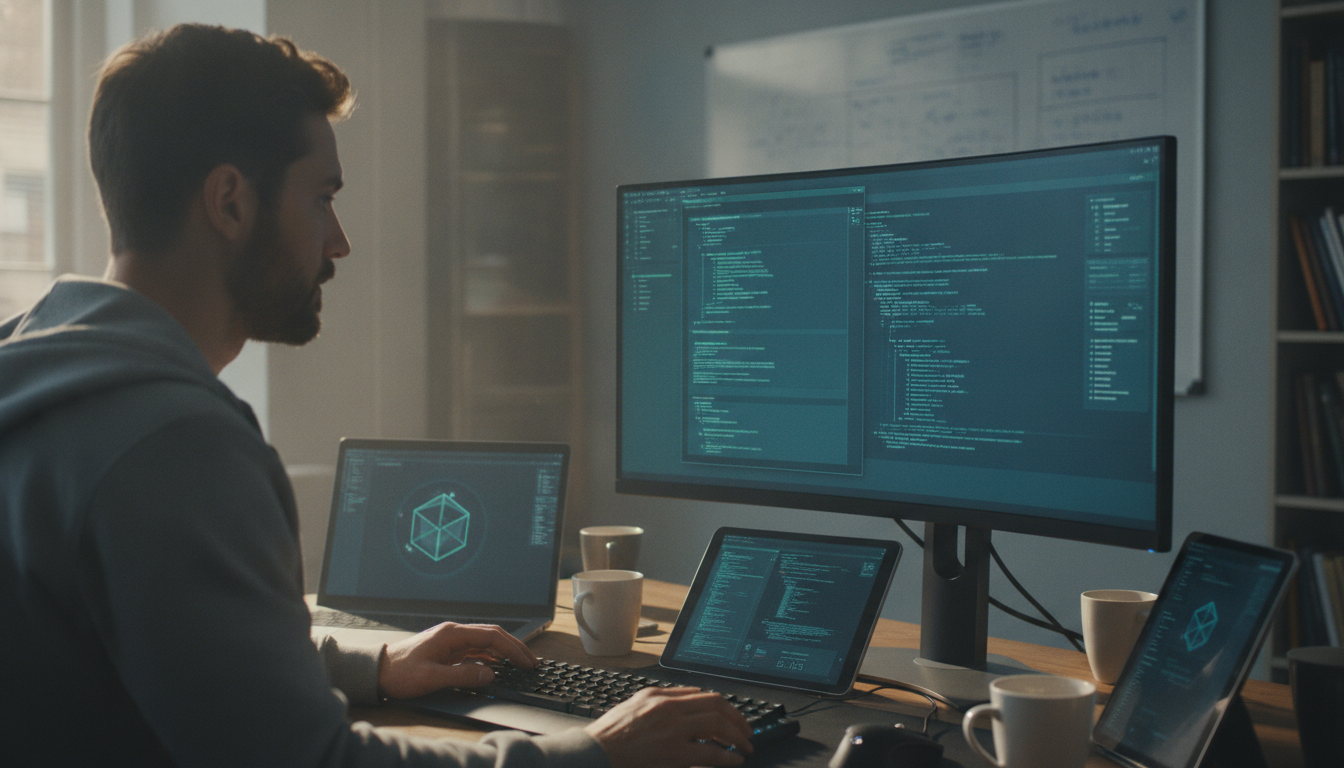
    code architecture diagram

    Photo by Quixess Social

    Structural detection distinguishes between user-entered data and UI chrome, between PII fields and reference numbers. This context flows directly into the renderer’s planning phase, so blurring, zooming, and timing decisions all account for what’s private before a single frame is encoded.

    What gets flagged, what doesn’t, and why it matters

    Structural analysis prioritizes context over pattern matching. When recording a customer onboarding flow, the system sees form labels, input types, and data validation rules. It knows the email field in a signup form is sensitive, but the “Enter email” placeholder text is not. A credit card input field triggers immediate flagging; a “Card Number” label in a static diagram doesn’t.

    The Human Gate: Why AI Can’t Own Privacy Alone

    Automatic detection is a starting point, not an endpoint

    Structural analysis provides powerful privacy detection, but remains incomplete without human judgment. An algorithm can identify that a customer name appears in a chat window or that an account number was spoken during narration, yet cannot determine whether that exposure matters for this audience or serves a legitimate purpose.

    locked yellow file folder

    A product manager reviewing a demo knows whether revealing a specific company name violates an NDA. A compliance officer understands which data elements trigger audit requirements. The AI proposes redactions based on patterns; the human approves based on judgment.

    Building review workflows that catch what algorithms miss

    Best-in-class demo tools surface the AI’s redaction plan before rendering begins, letting reviewers inspect every proposed edit in seconds. This collaborative moment catches mistakes that would otherwise propagate into published videos. Privacy becomes a shared responsibility: the AI identifies risk, the human confirms intent, and the renderer executes with certainty.

    Faster Renders, Fewer Re-Dos: The Speed Advantage of Building Right

    Why early detection prevents costly re-renders

    When privacy detection and human review occur before rendering starts, the encoder has complete information about what to protect. It renders once, gets it right, and moves forward. Teams that defer privacy review until post-production face expensive re-encoding cycles when privacy issues surface.

    computer processing speed efficiency

    Photo by Quixess Social

    From one recording to multiple safe outputs

    A single reviewed redaction plan scales across multiple output formats. Generate widescreen, vertical, and square aspect ratios from the same approved edit without re-running privacy detection. Teams shipping 10+ demo videos monthly can reclaim hours per week. Multi-aspect-ratio rendering from a single verified edit plan means teams capture momentum instead of watching opportunities close while videos re-encode.

    Conclusion

    A renderer that never has to guess is engineered from the ground up with full visibility into what’s sensitive and shareable. Structural detection identifies risk patterns, human review validates intent, and the encoder executes with certainty, eliminating guesswork and costly re-renders. Privacy, speed, and accuracy aren’t competing priorities, they’re the same outcome when detection and review happen before rendering. Audit your current demo workflow: How many videos get re-encoded because privacy issues surface too late? Building the renderer right the first time recovers both time and trust.

  • Why Every EDL Version Is Append-Only (and What That Buys Us)

    Why Every EDL Version Is Append-Only (and What That Buys Us)

    Why Every EDL Version Is Append-Only (and What That Buys Us)

    Most demo video tools treat edits as destructive, once you change something, the original is gone. Append-only architecture changes that equation entirely. Every decision is tracked and reversible, which matters more for product demos than most builders realize. Whether you’re redacting sensitive information, adjusting zoom levels, or exporting multiple aspect ratios, destructive edits create bottlenecks that compound quickly. This post explores the problem with destructive edits, how append-only systems solve it, and why this architectural choice is essential for scalable product walkthroughs.

    The Problem With Destructive Edits in Screen Recording Tools

    Why one-way changes create bottlenecks

    When a screen recorder applies an edit and discards the original decision, reversing it means starting over. Imagine you’ve rendered a 90-second demo with three privacy redactions, blurred text boxes, obscured customer names, and masked payment information. Your product manager asks for one adjustment: the first redaction was too aggressive. In a destructive system, you don’t adjust that redaction; you re-apply the entire blur plan and render again. This pattern repeats across every edit type, zoom adjustments, narration timing, aspect ratio conversions. Teams iterating with stakeholders or managing privacy-sensitive content face lengthy render cycles for what should be simple parameter changes.

    How Append-Only Architecture Works for Demo Video Creation

    Every edit decision is a new layer, not a replacement

    An append-only EDL (Edit Decision List) logs each choice, where to zoom, what to redact, which narration version to use, as a separate entry that can be modified or removed without touching earlier entries. Think of it like a transparent sheet placed over the original recording. If you change your mind about a zoom region or realize a redaction boundary was off by pixels, you don’t erase the original; you adjust that specific decision layer. The source data, your raw screen recording, remains untouched beneath all decisions.

    video editing timeline

    Photo by Quixess Social

    Demofable implements this pattern by storing every edit as an immutable log entry. If you create a zoom keyframe at 15 seconds, then decide the zoom should be tighter, the system logs an update, preserving the full history of what changed and when. This design is borrowed from databases and version control systems, where immutability prevents data loss and makes auditing simple.

    What Append-Only Gets You: Three Concrete Wins

    Instant reversal without re-recording

    Traditional video editing punishes second-guessing. You approve an edit plan, render a 15-minute demo, and during review realize a redaction was too aggressive or a key UI element got flagged that should have stayed visible. In destructive systems, you manually undo, adjust, and re-render. Append-only architecture flips this burden. Every edit decision is stored as an immutable record. When you spot an issue, you append a correction, and the platform re-renders only the affected segment. A five-second fix takes seconds, not hours. For teams producing dozens of demos weekly, this efficiency compounds quickly.

    data center server aisle

    Safer privacy handling with full audit trails

    Compliance teams need to know what exactly got flagged and removed from that video. In traditional editors, the answer lives in scattered notes. Append-only systems make every redaction decision explicit and logged with timestamps. When a support engineer redacts a customer email, the system records what was flagged, why it matched a redaction rule, and when. This transparency reduces liability, speeds compliance reviews, and gives regulated teams, financial services, healthcare, confidence that redaction decisions are defensible and traceable.

    Efficient multi-format rendering from one source

    A single raw recording becomes 16:9 landscape for your website, 9:16 vertical for social media, and 1:1 square for LinkedIn. Traditional approaches require three separate edit passes or manual adjustments per format. Append-only systems derive all formats from one immutable source EDL. Update the zoom level once, and all three outputs reflect the change without conflicting edits. When your demo library scales, batch updates become safe, propagatable changes rather than risky manual interventions.

    Why This Matters for Teams Building Product Walkthroughs

    Sales and support teams need dozens of demo videos production-ready quickly. Append-only architecture means batch updates don’t require individual re-editing passes. When a product screenshot changes, you apply a correction once and it cascades safely across all renders. For regulated industries handling protected customer data, the audit trail built into append-only systems, every redaction logged, timestamped, and reasoned, shifts accountability from “hope the tool got it right” to “trust that every decision is logged and reversible.” Teams move from manual verification to systematic verification.

    product team collaboration

    Photo by Quixess Social

    Conclusion

    Append-only architecture is the foundation of fast, safe, reversible demo video production. By logging every edit as an immutable entry rather than overwriting decisions, teams gain instant correction without re-recording, full compliance auditability, and efficient multi-format rendering from a single source. When evaluating demo builders, ask: are edits truly reversible, and does the tool maintain a complete audit trail? The best documentation tools and alternatives to traditional workflows don’t just automate editing, they make it safe to change your mind at every step, turning demo production into a confident, scalable operation.