Choosing the Right AI Video Editor for Your Demos
Creating compelling product demos is essential for showcasing product value, driving sales, and boosting customer engagement. Traditionally, creating polished demos required significant time and video editing expertise. AI video editors are changing that, automating much of the tedious work.
What is an AI Video Editor and How Does it Work?
How AI video editors create polished demos
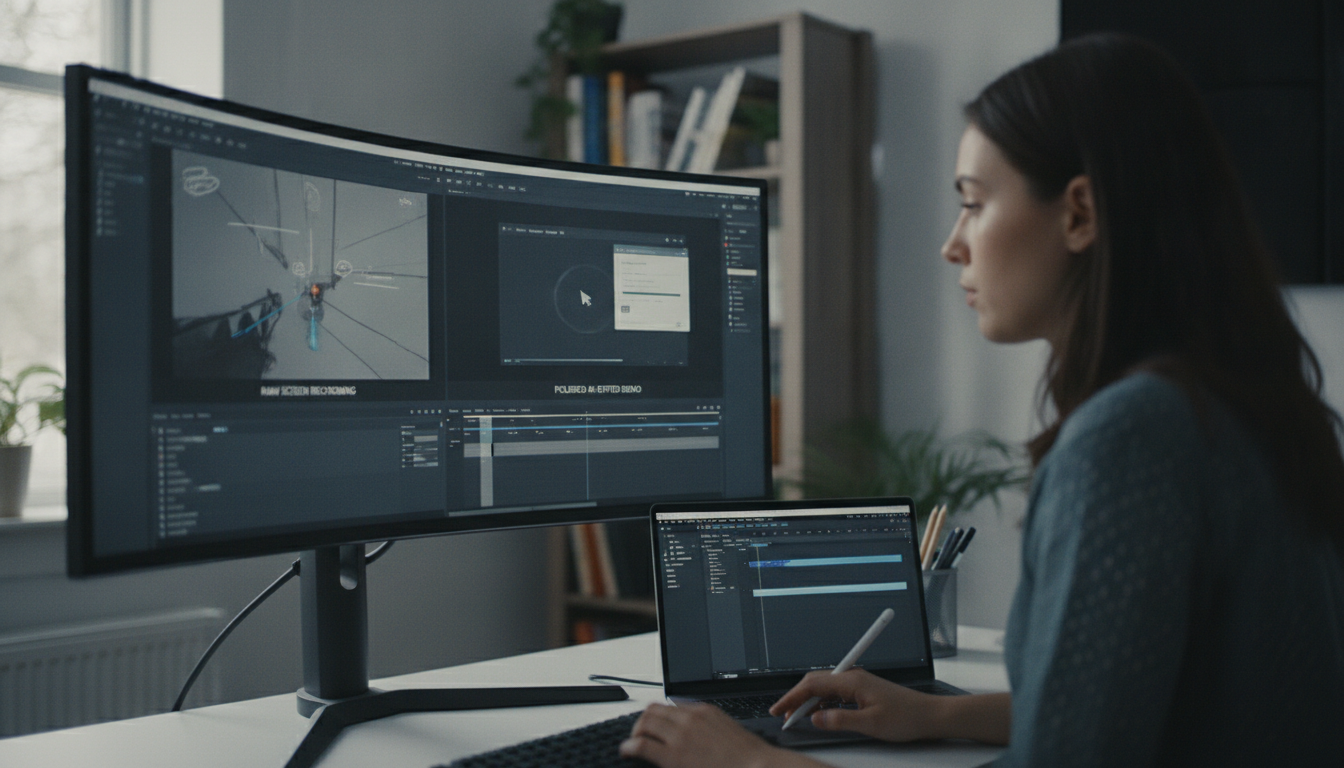
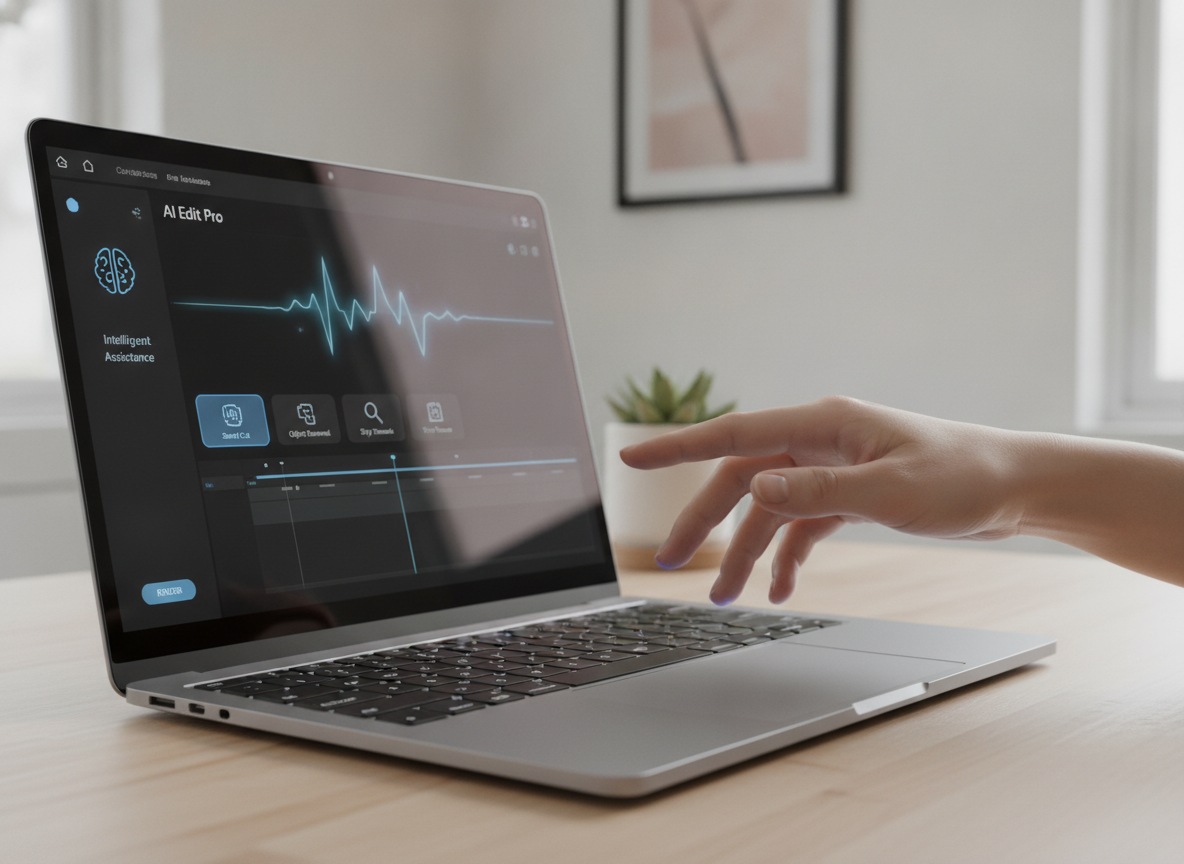
AI video editors leverage artificial intelligence and machine learning algorithms to transform raw screen recordings into refined, engaging videos. They identify key moments, remove pauses, add transitions, and generate captions with minimal human intervention.
The process involves analyzing screen recordings to identify changes and potential areas of interest. AI trims awkward silences and adds transitions for a smooth viewing experience. Many editors offer automatic caption generation for accessibility and SEO. Some, like the ones we’ve built at Demofable, also incorporate features to generate step-by-step guides alongside videos.
Sophisticated AI editors can identify and highlight key features, adding visual cues like zoom-ins or annotations. This automation reduces the time and effort required, allowing teams to focus on other tasks. The technology relies on computer vision, natural language processing (NLP), and machine learning.
Benefits of Using an AI Video Editor for Demos
Time-saving
AI video editors significantly reduce the time spent creating demo videos. What used to take a full day can now be achieved in hours or even minutes.
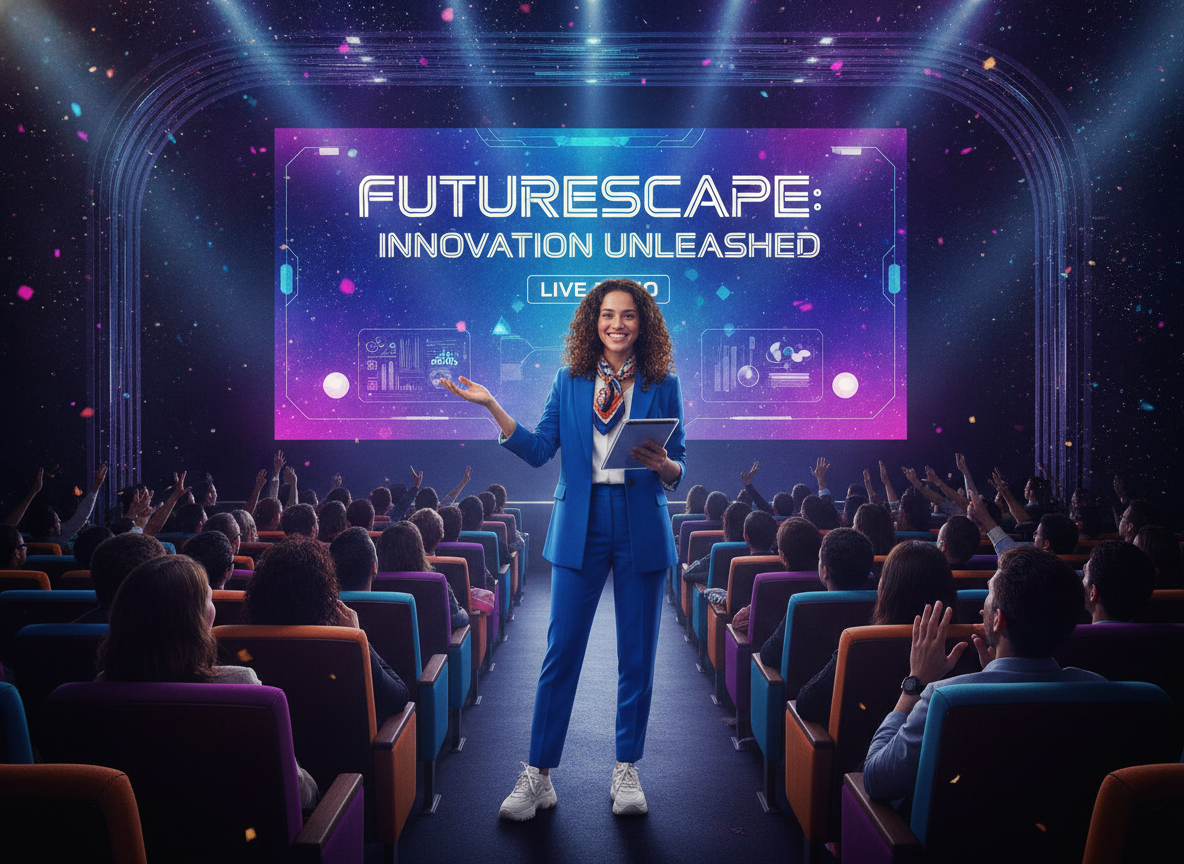
Photo by Quixess Social
Cost-effective
AI video editors reduce or eliminate the costs associated with hiring experienced editors or training existing team members. This increased efficiency leads to a higher volume of content and a better return on investment. For example, teams can now produce several videos per week, rather than one.
Consider a scenario where a product manager spends 10 hours creating a single demo video traditionally. With an AI video editor, that same video could be produced in just 2 hours, saving 8 hours. That time can be redirected towards product development or customer support. You can even build a consistent brand presence using a tool like this one.
Improved quality
AI video editors contribute to improved video quality by correcting common editing errors and enhancing accessibility with automated captioning. The ability to experiment with different styles allows teams to create more engaging videos.
Choosing the Right AI Video Editor for Your Demos
Selecting an AI video editor requires careful consideration. Assess redaction capabilities, editing flexibility, and pricing models. Many platforms offer tiered subscriptions based on features, video length, and the number of users. Data from 2025 shows that the average monthly cost for a team of five users ranges from $150 to $500. Consider your team’s size, video output volume, and budget.
Evaluate integration capabilities with existing workflows. Seamless integration minimizes friction and maximizes productivity.
Tips for Getting the Most Out of Your AI Video Editor
Maximizing the potential of an AI video editor requires proactive preparation and thoughtful customization. Recording best practices significantly impact the editing process. Ensure your screen resolution is optimal, minimize background noise, and speak clearly and concisely. A well-recorded source video reduces cleanup and editing required.
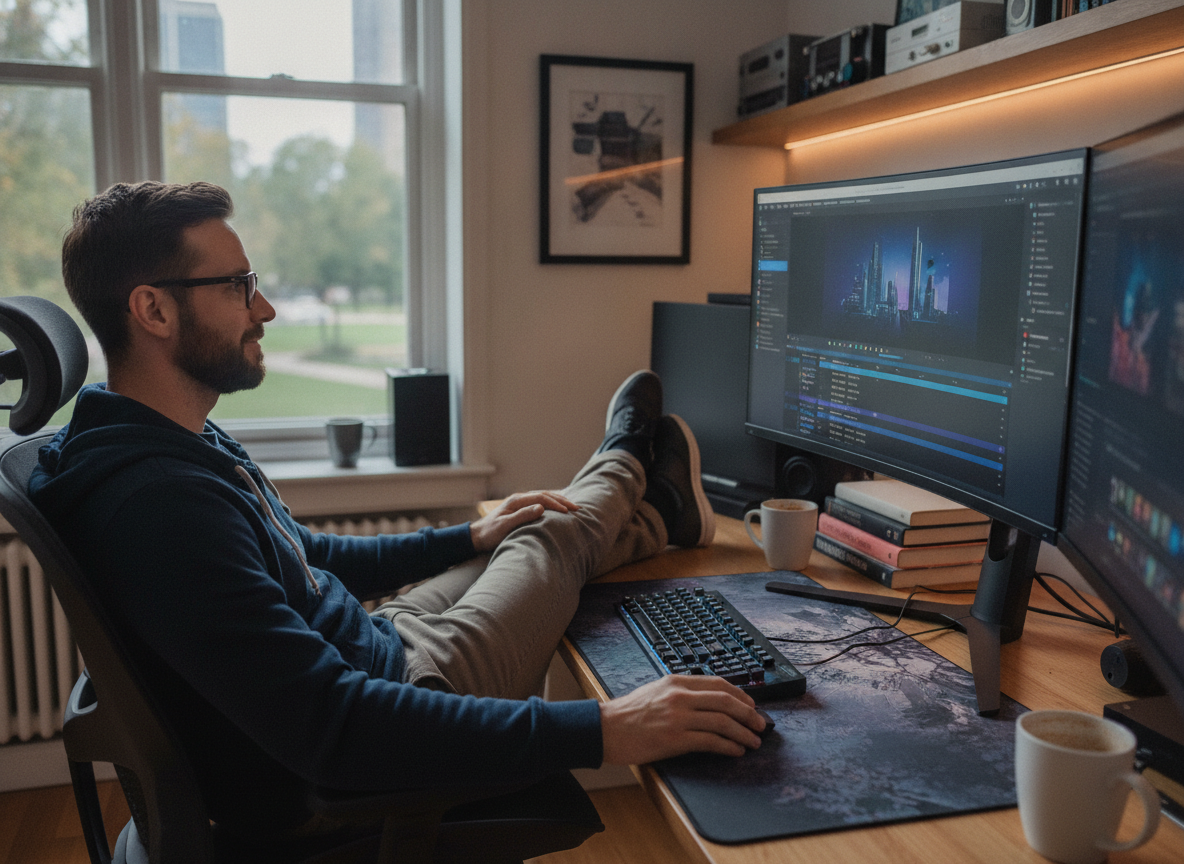
Photo by Quixess Social
Customize the demo’s appearance for brand alignment. Leverage customization options to adjust fonts, colors, and animations. Consider adding captions to improve accessibility and engagement. Don’t underestimate the power of iterative refinement. Review the automatically generated video carefully and make any necessary adjustments. For product managers looking to create a variety of content types, “Picking the Right Starting Point: Product Demo vs. Sales Deep Dive vs. Social Clip” offers valuable guidance.
Conclusion
Utilizing an AI video editor offers a significant opportunity for teams creating product demos. Carefully evaluate features, pricing, and integration capabilities to select a solution that aligns with your needs. Remember that proactive preparation and thoughtful customization are crucial for achieving a professional and engaging final product. Experiment with different recording techniques and editing styles to optimize your workflow. For additional resources, explore our guide to “One Recording, Two Deliverables: A Video and a Guide Without Doing Either Twice”, and begin streamlining your content creation process today.
Disclaimer
This article is general information, not financial or investment advice. It is not a recommendation to buy or sell anything. Talk to a licensed financial adviser before you make a decision.