
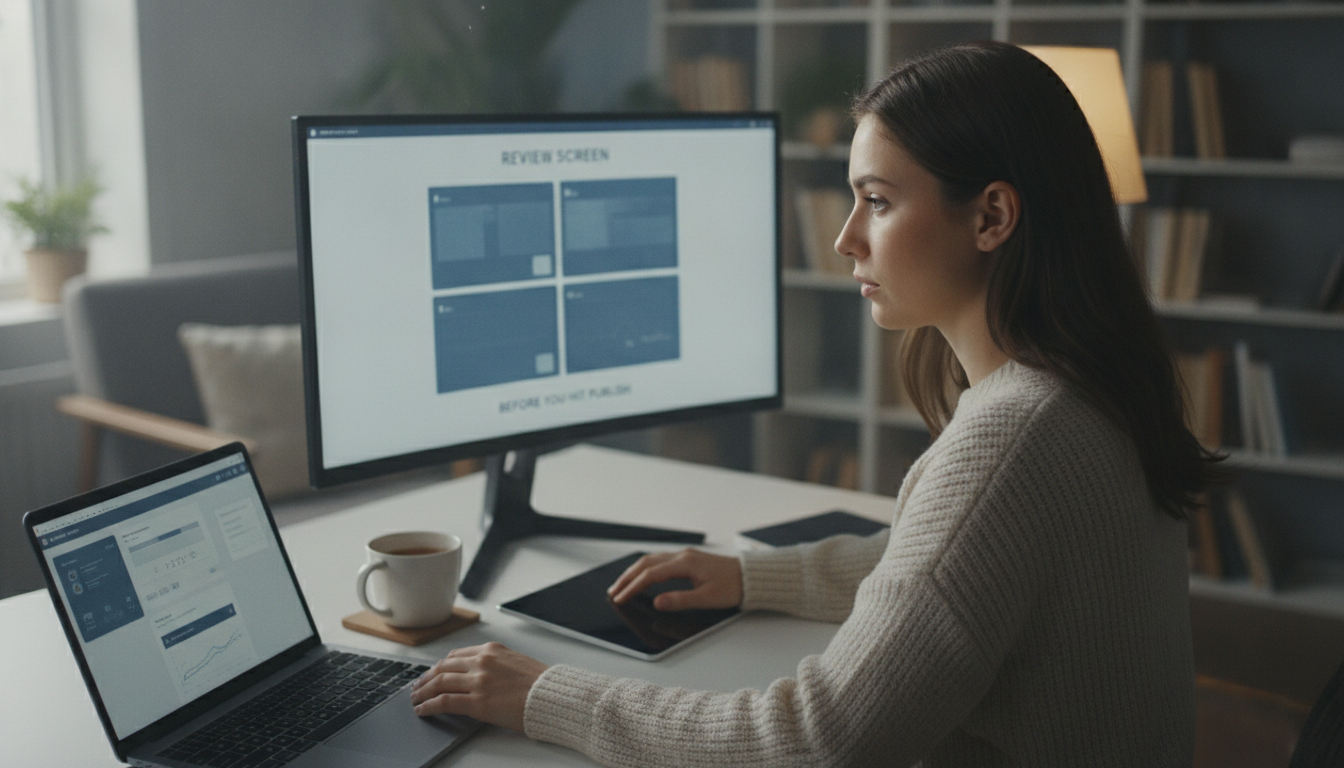
4 Before You Hit Publish: What to Check in the Review Screen
The review screen. It’s that last hurdle before your meticulously crafted product walkthrough goes live, yet it’s often rushed or skipped entirely. What happens on this screen can make or break the final product, turning a promising demo into a source of frustration. In this article, we’ll walk you through what to check in the review screen to ensure your demo video and written guide are polished and error-free, covering everything from AI edits to privacy concerns and final touches.
What’s Being Done by the AI
How the AI Edits Your Video
When you feed a screen recording into the system, the AI actively edits the video to create a more engaging and professional result. One of the primary tasks is removing “dead air”, awkward pauses that can make a demo feel stilted. The AI intelligently trims these gaps, leading to a more concise presentation. Captions are also automatically added, enhancing accessibility and comprehension. This significantly reduces manual editing time, allowing teams to focus on other critical tasks.
What the AI Writes
Beyond video editing, the AI generates a narration script directly from your spoken words. This isn’t just transcription; the AI uses natural language processing to create clear and concise sentences that accurately reflect your intended message. Crucially, the AI pulls screenshots directly from the recording and integrates them into the written guide, reinforcing instructions. This streamlines the entire process, delivering both a visual demonstration and a step-by-step written guide. If you’re looking for more tips on creating effective product demonstrations, you might find this article helpful.
Reviewing the AI’s Decisions
What Gets Cut
The AI’s editing decisions aren’t always perfect, which is why the review screen is vital. You’ll be presented with a timeline showing all the cuts the AI has made. It’s essential to scrutinize these cuts to ensure important information or context hasn’t been inadvertently removed. Sometimes, the AI might misinterpret a pause as dead air. Carefully re-watch these sections and make adjustments as needed.

Photo by Quixess Social
What Gets Zoomed Into
Another critical aspect involves verifying the AI’s zoom-in decisions. The AI automatically zooms in on specific areas to highlight important details. While designed to improve clarity, it’s possible the AI has zoomed in on the wrong area. You’ll want to ensure that the zoomed-in areas are readable and accurately represent the intended element. If you’re new to using AI to generate guides, you might find this article helpful. You can also see how we handle uncertainty in the AI’s output in this post.
Privacy and Redaction
The AI is designed with user privacy as a core principle. During editing, it scans for potentially sensitive information that shouldn’t be publicly shared, such as PII (customer names, email addresses, phone numbers, and account details). Flagged content appears clearly in the review screen, accompanied by a descriptive label. Options include confirming the content is safe to publish, manually redacting it using the built-in tools, or excluding the entire segment. For a deeper understanding of the redaction process, see our guide to DOM selectors vs. pixel redaction.

Final Touches
The review screen isn’t just about correcting errors; it’s also your opportunity to add the finishing polish that elevates your demo video and documentation. This is where you define the visual identity and voice that will represent your product. The platform allows you to set global branding parameters, color palettes and logo placement, that are automatically applied to every video and guide, ensuring consistency. You can also customize the narration voice, impacting the overall tone. For more on how to efficiently produce product demos, see our guide.

Photo by Quixess Social
Conclusion
Creating compelling product walkthroughs and documentation can feel overwhelming, but taking control of the review process is key to delivering a polished and professional experience. By carefully reviewing the AI’s decisions and adding those final touches, you ensure accuracy, maintain brand consistency, and safeguard user privacy. Don’t underestimate these final steps, they’re what separate a good demo from a truly exceptional one. Start your journey towards streamlined content creation today, and make a great first impression on your audience. For more on building a content calendar, see our resource.