Category: Product Demos

  • 10. demofable vs. Guidde and Scribe: Do You Need the Video or Just the Guide?

    10. demofable vs. Guidde and Scribe: Do You Need the Video or Just the Guide?

    demofable vs. Guidde and Scribe: Do You Need the Video or Just the Guide?

    Product demos and documentation are essential for onboarding and driving adoption. Traditional manual screen recordings are time-consuming and often become outdated. AI-powered tools like demofable are changing this, offering faster, more consistent ways to generate both videos and step-by-step guides. This post compares demofable to alternatives like Guidde and Scribe to help you choose the right solution.

    The Problem with Traditional Product Demos

    The Limitations of Screen Recordings

    Traditional screen recordings quickly expose their limitations. Footage includes unnecessary steps and verbal stumbles, requiring significant manual editing to create polished demos. Ensuring consistency across multiple demos as products evolve is challenging. Transcription is laborious and prone to errors, and video demos often become disjointed from written documentation. For a look at how AI is changing video editing, see our comparison of demofable and Loom.

    The Benefits of Automated Demos with demofable

    AI-powered editing

    demofable leverages AI to automate the demo creation process. Instead of hours manually editing, the AI intelligently identifies key actions and removes extraneous content, producing high-quality product demos and documentation in a fraction of the time. This frees up teams for product development and customer engagement.

    tech team meeting

    Photo by Quixess Social

    Seamless integration with documentation

    Beyond video editing, demofable excels at generating step-by-step documentation. The AI automatically transcribes spoken explanations and links them to specific actions within the video, creating synchronized resources that cater to different learning styles. This integration simplifies onboarding and self-service support while maintaining consistency across demonstrations and documentation. For teams maximizing content creation, turning one customer call recording into a week of content is a powerful strategy.

    Guidde vs. demofable: A Comparison of Features

    Video editing capabilities

    While Guidde focuses primarily on video editing with markup features, demofable distinguishes itself with AI-powered editing that automatically identifies key actions, removes unnecessary content, and generates synchronized documentation. This streamlines the workflow compared to Guidde’s more manual approach.
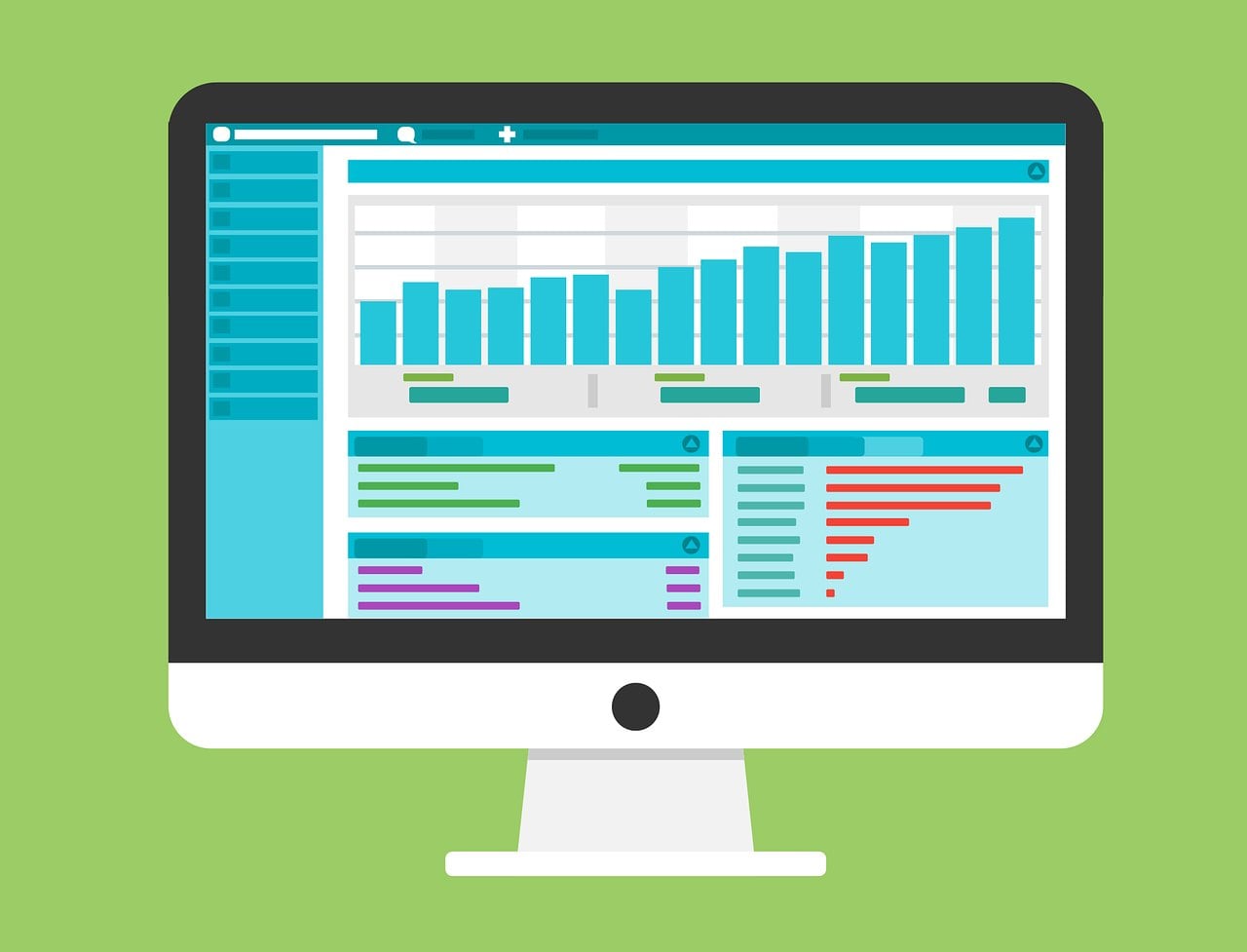
    computer monitor displaying data dashboard

    Documentation generation

    While Guidde offers transcription, demofable goes further by automatically linking transcripts to specific video actions, creating a truly synchronized and interactive learning experience. For standardizing content creation, setting up a brand kit once is crucial.

    Scribe vs. demofable: Which is Right for Your Team?

    Ease of use

    demofable prioritizes user-friendliness with an intuitive interface requiring minimal training. AI-powered automation reduces the learning curve, allowing teams to quickly create high-quality demos and documentation. Scribe, while feature-rich, can be more complex to navigate.

    team discussion

    Photo by Quixess Social

    Customization options

    Scribe excels in flexibility with extensive customization and granular control over creation. While demofable offers a streamlined workflow, its customization options are more limited. Teams requiring high control may find Scribe more appealing. For building demo libraries efficiently, building a multi-brand demo library is important.

    Real-World Examples of demofable in Action
    female dancer jumping mid-air

    Product Demo

    A SaaS company launching a new feature set traditionally requires a week for marketing to create a demo video. Using demofable, the same video is produced in hours. Automated editing and synchronized documentation provide comprehensive learning resources for new users, freeing the team for strategy and promotion.

    Documentation

    A hardware manufacturer needing to update user manuals found that documentation was a bottleneck. demofable’s ability to convert screen recordings into structured documentation accelerates the process, ensuring documentation stays current. For insights into choosing content formats, check our guide on picking the right starting point.

    The Future of Product Demos and Documentation

    The landscape is rapidly evolving with AI advancements. AI-powered tools are essential for organizations scaling content creation. We’re seeing a shift toward automated workflows that empower teams to produce high-quality content at scale.

    tech industry trends

    Photo by Quixess Social

    Generative AI will further revolutionize the
  • **Comparisons**

    **Comparisons**

    Choosing the Right AI Video Editor for Your Demos

    Creating compelling product demos is essential for showcasing product value, driving sales, and boosting customer engagement. Traditionally, creating polished demos required significant time and video editing expertise. AI video editors are changing that, automating much of the tedious work.

    What is an AI Video Editor and How Does it Work?

    How AI video editors create polished demos

    AI video editors leverage artificial intelligence and machine learning algorithms to transform raw screen recordings into refined, engaging videos. They identify key moments, remove pauses, add transitions, and generate captions with minimal human intervention.

    The process involves analyzing screen recordings to identify changes and potential areas of interest. AI trims awkward silences and adds transitions for a smooth viewing experience. Many editors offer automatic caption generation for accessibility and SEO. Some, like the ones we’ve built at Demofable, also incorporate features to generate step-by-step guides alongside videos.

    Sophisticated AI editors can identify and highlight key features, adding visual cues like zoom-ins or annotations. This automation reduces the time and effort required, allowing teams to focus on other tasks. The technology relies on computer vision, natural language processing (NLP), and machine learning.

    Benefits of Using an AI Video Editor for Demos

    Time-saving

    AI video editors significantly reduce the time spent creating demo videos. What used to take a full day can now be achieved in hours or even minutes.

    tech conference

    Photo by Quixess Social

    Cost-effective

    AI video editors reduce or eliminate the costs associated with hiring experienced editors or training existing team members. This increased efficiency leads to a higher volume of content and a better return on investment. For example, teams can now produce several videos per week, rather than one.

    Consider a scenario where a product manager spends 10 hours creating a single demo video traditionally. With an AI video editor, that same video could be produced in just 2 hours, saving 8 hours. That time can be redirected towards product development or customer support. You can even build a consistent brand presence using a tool like this one.

    Improved quality

    AI video editors contribute to improved video quality by correcting common editing errors and enhancing accessibility with automated captioning. The ability to experiment with different styles allows teams to create more engaging videos.

    Choosing the Right AI Video Editor for Your Demos

    Selecting an AI video editor requires careful consideration. Assess redaction capabilities, editing flexibility, and pricing models. Many platforms offer tiered subscriptions based on features, video length, and the number of users. Data from 2025 shows that the average monthly cost for a team of five users ranges from $150 to $500. Consider your team’s size, video output volume, and budget.

    vintage film projector

    Evaluate integration capabilities with existing workflows. Seamless integration minimizes friction and maximizes productivity.

    Tips for Getting the Most Out of Your AI Video Editor

    Maximizing the potential of an AI video editor requires proactive preparation and thoughtful customization. Recording best practices significantly impact the editing process. Ensure your screen resolution is optimal, minimize background noise, and speak clearly and concisely. A well-recorded source video reduces cleanup and editing required.

    video editing software

    Photo by Quixess Social

    Customize the demo’s appearance for brand alignment. Leverage customization options to adjust fonts, colors, and animations. Consider adding captions to improve accessibility and engagement. Don’t underestimate the power of iterative refinement. Review the automatically generated video carefully and make any necessary adjustments. For product managers looking to create a variety of content types, “Picking the Right Starting Point: Product Demo vs. Sales Deep Dive vs. Social Clip” offers valuable guidance.

    Conclusion

    Utilizing an AI video editor offers a significant opportunity for teams creating product demos. Carefully evaluate features, pricing, and integration capabilities to select a solution that aligns with your needs. Remember that proactive preparation and thoughtful customization are crucial for achieving a professional and engaging final product. Experiment with different recording techniques and editing styles to optimize your workflow. For additional resources, explore our guide to “One Recording, Two Deliverables: A Video and a Guide Without Doing Either Twice”, and begin streamlining your content creation process today.


    Disclaimer

    This article is general information, not financial or investment advice. It is not a recommendation to buy or sell anything. Talk to a licensed financial adviser before you make a decision.

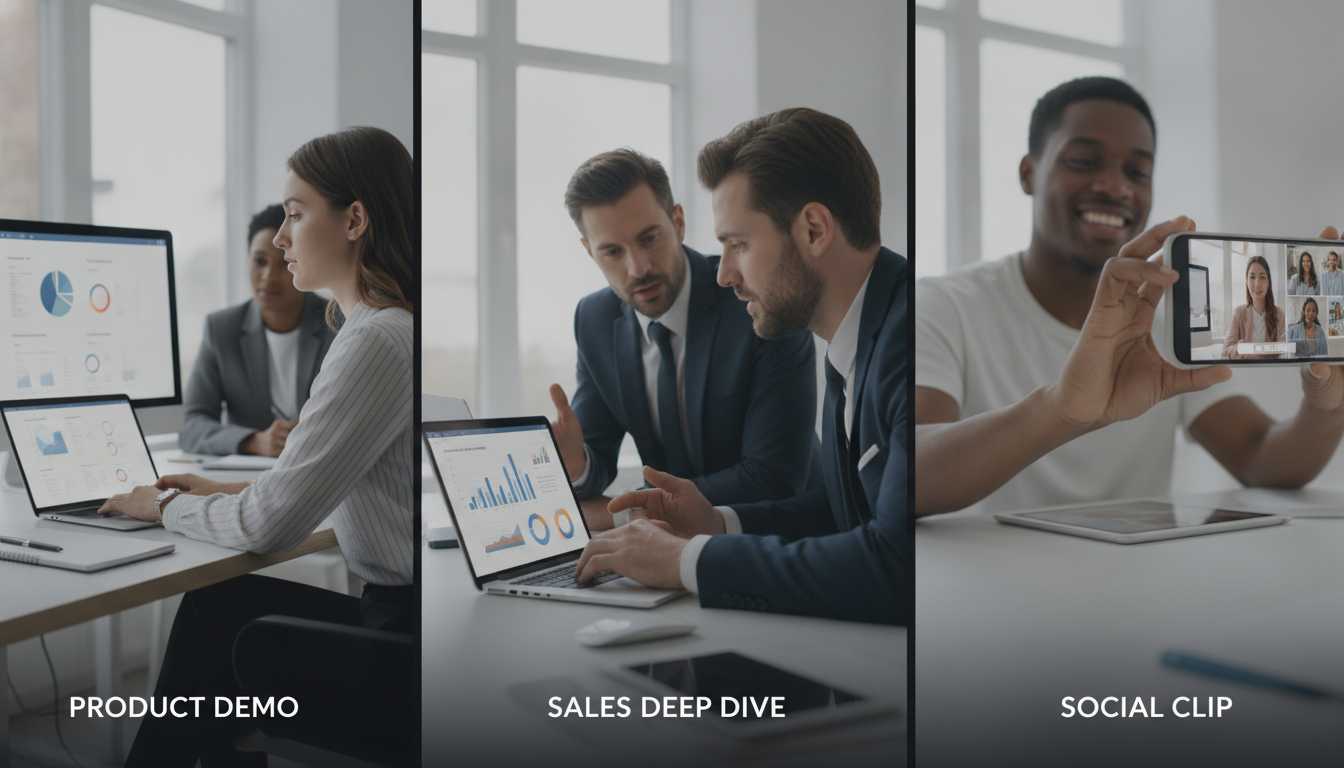
  • 3. Picking the Right Starting Point: Product Demo vs. Sales Deep Dive vs. Social Clip

    3. Picking the Right Starting Point: Product Demo vs. Sales Deep Dive vs. Social Clip

    Picking the Right Starting Point: Product Demo vs. Sales Deep Dive vs. Social Clip

    Creating product walkthroughs that resonate across sales, marketing, and social media requires choosing the right approach. This post explores three strategies, detailed sales deep dives, polished product demos, and snappy social clips, outlining their unique benefits. We’ll also reveal how Demofable‘s AI-powered solution streamlines generating engaging product demos and boosts content creation efficiency.

    Choosing the Right Starting Point: Product Demo vs. Sales Deep Dive

    What is a product demo?

    A product demo showcases functionality and value to educate and excite potential customers by highlighting key features and demonstrating how they solve problems. These demos target a broader audience, appearing on websites, in marketing campaigns, and within onboarding materials. Concise, visually appealing demos focused on core user experience can shorten sales cycles and increase conversion rates.

    The structure typically follows a narrative arc: problem, solution, demonstration, benefits. For example, a SaaS project management tool might illustrate the chaos of disorganized tasks, then demonstrate how the tool brings order and efficiency.

    When to use a sales deep dive

    A sales deep dive is a personalized, in-depth presentation tailored to a specific prospect’s needs. Unlike a general product demo, it focuses on addressing their unique challenges and goals through interactive Q&A and customized demonstrations. This approach requires deeper understanding of the prospect’s business and extensive preparation. For instance, a manufacturing prospect struggling with inventory management would receive a deep dive focused specifically on inventory tracking and reporting features.

    The Benefits of a Social Clip

    Why social clips are perfect for short-form content

    Short-form videos under 60 seconds capture attention quickly and deliver concise messages on platforms like TikTok, Instagram Reels, and YouTube Shorts. They prioritize visual appeal and entertainment over exhaustive detail, making them ideal for brand awareness, lead generation, and driving traffic to longer-form content. Q3 2026 data shows short-form video accounts for 78% of all video consumption across major social platforms.

    coffee shop

    Photo by Quixess Social

    Maximizing Impact

    Effective social clips require thinking visually, embracing trends, and prioritizing entertainment. Use eye-catching graphics, upbeat music, and concise messaging. The goal isn’t a comprehensive tutorial but to pique interest and leave viewers wanting more.

    Demofable’s AI-Powered Solution: How it Works

    Transforming raw screen recordings into polished product demos and documentation can overwhelm teams. Demofable streamlines this workflow by leveraging AI to automate traditionally manual steps. The platform analyzes recordings, identifies key actions, and automatically generates edit-ready sequences.

    computer monitor displaying data dashboard

    How Demofable’s AI edits a recording

    The AI operates through scene detection (identifying logical breaks), action analysis (recognizing clicks and keystrokes), and intelligent redaction (masking sensitive information). It automatically generates captions, transcripts, and step-by-step documentation from the same recording, ensuring consistency while saving time and resources.

    Key point 1

    The AI intelligently flags areas needing attention.

    Key point 2

    The AI generates transcripts and documentation.

    Key point 3

    The AI incorporates intelligent redaction.

    Tips for Getting the Most Out of Demofable

    smartphone screen

    Photo by Quixess Social

    How to choose the right starting point

    Product demos target broad audiences showcasing overall functionality. Sales deep dives target qualified audiences addressing specific pain points. Social clips prioritize maximum reach and virality. To determine the best starting point, consider your target audience and desired outcome. Demofable’s flexible platform accommodates any approach.

    Key point 1

    Product demos target a broad audience.

    Key point 2

    Sales deep dives address specific pain points.

    Key point 3

    Social clips aim for maximum reach.

    Conclusion

    Creating engaging product walkthroughs doesn’t have to be time-consuming. By understanding different approaches, product demos, sales deep dives, and social clips, and leveraging the right tools, you can streamline your workflow and deliver compelling content. Demofable’s AI-powered solution automates manual tasks, freeing your team to refine content. Start creating with Demofable today.

  • Why Every EDL Version Is Append-Only (and What That Buys Us)

    Why Every EDL Version Is Append-Only (and What That Buys Us)

    Why Every EDL Version Is Append-Only (and What That Buys Us)

    Most demo video tools treat edits as destructive, once you change something, the original is gone. Append-only architecture changes that equation entirely. Every decision is tracked and reversible, which matters more for product demos than most builders realize. Whether you’re redacting sensitive information, adjusting zoom levels, or exporting multiple aspect ratios, destructive edits create bottlenecks that compound quickly. This post explores the problem with destructive edits, how append-only systems solve it, and why this architectural choice is essential for scalable product walkthroughs.

    The Problem With Destructive Edits in Screen Recording Tools

    Why one-way changes create bottlenecks

    When a screen recorder applies an edit and discards the original decision, reversing it means starting over. Imagine you’ve rendered a 90-second demo with three privacy redactions, blurred text boxes, obscured customer names, and masked payment information. Your product manager asks for one adjustment: the first redaction was too aggressive. In a destructive system, you don’t adjust that redaction; you re-apply the entire blur plan and render again. This pattern repeats across every edit type, zoom adjustments, narration timing, aspect ratio conversions. Teams iterating with stakeholders or managing privacy-sensitive content face lengthy render cycles for what should be simple parameter changes.

    How Append-Only Architecture Works for Demo Video Creation

    Every edit decision is a new layer, not a replacement

    An append-only EDL (Edit Decision List) logs each choice, where to zoom, what to redact, which narration version to use, as a separate entry that can be modified or removed without touching earlier entries. Think of it like a transparent sheet placed over the original recording. If you change your mind about a zoom region or realize a redaction boundary was off by pixels, you don’t erase the original; you adjust that specific decision layer. The source data, your raw screen recording, remains untouched beneath all decisions.

    video editing timeline

    Photo by Quixess Social

    Demofable implements this pattern by storing every edit as an immutable log entry. If you create a zoom keyframe at 15 seconds, then decide the zoom should be tighter, the system logs an update, preserving the full history of what changed and when. This design is borrowed from databases and version control systems, where immutability prevents data loss and makes auditing simple.

    What Append-Only Gets You: Three Concrete Wins

    Instant reversal without re-recording

    Traditional video editing punishes second-guessing. You approve an edit plan, render a 15-minute demo, and during review realize a redaction was too aggressive or a key UI element got flagged that should have stayed visible. In destructive systems, you manually undo, adjust, and re-render. Append-only architecture flips this burden. Every edit decision is stored as an immutable record. When you spot an issue, you append a correction, and the platform re-renders only the affected segment. A five-second fix takes seconds, not hours. For teams producing dozens of demos weekly, this efficiency compounds quickly.

    data center server aisle

    Safer privacy handling with full audit trails

    Compliance teams need to know what exactly got flagged and removed from that video. In traditional editors, the answer lives in scattered notes. Append-only systems make every redaction decision explicit and logged with timestamps. When a support engineer redacts a customer email, the system records what was flagged, why it matched a redaction rule, and when. This transparency reduces liability, speeds compliance reviews, and gives regulated teams, financial services, healthcare, confidence that redaction decisions are defensible and traceable.

    Efficient multi-format rendering from one source

    A single raw recording becomes 16:9 landscape for your website, 9:16 vertical for social media, and 1:1 square for LinkedIn. Traditional approaches require three separate edit passes or manual adjustments per format. Append-only systems derive all formats from one immutable source EDL. Update the zoom level once, and all three outputs reflect the change without conflicting edits. When your demo library scales, batch updates become safe, propagatable changes rather than risky manual interventions.

    Why This Matters for Teams Building Product Walkthroughs

    Sales and support teams need dozens of demo videos production-ready quickly. Append-only architecture means batch updates don’t require individual re-editing passes. When a product screenshot changes, you apply a correction once and it cascades safely across all renders. For regulated industries handling protected customer data, the audit trail built into append-only systems, every redaction logged, timestamped, and reasoned, shifts accountability from “hope the tool got it right” to “trust that every decision is logged and reversible.” Teams move from manual verification to systematic verification.

    product team collaboration

    Photo by Quixess Social

    Conclusion

    Append-only architecture is the foundation of fast, safe, reversible demo video production. By logging every edit as an immutable entry rather than overwriting decisions, teams gain instant correction without re-recording, full compliance auditability, and efficient multi-format rendering from a single source. When evaluating demo builders, ask: are edits truly reversible, and does the tool maintain a complete audit trail? The best documentation tools and alternatives to traditional workflows don’t just automate editing, they make it safe to change your mind at every step, turning demo production into a confident, scalable operation.

  • Why We Don’t Predict How Long Narration Will Take

    Why We Don’t Predict How Long Narration Will Take

    Why We Don’t Predict How Long Narration Will Take

    Product teams often try to predict demo narration length before recording starts. It seems rational, plan your content calendar, schedule reviews, set audience expectations. But this approach fails the moment your narrator hits record. Unscripted walkthroughs contain natural pauses, corrections, and moments of discovery that no pre-recording estimate can capture. This article explores why narration duration remains fundamentally unpredictable and how accepting this reality streamlines your entire demo creation workflow.

    The Estimation Problem Nobody Talks About

    Why product teams estimate narration length upfront

    Marketing teams want to know if a walkthrough fits a 60-second social media slot or requires a 5-minute format. Sales organizations need to schedule prospect demos within time-boxed calls. Estimating upfront feels like planning and taking control of an uncertain process. Scripts get word counts, speaking pace assumptions get applied, and a rough duration emerges as a commitment. Yet this estimate collapses under the weight of reality.

    The hidden variables that destroy predictions

    Real walkthroughs contain pauses, corrections, and thinking moments that never appear in written scripts. A narrator might hesitate before clicking a button, backtrack to clarify a point, or pause to let a concept sink in. One speaker might explain a feature in 90 seconds; another might take three minutes covering the exact same ground with natural breathing room. Product complexity adds another layer, explaining a feature to an internal engineering team differs fundamentally from walking a prospect through the same functionality. Actual narration time becomes a function of speaker pace, product familiarity, and audience background, variables that only become clear during recording.

    What Makes Unscripted Screen Recordings Unpredictable

    Natural speech patterns create timing chaos

    Humans don’t speak like scripts read. Speakers naturally hesitate when formulating explanations, repeat themselves for emphasis, and backtrack when repositioning points. These verbal behaviors are features of effective communication, but they’re invisible to pre-recording estimation models.

    screen recording software

    Photo by Quixess Social

    Consider a product walkthrough explaining a dashboard feature. A script might read: “Click the settings icon and select analytics.” The actual narration might unfold as: “So here, um, if you click this settings icon, or actually, let me show you the easier way, you see this dropdown menu? Click it, and then you’ll see analytics, which is probably what you want.” That’s natural explanation, 40% longer than the script suggested, and that variance cascades across your entire demo.

    Product interaction speed varies by scenario

    Clicking speed, scrolling duration, and page load times add unmeasurable delays. A demonstration filmed on a fast development environment might take 30% longer in front of a customer with a slower network. Different audiences also require different pacing, a sales prospect demo needs more context than an internal training video, while a support walkthrough for power users covers ground faster than one targeting new customers. The same feature explanation spans 2-5 minutes depending on context, making a single predicted duration meaningless.

    The AI Video Editor Approach: Measure After, Not Before

    Recording first removes the guessing game

    When you record without a locked script, you’re capturing authentic user behavior: natural pauses, clarifications, and real-time thinking. This raw footage contains the truth about how long your explanation actually takes to deliver, unlike estimates based on assumptions.

    professional video camera screen

    Let editing tools work with actual data

    Once your screen recording is complete, AI-powered editors can transcribe narration in real time and analyze the timeline with precision. These tools intelligently trim dead air, remove false starts, and clean up verbal stumbles without altering meaning or flow. An AI video editor works backward from recorded reality rather than forward from guesses, making your final demo length a measurement based on actual delivery.

    Why This Matters for Your Demo Workflow

    Planning timelines without predictions

    When you know the exact length only after editing is complete, project bottlenecks disappear upstream. Teams stop asking “How long will this narration take?” and start asking “What version do we need?” A five-minute walkthrough can be cut to two minutes for social media, expanded to eight minutes for documentation, or segmented into thirty-second clips for onboarding.

    product demo workflow

    Photo by Quixess Social

    Building flexibility into your process

    Tools that function as documentation generators and product demo builders enable you to produce multiple formats without re-recording. Your screen recording is captured once, then intelligently shaped into different assets, each with known timing and scope. This flexibility frees teams to focus on format and audience rather than duration uncertainty.

    Conclusion

    Stop trying to predict narration length; let the recording reveal it. The most efficient demo workflows measure after capture, not before, removing estimation errors entirely. When your screen recording becomes your source of truth and your editing process is data-driven, every version of your demo arrives with precision and confidence. Start recording first. Measure second. Build your timelines based on what actually happened.