Category: Video Production

  • 5. Vertical, Square, or Widescreen? Choosing the Right Shape for Every Channel

    5. Vertical, Square, or Widescreen? Choosing the Right Shape for Every Channel

    Choosing the Right Shape for Every Channel with Demofable

    Are your product walkthroughs getting lost in the noise? The shape of your video content, vertical, square, or widescreen, directly impacts how it’s perceived and consumed. Choosing the right format isn’t just about aesthetics; it’s about maximizing engagement and reach. This guide explores the nuances of each shape, providing insights into how to optimize your videos for various channels and leverage AI tools like Demofable to streamline your content creation process.

    The Benefits of Choosing the Right Shape

    Versatility

    The digital landscape demands adaptability. A single piece of content rarely performs equally well across all platforms. Consider a detailed product demonstration: a widescreen format might be ideal for a comprehensive YouTube tutorial, allowing for detailed screen captures and annotations. However, the same video, cropped and reformatted, might feel cramped on a mobile-first platform like TikTok. The ability to quickly adapt content to different shapes is increasingly important as new social media platforms emerge.

    Accessibility

    Shape selection profoundly impacts accessibility. A vertical video minimizes the need for users to rotate their devices, creating a seamless viewing experience. This is especially crucial for users with limited dexterity or those consuming content in environments where device rotation is impractical. Square videos often perform well on platforms like Instagram, offering a balanced visual experience. By carefully considering the viewing context, you can enhance the user experience and improve content retention. Our guide to rendering provides more information.

    The Different Shapes: Vertical, Square, and Widescreen

    Vertical for Reels/TikTok/Shorts

    Vertical video (9:16) dominates short-form video platforms like TikTok, Instagram Reels, and YouTube Shorts. Its suitability for mobile viewing makes it a powerful tool for capturing attention. The full-screen experience minimizes distractions and maximizes impact, ideal for quick tutorials and fast-paced demonstrations. This format is particularly effective for reaching younger audiences.
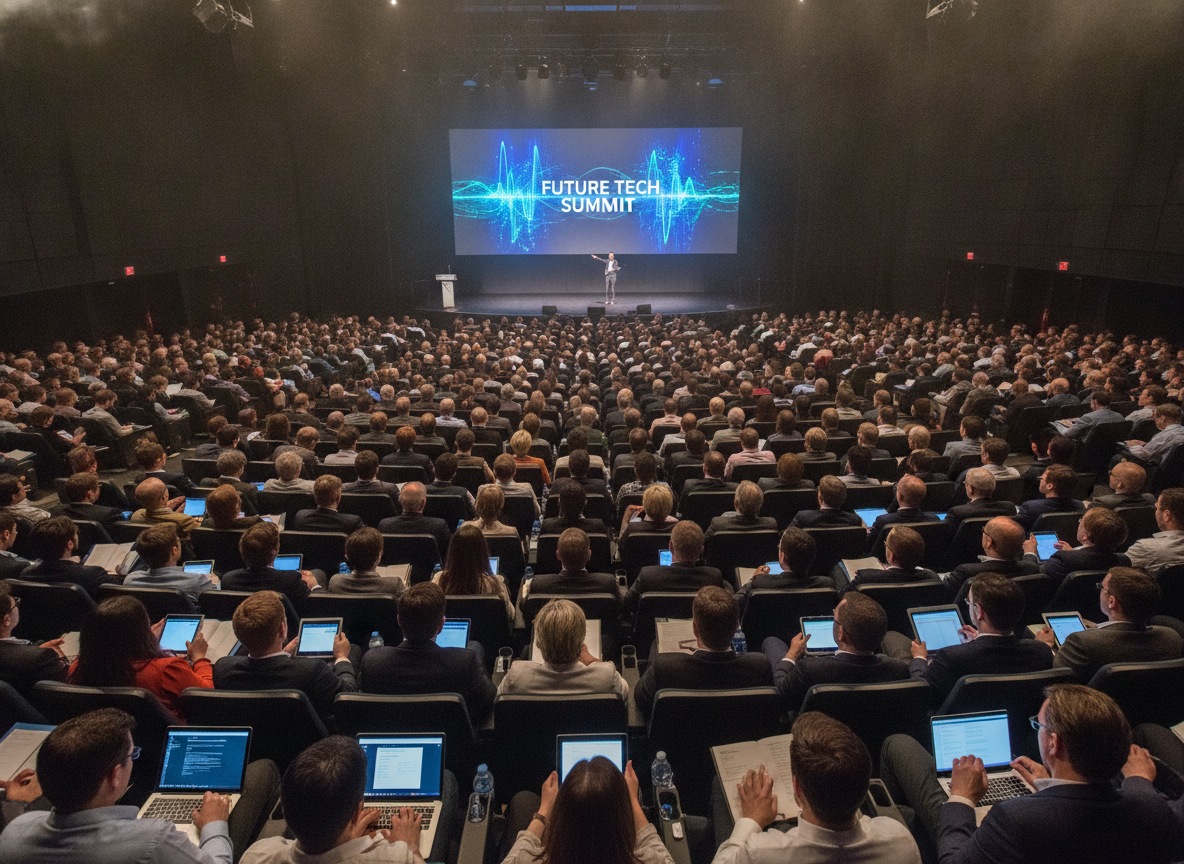
    tech conference

    Photo by Quixess Social

    Square for Social Media

    The square format (1:1) offers a versatile middle ground, well-suited for platforms like Instagram and Facebook. It provides a balanced visual experience across devices. Square videos often feel more contained, advantageous for showcasing product details. The format lends itself well to creative editing techniques, such as incorporating text overlays and graphics. This article offers more in-depth platform optimization tips.

    Choosing the Right Shape for Your Channel

    Product Demos

    The shape of your video directly impacts how effectively it communicates information. For product demos, clarity and detail often reign supreme. A widescreen format (16:9) is frequently the best choice, allowing viewers to see the entire product interface and understand intricate workflows. This format aligns well with YouTube and Vimeo. A vertical format can feel restrictive when trying to display a complex product’s features. See our guide for more on content creation.

    social media icons on pinned photos

    Sales Walkthroughs

    Sales walkthroughs often prioritize storytelling and emotional connection. While a widescreen format can work, a square or vertical video might be more engaging on platforms like TikTok or Instagram Reels. The key is to adapt to the platform’s preferred format and audience expectations. A vertical video can feel more personal and immersive. A/B testing different shapes is invaluable for determining what resonates best with your target audience. Demofable allows you to quickly reformat your videos. Check before publishing for platform optimization.

    Tips for Maximizing Engagement with Demofable

    Use Eye-Catching Captions

    Captions are essential for grabbing attention, especially in a world saturated with short-form video content. Even if viewers are watching with sound on, captions provide a visual anchor. Use bold, legible fonts that contrast with the background. Short, punchy captions are more effective than lengthy paragraphs. Experiment with different styles to see what resonates best with your audience.
    gaming setup

    Photo by Quixess Social

    Add Background Music

    Background music can dramatically impact the overall mood and tone of your video. Choose music that complements the visuals and reinforces the message. Ensure the music isn’t overpowering. The platform provides easy tools for adding and syncing music and sound effects.

    Conclusion

    Choosing the right shape for your video is a critical step in ensuring its effectiveness. Widescreen formats excel at showcasing product details, while square and vertical formats often resonate better on social media. Remember to consider your target audience and the platform you’re using, and experiment with different approaches. Enhancing engagement through eye-catching captions and background music is just as important. By understanding these nuances, you can optimize your content for maximum impact and reach.

    Try Demofable today and discover how effortlessly you can transform raw screen recordings into polished demos and step-by-step guides.


  • **Product education (using demofable)**

    **Product education (using demofable)**

    Why Product Teams Are Ditching Separate Tools for AI Video Editors

    Product managers and technical writers spend hours juggling multiple tools: a screen recorder, a video editor, a documentation platform, and a design tool just to create one product demo

    The result is fragmented workflows, duplicate effort, and demos that feel disjointed because the video and the written guide don’t actually align

    This article explores how modern AI video editors are consolidating this workflow and why that shift matters for cross-functional teams in 2026

    The AI handles the tedious editing work

    The automation removes the manual labor that consumes most of a video editor’s time. The system removes silence and dead air, zooms into relevant screen regions automatically, writes descriptive captions from the narrator’s voice, timestamps each action, and extracts high-resolution screenshots for inclusion in the documentation. Teams choose output formats on demand, widescreen for your website, vertical for social media, square for LinkedIn, all derived from a single recording without re-shooting or re-editing.

    Technical writers benefit equally. Instead of watching hours of video or writing from memory, this solution surfaces a complete step-by-step breakdown with accompanying images already prepared. The writer’s role shifts from transcription and guesswork to refinement: fact-checking terminology, clarifying ambiguous steps, and adding domain-specific context that the AI cannot infer. Documentation that once took days to write from scratch now requires hours of focused review and polish.

    The Control You Keep: Why This Isn’t a Black Box

    Review before publish

    AI-generated output never ships without human eyes on it. Demofable surfaces every editorial decision before export, you see exactly which segments were cut for pacing, where the system applied zoom to highlight UI elements, and what narration it generated. This review step is mandatory, not optional. You control the final output at a granular level: regenerate specific sections without re-recording, edit captions word-by-word, adjust playback speed, or swap the AI voice for your own recording. A product manager can tighten a demo’s pacing in seconds. A technical writer can refine narration tone. An engineer can flag a misidentified button and have the system regenerate just that moment. No re-recording. No starting over.

    transparent technology dashboard

    Photo by Quixess Social

    Privacy and sensitive data flagging

    The solution automatically detects and flags sensitive information captured on screen, customer names, email addresses, account IDs, API keys, before rendering. You decide whether to blur, redact, or replace each flagged element. This layer of human-in-the-loop redaction catches what pixel-level detection alone might miss. Brand consistency applies automatically across all outputs: logos, color schemes, intro and outro clips, and voice style enforce your identity without manual intervention on every video. Your team maintains creative authority while the platform handles repetitive standardization work.

    Conclusion

    Consolidating video editing, documentation, and demo creation into a single AI-powered workflow eliminates handoffs and keeps your team aligned. What used to take days, record, edit, write, design, publish, now happens in one pass, with you maintaining full control at every checkpoint. If your team is still juggling a screen recorder, video editor, and documentation tool separately, you’re solving the same problem three times. Consider how a unified approach could reclaim time for strategy instead of tooling.

  • What We Learned Building an AI Agent That Can Say “I’m Not Sure”

    What We Learned Building an AI Agent That Can Say “I’m Not Sure”

    What We Learned Building an AI Agent That Can Say “I’m Not Sure”

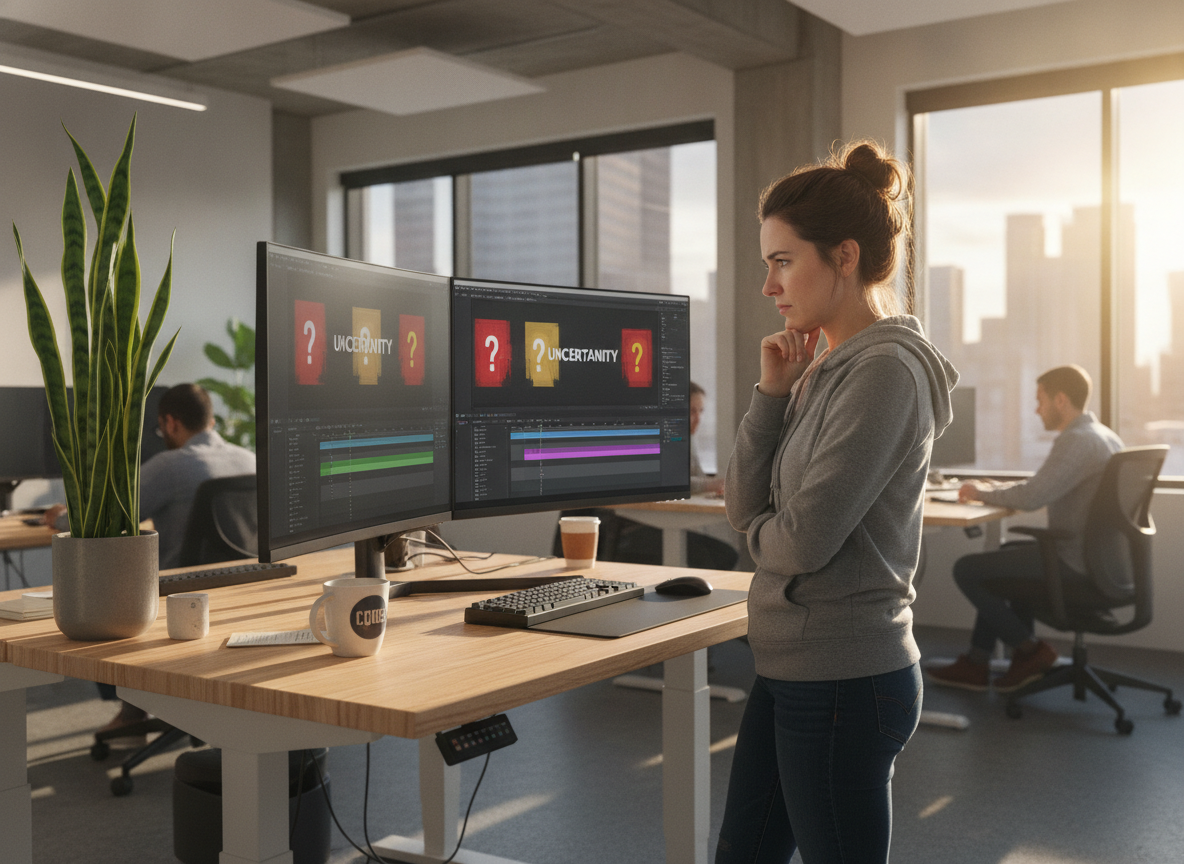
    Most AI systems are engineered to produce an answer rather than admit uncertainty. This works fine for many applications, but not for video editing. When an AI video editor makes a confident wrong call about which frames to cut or where to blur sensitive data, that mistake ships directly to your audience. Building demo video automation means treating uncertainty as a legitimate output instead of forcing the model to choose between wrong answers. This shift improves privacy protection, reduces editing errors, and accelerates workflow by letting humans make informed decisions on edge cases.

    The Confidence Problem in AI Video Editing

    Why AI defaults to certainty

    Machine learning models are incentivized to produce outputs and be right more often than wrong. This works for photo categorization or churn prediction, but video editing is different. An AI video editor faces thousands of micro-decisions per recording: Is this blur sufficient to hide the API key? Should this scene cut here or three frames later? Traditional AI assumes sufficient training data eliminates uncertainty. It doesn’t, it just hides uncertainty behind high confidence scores.

    The risk of false positives in automated editing

    When an AI video editor makes a wrong call, consequences cascade. A misidentified sensitive region means unredacted customer data. A cut placed one frame too early creates jarring continuity. A missed zoom point leaves viewers confused. Unlike a chatbot that can hedge language or a recommendation engine where wrong suggestions carry minimal cost, video editing mistakes are visible and permanent once they ship.

    When an AI Video Editor Should Admit It Doesn’t Know

    Privacy detection: the highest-stakes uncertainty

    Blurring sensitive data is where false confidence becomes a liability. An AI model trained to detect credit card numbers, API keys, and email addresses will catch obvious cases. But context-dependent secrets, a customer’s internal project name, a domain sensitive only within that company’s security policy, a Slack handle embedded in a screenshot, require knowledge the model doesn’t have. Why We Don’t Trust AI Redaction Alone explores this problem: relying solely on automated detection creates false confidence in security.

    AI video editing software interface

    Photo by Quixess Social

    The solution is flagging uncertainty rather than forcing a decision. When the redaction model encounters an edge case, surface it for human review instead of redacting everything or nothing. Let humans make the final privacy decision based on actual context.

    Editing decisions with ambiguous context

    Beyond privacy, many editing decisions have multiple valid answers depending on audience and intent. Where should a zoom focus? When should a cut happen? A smarter approach flags these moments and lets the editor decide based on knowledge of the audience and message.

    How Uncertainty Becomes a Feature, Not a Bug

    Designing the review workflow

    Traditional AI video editing treats the model’s output as finished product. Users hit render and discover problems only after publishing. A better approach makes uncertainty visible before rendering. Surface the reasoning behind each edit, scene detection confidence scores, transitions flagged as ambiguous, and moments where multiple interpretations were possible. Users see an edit plan before the final video exists. When the AI encounters ambiguity, it flags it, shows options, and waits for approval. Users catch mistakes before shipping, which is critical for sensitive data or customer-facing demos.

    business team working at table

    Building trust through transparency

    Transparency doesn’t slow teams down, it accelerates them. When users understand why the AI made each decision, they develop intuition for what the tool handles well and where they need to intervene. A system that shows its work creates a feedback loop. Users approve edit plans in minutes rather than re-recording entire videos. Teams ship faster because rework disappears. The solution doesn’t promise perfection; it promises visibility and control.

    The Product Advantage of Honest AI

    Why AI video editors need human oversight

    A product demo builder that flags edge cases ships faster than one trying to handle everything. Teams prefer seeing what the AI flagged over discovering problems after publishing. The moment a video reaches an audience with blurred mistakes, missed cuts, or exposed credentials, trust breaks. Systems that admit uncertainty create checkpoints that prevent these disasters.

    customer success conversation

    Photo by Quixess Social

    Moving faster by knowing your limits

    Uncertainty architecture scales better as you add features. When designed to flag edge cases rather than hide them, adding new video formats, longer recordings, or more complex workflows creates visible flags users can understand and address. Teams using AI tools with explicit confidence signals report fewer post-publication edits and lower support burden related to output quality.

    Conclusion

    AI systems optimized for shipping polished output without human review create risk. Building an AI agent that says “I’m not sure” requires rethinking the workflow, not just the model. The most reliable automation includes checkpoints for human judgment, especially around privacy and accuracy. Demand transparency from your tools. The team that knows when their AI is uncertain will outship the team relying on black-box confidence every time.

  • Why We Don’t Predict How Long Narration Will Take

    Why We Don’t Predict How Long Narration Will Take

    Why We Don’t Predict How Long Narration Will Take

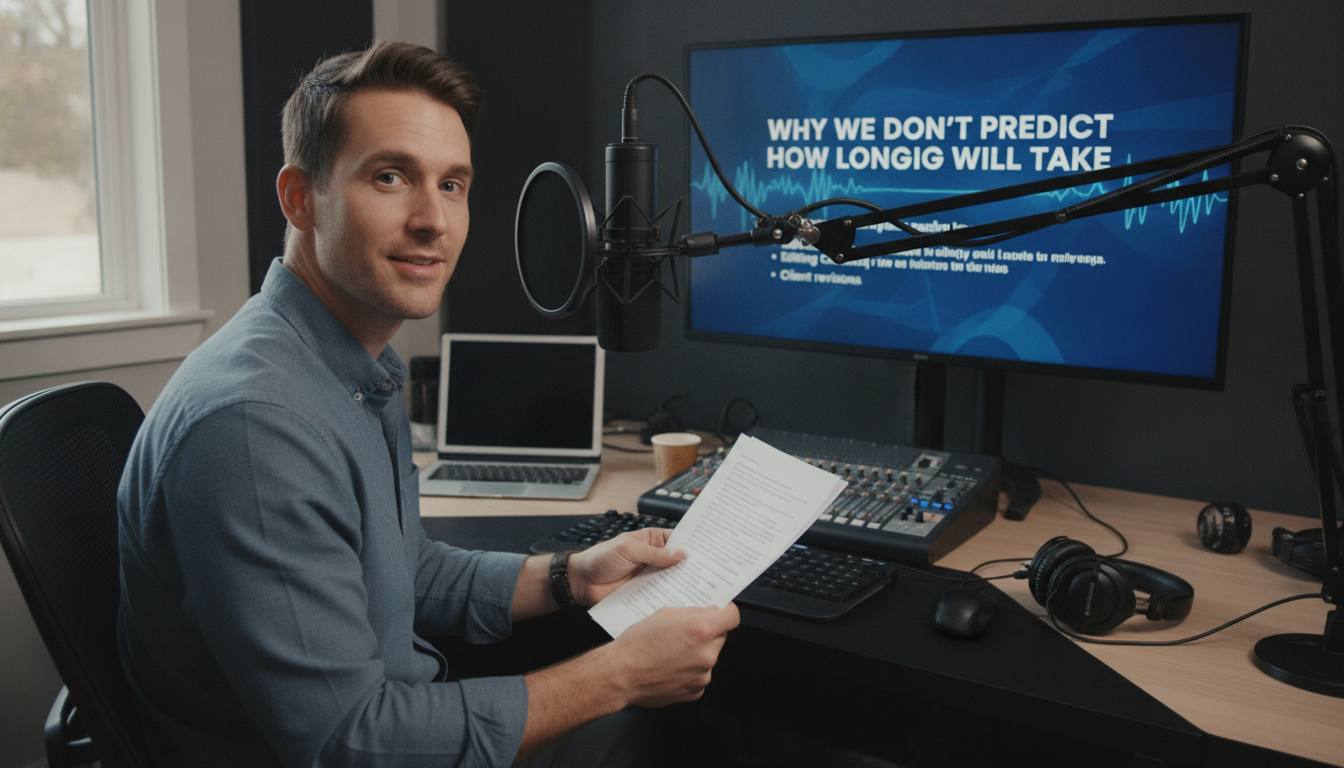
    Product teams often try to predict demo narration length before recording starts. It seems rational, plan your content calendar, schedule reviews, set audience expectations. But this approach fails the moment your narrator hits record. Unscripted walkthroughs contain natural pauses, corrections, and moments of discovery that no pre-recording estimate can capture. This article explores why narration duration remains fundamentally unpredictable and how accepting this reality streamlines your entire demo creation workflow.

    The Estimation Problem Nobody Talks About

    Why product teams estimate narration length upfront

    Marketing teams want to know if a walkthrough fits a 60-second social media slot or requires a 5-minute format. Sales organizations need to schedule prospect demos within time-boxed calls. Estimating upfront feels like planning and taking control of an uncertain process. Scripts get word counts, speaking pace assumptions get applied, and a rough duration emerges as a commitment. Yet this estimate collapses under the weight of reality.

    The hidden variables that destroy predictions

    Real walkthroughs contain pauses, corrections, and thinking moments that never appear in written scripts. A narrator might hesitate before clicking a button, backtrack to clarify a point, or pause to let a concept sink in. One speaker might explain a feature in 90 seconds; another might take three minutes covering the exact same ground with natural breathing room. Product complexity adds another layer, explaining a feature to an internal engineering team differs fundamentally from walking a prospect through the same functionality. Actual narration time becomes a function of speaker pace, product familiarity, and audience background, variables that only become clear during recording.

    What Makes Unscripted Screen Recordings Unpredictable

    Natural speech patterns create timing chaos

    Humans don’t speak like scripts read. Speakers naturally hesitate when formulating explanations, repeat themselves for emphasis, and backtrack when repositioning points. These verbal behaviors are features of effective communication, but they’re invisible to pre-recording estimation models.

    screen recording software

    Photo by Quixess Social

    Consider a product walkthrough explaining a dashboard feature. A script might read: “Click the settings icon and select analytics.” The actual narration might unfold as: “So here, um, if you click this settings icon, or actually, let me show you the easier way, you see this dropdown menu? Click it, and then you’ll see analytics, which is probably what you want.” That’s natural explanation, 40% longer than the script suggested, and that variance cascades across your entire demo.

    Product interaction speed varies by scenario

    Clicking speed, scrolling duration, and page load times add unmeasurable delays. A demonstration filmed on a fast development environment might take 30% longer in front of a customer with a slower network. Different audiences also require different pacing, a sales prospect demo needs more context than an internal training video, while a support walkthrough for power users covers ground faster than one targeting new customers. The same feature explanation spans 2-5 minutes depending on context, making a single predicted duration meaningless.

    The AI Video Editor Approach: Measure After, Not Before

    Recording first removes the guessing game

    When you record without a locked script, you’re capturing authentic user behavior: natural pauses, clarifications, and real-time thinking. This raw footage contains the truth about how long your explanation actually takes to deliver, unlike estimates based on assumptions.

    professional video camera screen

    Let editing tools work with actual data

    Once your screen recording is complete, AI-powered editors can transcribe narration in real time and analyze the timeline with precision. These tools intelligently trim dead air, remove false starts, and clean up verbal stumbles without altering meaning or flow. An AI video editor works backward from recorded reality rather than forward from guesses, making your final demo length a measurement based on actual delivery.

    Why This Matters for Your Demo Workflow

    Planning timelines without predictions

    When you know the exact length only after editing is complete, project bottlenecks disappear upstream. Teams stop asking “How long will this narration take?” and start asking “What version do we need?” A five-minute walkthrough can be cut to two minutes for social media, expanded to eight minutes for documentation, or segmented into thirty-second clips for onboarding.

    product demo workflow

    Photo by Quixess Social

    Building flexibility into your process

    Tools that function as documentation generators and product demo builders enable you to produce multiple formats without re-recording. Your screen recording is captured once, then intelligently shaped into different assets, each with known timing and scope. This flexibility frees teams to focus on format and audience rather than duration uncertainty.

    Conclusion

    Stop trying to predict narration length; let the recording reveal it. The most efficient demo workflows measure after capture, not before, removing estimation errors entirely. When your screen recording becomes your source of truth and your editing process is data-driven, every version of your demo arrives with precision and confidence. Start recording first. Measure second. Build your timelines based on what actually happened.

  • Engineering (17)

    Engineering (17)

    Beyond Raw Footage: How Modern AI Video Editors Transform Product Demos

    Product teams waste countless hours re-recording and editing demo videos because traditional screen recording treats footage as finished pixels rather than structured data. AI video editors that understand intent, what was clicked, what was said, what needs privacy protection, can automate the entire pipeline from raw recording to polished output. This article explores why conventional workflows fail, how modern AI reverses the production cycle, privacy-first principles that protect sensitive data, and real use cases showing who benefits most.

    Why Traditional Screen Recording Workflows Still Feel Broken

    The Re-recording Penalty

    A single stumble, a misclick or verbal mistake, forces teams back to square one. Unlike live performance, screen recordings offer no graceful recovery. A five-minute demo might require fifteen minutes of raw footage after false starts. The fundamental problem is that editing mistakes mid-narrative is extraordinarily difficult: cutting a three-second flub requires managing audio sync, ensuring visual continuity, and preventing jarring jump cuts that confuse viewers.

    Manual Editing Is a Time Sink

    After recording, manually blurring sensitive data, customer names, account IDs, email addresses, is tedious and error-prone. A single overlooked detail can expose confidential information. Creating multiple aspect ratios compounds this burden: teams need widescreen for web, vertical for social media, and square crops for ads. This typically means exporting and reformatting the same video three times separately, doubling the work required.

    How an AI Video Editor Reverses the Workflow

    Understanding Structure, Not Just Pixels

    Modern AI video editors capture metadata during recording, what you clicked, typed, scrolled, and navigated, so the system understands the logical flow of your demo rather than treating it as a stream of pixels. This structural awareness is foundational. The platform recognizes semantic meaning: “The user opened Settings, then clicked Billing,” rather than just observing pixel changes.

    video editing software interface

    Photo by Quixess Social

    Because the solution understands intent, it can make intelligent decisions about where cuts belong, which sections merit emphasis, and what requires redaction. Analysis shows that video editing platforms leveraging structural metadata reduced manual review time by up to 60% compared to pixel-based approaches. When the system knows that a click triggered a navigation action, it can auto-generate chapter markers, suggest optimal cut points, and propose which sections need re-voicing or zooming.

    Proposing Edits Before Rendering

    Instead of handing you a finished product, intelligent systems show you an edit plan first: where cuts will happen, which sections will be zoomed, where narration will be re-voiced, and what will be blurred. This human review step catches AI mistakes, especially critical for privacy detection, before the video ships to customers.

    One recording automatically generates multiple output formats because the tool understands underlying structure and can reshape it for any medium. A widescreen recording becomes a vertical social clip and a square ad version without separate exports. Teams can review the proposed edit in minutes rather than spending hours in a traditional editing suite. For teams creating frequent product walkthroughs, see our detailed guide on converting unscripted screen recordings to step-by-step guides.

    The Privacy-First Approach That Sets Modern Tools Apart

    Semantic Detection vs. Pixel-Based Guessing

    Traditional tools handle sensitive data reactively, scanning finished video for patterns using pixel-level image analysis after recording. This approach is fundamentally unreliable, a customer’s email might render differently across browsers, and internal metrics lack consistent visual markers.

    big data security concept

    Human Approval Is Non-Negotiable

    The best privacy workflow doesn’t automate the final decision. Instead of automatically blurring detected data, the platform generates a detailed edit plan for human review. A product manager can see exactly what the AI flagged and approve the blurring strategy before rendering. This makes privacy deliberate, not invisible.

    Real Use Cases: Who Benefits Most

    Sales Teams Personalizing Demos at Scale

    Sales reps record quick, unscripted walkthroughs tailored to each prospect without worrying about perfect delivery or accidental data exposure. The AI handles polishing: removing pauses, tightening pacing, and flagging sensitive data for review. One rep can produce personalized demos for multiple prospects without studio production overhead. A recorded walkthrough becomes shareable within hours, personalized enough to feel genuine but polished enough to represent the product credibly.

    video production studio workflow

    Photo by Quixess Social

    Support and Product Teams Building Evergreen Assets

    A single recorded session becomes multiple outputs: a help-center video, step-by-step documentation, and social-ready clips in different formats. Customer success teams no longer choose between video and written guides, they get both automatically from one source. Product managers announcing features can publish vertical clips for social media, widescreen versions for webinars, and square formats for email, all extracted from one recording.

    Conclusion

    The next generation of screen recording tools understand demo logic, what was clicked, what was said, what needs protection, not just pixels on screen. By shifting from a finished-video model to a human-approved edit-plan model, teams gain speed and control, freeing engineers and product managers from manual editing. If your team still re-records mistakes or manually stitches demos together, explore tools designed around AI editing. Record once, review the edit plan, and get polished videos and documentation automatically ready to share.

  • One Recording, Three Shapes: Solving Multi-Aspect-Ratio Video

    One Recording, Three Shapes: Solving Multi-Aspect-Ratio Video

    One Recording, Three Shapes: Solving Multi-Aspect-Ratio Video Production

    Creating demo videos for multiple platforms requires endless reshaping: a website walkthrough needs reworking for TikTok, reformatting for LinkedIn, and resizing for Instagram ads. Teams spend hours in post-production cropping and resizing what should be a single asset. Multi-aspect-ratio video production has shifted from nice-to-have to necessity. This guide explores how AI-powered tools solve the multi-format problem and enable scalable video strategy across every platform without re-recording.

    The Multi-Format Problem: Why One Recording Isn’t Enough

    Different platforms demand different shapes

    Platform requirements create production bottlenecks. Widescreen 16:9 dominates website homepages and YouTube. Vertical 9:16 is standard on TikTok, Instagram Reels, and mobile platforms. Square 1:1 thrives on LinkedIn feeds and Meta ads. A single three-minute screen recording requires three entirely different creative treatments. Compositional choices that work for websites become cramped on smartphones, while TikTok-optimized vertical video loses context when forced into square format.

    The hidden cost of manual reformatting

    Manual reformatting introduces significant time and consistency penalties. Production teams spend 3-5 hours per video manually cropping and resizing. A 2025 survey showed 64% of marketing teams re-record demos multiple times rather than attempt manual conversion, recognizing quality suffers when forcing one format into another. Consistency problems compound as messaging shifts when different elements are emphasized, and teams manage three separate versions of the same narrative, each requiring different editing decisions.

    Product Updates That Changed Video Efficiency

    AI-powered automatic aspect ratio conversion

    Modern AI video technology has fundamentally shifted what’s possible in a single production session. Intelligent algorithms analyze recording content, identifying important action and critical UI elements, then reframe scenes for different dimensions without losing information. The system understands compositional hierarchy: what deserves centering, what can be cropped, and where zooming enhances the message.

    video editing software screen

    Photo by Quixess Social

    Demofable represents this approach. It detects key elements within screen recordings, cursor movement, highlighted buttons, text input, and visual focus points, then automatically generates platform-ready versions in 16:9, 9:16, and 1:1 formats simultaneously. Rather than degrading a “master” version through manual cropping, the platform intelligently adapts composition for each format, preserving clarity and context.

    One walkthrough, infinite output possibilities

    The technological shift eliminates the false choice between re-recording and reformatting. A single screen recording produces polished, platform-optimized video in every required format without additional recording time or extensive post-production labor. The intelligence goes beyond mechanical resizing, the tool recognizes that vertical mobile ads need tighter framing than desktop demos, and square content requires different visual balance than widescreen formats. For a SaaS walkthrough, the system highlights specific features for mobile viewers while maintaining broader overviews for desktop audiences, all from one source recording.

    Transforming Your Video Workflow

    How multi-aspect-ratio video improves production speed

    Traditional workflows waste enormous time on format conversion. A sales demo recorded in 16:9 requires hours resizing for LinkedIn (1:1), TikTok (9:16), and email (4:3). Intelligent format conversion transforms a single raw recording into multiple optimized formats automatically. Sales teams report 60-70% reductions in demo production time when shifting from manual editing to intelligent conversion. What previously required freelance editors happens in minutes, compounding across dozens of monthly videos.

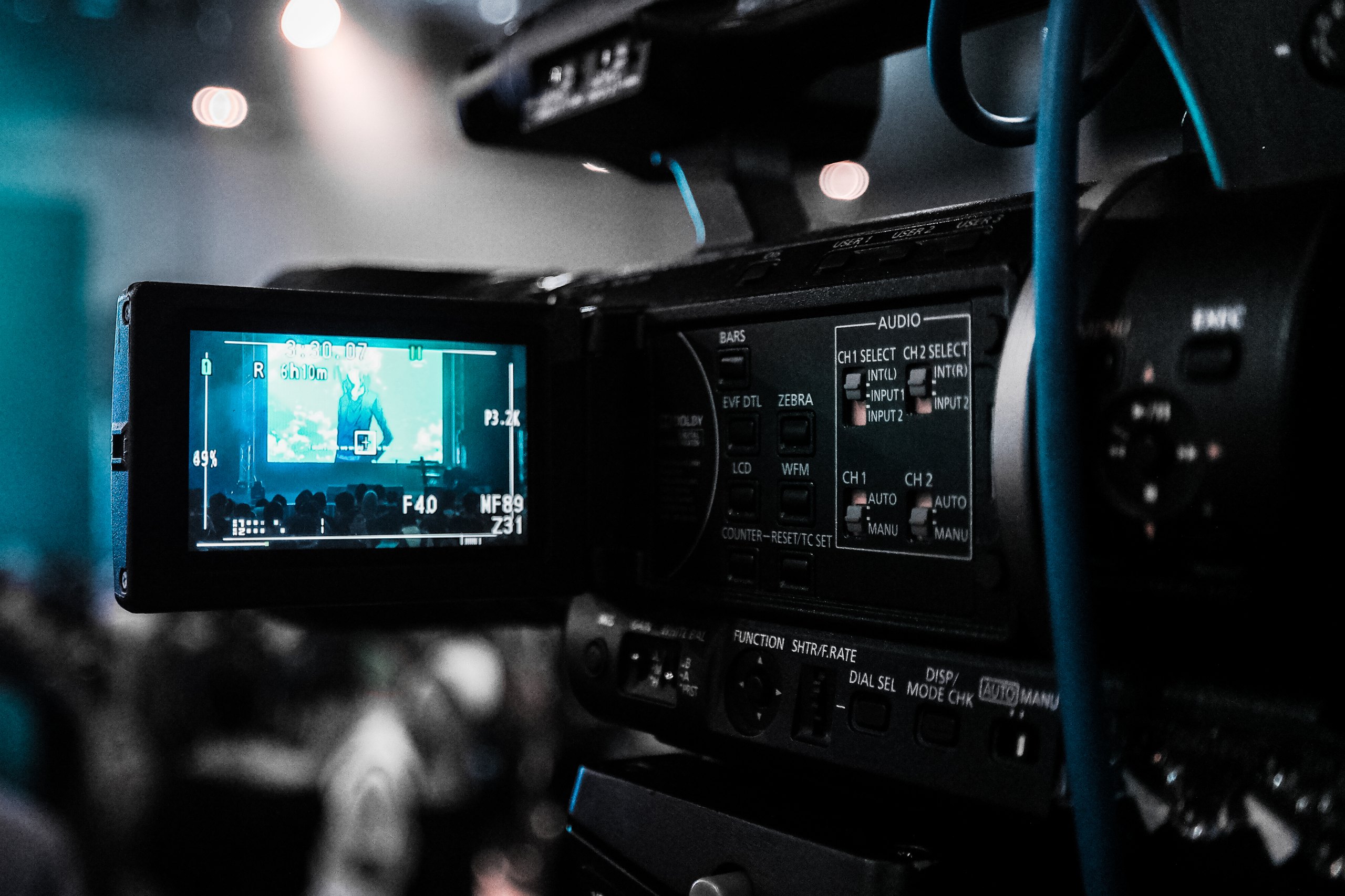
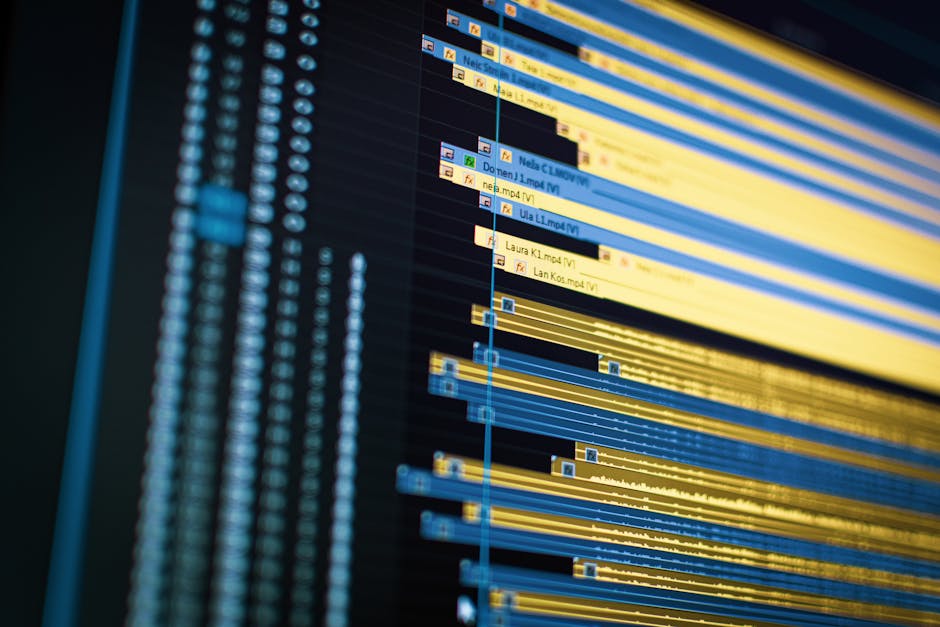
    Close-up of a video editing timeline on a computer screen, showcasing modern technology.

    Photo by Vito Goričan on Pexels

    Real-world applications across teams

    Sales teams send personalized demos without recording separate takes. A single 10-minute recording becomes a 60-second vertical demo for mobile prospects, detailed 16:9 for enterprise desktop review, and quick 1:1 clips for LinkedIn outreach.

    Marketing teams generate social formats instantly. A product announcement becomes native content for Instagram Reels, YouTube Shorts, TikTok, LinkedIn, and email, each properly formatted and paced for platform algorithms.

    Customer support scales by producing vertical help videos from the same workflow as desktop tutorials, offering both detailed desktop reference and quick mobile-optimized walkthroughs.

    Product teams announce features once across all channels in optimized formats, with internal training, customer webinars, and public social media all from one recording. For detailed insights, explore our guide on converting screen recordings to step-by-step guides.

    Building a Scalable Video Strategy for 2026

    Why platform optimization matters to your bottom line

    Video efficiency directly impacts measurable outcomes. Sales teams using properly formatted vertical demos see 35-40% faster response times, while mobile-optimized content loads instantly and holds attention. Demo-to-close rates improve when prospects review content on preferred devices. A four-person team spending 12 hours weekly on video editing represents $40,000+ annual labor cost. Intelligent format conversion reduces that to 2-3 hours weekly, freeing 400+ hours annually for strategy and content creation.

    technology team planning session

    Photo by Quixess Social

    The future of adaptive video content

    Teams mastering adaptive workflows will outpace competitors still editing manually. A company publishing one demo weekly across six formats produces 312 video pieces annually, while competitors publishing only horizontal versions create 52. Content multiplication compounds audience reach and establishes presence across platforms where competitors are absent. AI video tools now enable teams to compete on content quality and volume rather than production budget.

    Conclusion

    Multi-aspect-ratio video is now the foundation of modern content production. Intelligent video saves teams hundreds of hours annually while multiplying audience reach across every platform. One recording that transforms into multiple shapes eliminates bottlenecks while enabling competition on quality and volume rather than budget. Start with one demo video and observe how much time your team reclaims.