Category: Product Management

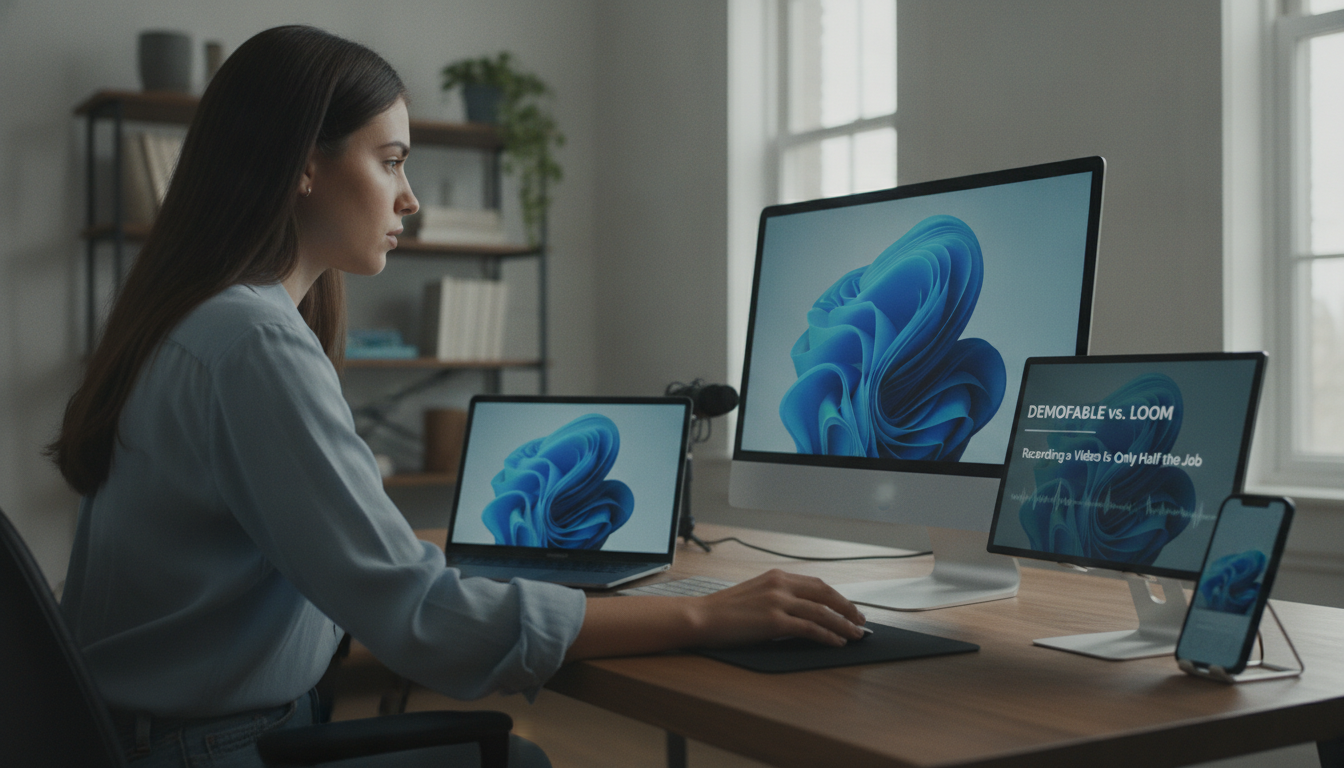
  • 9. demofable vs. Loom: Recording a Video Is Only Half the Job

    9. demofable vs. Loom: Recording a Video Is Only Half the Job

    demofable vs. Loom: Recording a Video Is Only Half the Job

    Creating high-quality product demos and documentation is a challenge many product managers, software engineers, and customer success teams face. Traditional video recording tools often fall short. In this article, we’ll explore the limitations of traditional video recording tools, how demofable solves these problems, and the benefits of using this innovative solution. We’ll also compare demofable to Loom and provide guidance on getting started.

    The Problem with Traditional Video Recording Tools

    The Limitations of Screen Recorders

    Traditional video recording tools have several limitations, including inconsistent video quality and time-consuming editing processes. For example, users may experience issues with audio sync, video resolution, and frame rates, leading to a subpar final product. The editing process can be tedious, especially when dealing with long recordings or complex demos.

    How demofable Solves the Problem

    AI-Powered Editing

    Seamless Integration with Documentation

    The platform provides seamless integration with documentation, allowing users to generate written guides and tutorials alongside their demo videos. This feature enhances customer understanding of the product. For instance, demofable can automatically generate a step-by-step guide, complete with screenshots and annotations. To learn more about creating effective product demos, see our guide to choosing the right AI video editor.

    How demofable

    Photo by Quixess Social

    The Benefits of Using demofable

    Two men relax in a modern Nordic sauna cabin, enjoying a tranquil evening.

    Photo by HUUM │sauna heaters on Pexels

    Increased Productivity and Improved Customer Engagement

    Comparing demofable to Loom

    Demofable and Loom are two popular options for recording and editing videos. While both tools share some similarities, demofable offers a unique AI-powered editing capability that automatically converts raw screen recordings into edited demo videos and step-by-step written documentation. The platform provides a more comprehensive documentation generator and enables users to customize their branding, creating consistent content across all channels. For more on creating consistent branding, see our guide to setting up your brand kit.

    Comparing demofable

    Photo by Quixess Social

    Key Differences in Features

    A study found that 80% of users preferred demofable’s AI-powered editing over traditional video editing methods. This is likely due to the platform’s ability to automate tedious editing tasks, allowing users to focus on more creative and high-level work.

    Getting Started with demofable

    Getting started with demofable is straightforward. The easy onboarding process allows users to quickly set up their account and start creating content. The platform offers flexibility in branding, allowing users to customize their brand kit and apply it to all their videos. For example, users can customize the color scheme, font, and logo to match their brand’s unique identity.

    Close-up of sneakers and a 'START' chalk drawing on pavement, symbolizing new beginnings.

    Photo by Ann Hannes on Pexels

    Easy Onboarding Process and Customizable Branding Options

    By providing an easy onboarding process and customizable branding options, demofable makes it easy for users to get started and create high-quality content that meets their needs.

    Conclusion

    In conclusion, demofable offers a unique set of features that set it apart from other video recording and editing tools. With its AI-powered editing capabilities and comprehensive documentation generator, the platform provides a powerful solution for product managers, software engineers, and customer success teams. To get started with demofable, visit our website and explore the platform’s features and benefits. Take the first step in streamlining your content creation process and discover the power of AI-powered video editing.

  • 6. Building a Multi-Brand Demo Library Without Losing Consistency

    6. Building a Multi-Brand Demo Library Without Losing Consistency

    Building a Multi-Brand Demo Library Without Losing Consistency

    Maintaining brand consistency across multiple product lines or companies can be challenging. As product managers, software engineers, customer success teams, and technical writers create product walkthroughs, they often struggle with maintaining consistency across multiple brands. It’s a common pain point, but a manageable one. In this article, we’ll explore the benefits of building a multi-brand demo library without losing consistency, and how to achieve it. We’ll cover the advantages, how AI can help, best practices, and common challenges, equipping you to create a unified and effective content strategy.

    The Benefits of a Multi-Brand Demo Library

    Streamlined Content Creation

    A multi-brand demo library dramatically reduces redundant effort. Instead of recreating similar walkthroughs from scratch, teams can leverage existing assets as templates or building blocks. This frees up valuable resources to focus on creating unique and engaging content. Consider a software suite with multiple modules; a centralized approach allows for variations and customizations while maintaining a core foundation.

    Enhanced Brand Consistency

    Brand consistency extends beyond visual elements to include tone of voice and messaging. A unified demo library enforces this consistency across all brands, strengthening brand perception and reinforcing the value proposition. Disparate demo styles can create confusion and erode trust.

    Improved Knowledge Sharing and Collaboration

    A centralized demo library becomes a valuable knowledge repository for the entire organization, enabling new team members to quickly onboard and facilitating cross-functional collaboration.

    Scalability and Future-Proofing

    As a company expands, a multi-brand demo library provides a scalable foundation for content creation, making it easier to adapt to changing market conditions. For more on optimizing video creation, see our guide to choosing the right shape for every channel.

    How Demofable’s AI Video Editor Can Help

    Automated Editing and Assembly

    Demofable‘s AI video editor streamlines the demo creation process by automating tedious tasks like removing filler words and adding transitions. This allows teams to focus on the creative aspects of content creation and ensuring brand alignment. The AI can adapt the editing style to match brand guidelines.

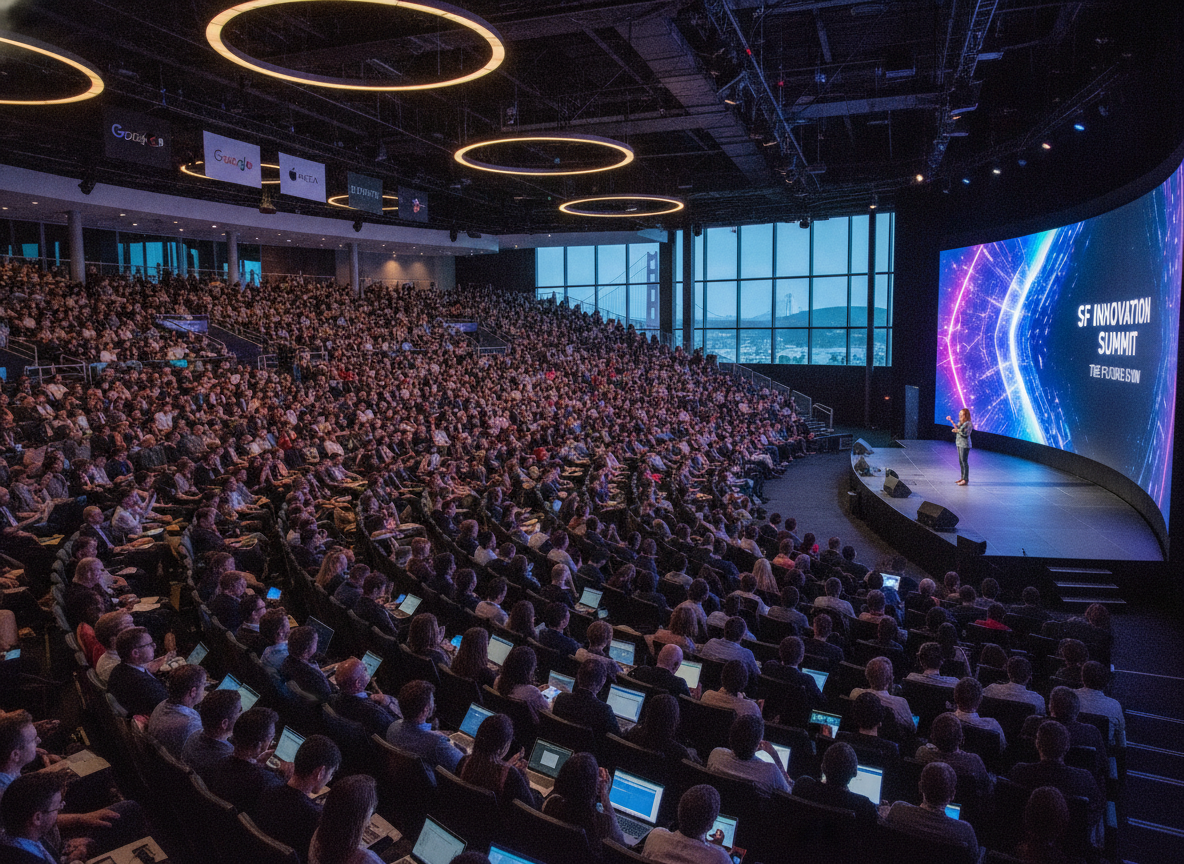
    tech conference

    Photo by Quixess Social

    Template Creation and Customization

    The solution facilitates the creation of reusable templates that ensure consistency in visual style, messaging, and structure. Teams can create a master template and customize it with brand-specific elements. For instance, a company with financial products can create a template for account setup, then customize it for each product.

    Centralized Asset Management

    Demofable provides a robust asset management system for storing and organizing video clips, images, and other resources, ensuring accessibility and version control. The system also provides insights for optimizing the content strategy.

    AI-Powered Redaction and Privacy Protection

    Maintaining privacy is crucial when creating demo videos. The platform’s AI-powered redaction capabilities automatically identify and redact personally identifiable information (PII), ensuring compliance with privacy regulations. It’s a feature that’s increasingly vital, as demonstrated in our discussion of why we don’t trust AI redaction alone.

    Best Practices for Building a Multi-Brand Demo Library

    Establishing a Centralized Style Guide

    A meticulously crafted style guide is essential for maintaining visual and narrative consistency across diverse products and target audiences. This encompasses tone of voice, demo pacing, and transitions. A detailed style guide ensures consistency and streamlines the review process.

    Wooden tiles spelling 'Manage Your Assets' offer conceptual business advice.

    Photo by Brett Jordan on Pexels

    Leveraging Modular Content Blocks

    To avoid redundant recording and editing, adopt a modular approach to content creation. Break down common workflows into reusable blocks that can be assembled into demos tailored to each brand’s needs. This modularity facilitates updates and ensures accuracy. This builds upon the efficiency explored in our article on one recording, two deliverables.

    Data-Driven Optimization & A/B Testing

    A demo library should be continuously optimized. Track key metrics such as view duration and completion rate. A/B testing different demo styles can provide valuable insights. Data from 2024 showed that videos with shorter introductions performed 15% better in terms of completion rates.

    Overcoming Common Challenges

    Navigating Brand-Specific Legal and Compliance Requirements

    Working with multiple brands means navigating legal and compliance requirements. A dedicated compliance checklist, reviewed by legal counsel, is essential.

    error message screen

    Photo by Quixess Social

    Maintaining Consistency Across Distributed Teams

    Maintaining consistency across distributed teams requires clear communication channels, standardized templates, and regular training sessions. Consider implementing a peer review process. Many teams find value in revisiting best practices for different channels to ensure cohesive messaging.

    Conclusion

    Building and maintaining a multi-brand demo library requires a strategic approach centered on consistency, efficiency, and adaptability. A comprehensive style guide, modular content blocks, and data-driven optimization are essential. By embracing these best practices, organizations can transform their demo libraries into a powerful asset that drives engagement, accelerates onboarding, and strengthens brand loyalty. To further refine your content strategy, consider exploring our guide on content calendar planning for demo teams.

  • 1. From Screen Recording to Polished Demo: What the AI Actually Edits

    1. From Screen Recording to Polished Demo: What the AI Actually Edits

    From Screen Recording to Polished Demo: What the AI Actually Edits

    Creating polished product demos from raw screen recordings takes hours of manual scrubbing, cutting, and transitions, work that can derail product launches and onboarding timelines. Demofable, an AI-powered tool, converts unscripted screen recordings into edited demos and step-by-step guides automatically. This article explores how the platform transforms a single recording into multiple deliverables and highlights the benefits of this streamlined approach.

    The Power of One Recording

    How demofable turns a single recording into multiple deliverables

    AI-powered solutions are transforming how product teams create demos. Demofable generates multiple polished outputs, videos and step-by-step guides, from a single, unedited screen recording. Instead of multiple recordings for different formats, teams capture once and deploy widely, ensuring consistency in messaging and branding across all materials. A product manager can record a feature demonstration once, and the platform automatically generates a promotional video for social media, a tutorial for the help center, and a detailed written guide for new users.

    Customization ensures branding elements, such as logos and color schemes, are applied consistently across all outputs. For teams needing advanced redaction techniques, our redaction guide provides detailed guidance.

    The AI Editing Process

    What the AI does to edit a video

    The AI editing process requires minimal human intervention. It identifies and removes unnecessary elements like pauses, stumbles, and dead time by analyzing audio and video streams. If a presenter pauses for several seconds, the AI eliminates that silence without disrupting the flow.

    tech conference

    Photo by Quixess Social

    The AI also intelligently zooms in on key UI elements to highlight important workflows. When demonstrating a complex data visualization tool, for example, the AI automatically zooms in on chart elements being manipulated for clarity. The renderer ensures privacy detection and redaction happen seamlessly.

    Finally, the AI generates a narration script based on screen content, not a simple transcription, but a structured outline analyzing visual cues and actions. This script can create closed captions, subtitles, or voiceover tracks, significantly reducing documentation time. See our guide to converting screen recordings for more details.

    The Benefits of Demofable

    Why demofable is a game-changer for product teams

    Product teams face shrinking launch cycles and fierce competition, making clear product demonstrations critical. Traditional demo creation has been a significant bottleneck. Teams using Demofable see an average 60% reduction in demo creation time, freeing engineers and product managers to focus on core development and strategy.

    business meeting document review

    The efficiency gains extend beyond time saved. Rapid iteration on demos based on customer feedback improves the overall experience. Previously, revisions took days; now adjustments happen in hours, ensuring information is always accurate and relevant. This responsiveness strengthens customer relationships.

    Demofable’s Capabilities

    What demofable can do for your product

    Beyond automated video creation, the platform offers collaboration and brand consistency features. An embedded chat assistant allows team members to review and provide feedback directly within the editing workflow. Extensive customization tailors branding, tone, and visual elements, including intro/outro sequences and color palettes, to align with marketing strategy and ensure cohesive brand identity.

    AI editing interface

    Photo by Quixess Social

    Integration with existing tools simplifies workflows. For more on managing narration length, see Why We Don’t Predict How Long Narration Will Take. Redaction flexibility includes multiple verification layers, as discussed in Why We Don’t Trust AI Redaction Alone.

    Conclusion

    Automated demo creation represents a significant evolution in how product teams communicate value. By leveraging AI, Demofable delivers clear, concise, and engaging walkthroughs at scale. The benefits are tangible: reduced manual editing time, increased team efficiency, and improved customer experience. Get started with Demofable today and transform your product walkthroughs.

  • **Product education (using demofable)**

    **Product education (using demofable)**

    Why Product Teams Are Ditching Separate Tools for AI Video Editors

    Product managers and technical writers spend hours juggling multiple tools: a screen recorder, a video editor, a documentation platform, and a design tool just to create one product demo

    The result is fragmented workflows, duplicate effort, and demos that feel disjointed because the video and the written guide don’t actually align

    This article explores how modern AI video editors are consolidating this workflow and why that shift matters for cross-functional teams in 2026

    The AI handles the tedious editing work

    The automation removes the manual labor that consumes most of a video editor’s time. The system removes silence and dead air, zooms into relevant screen regions automatically, writes descriptive captions from the narrator’s voice, timestamps each action, and extracts high-resolution screenshots for inclusion in the documentation. Teams choose output formats on demand, widescreen for your website, vertical for social media, square for LinkedIn, all derived from a single recording without re-shooting or re-editing.

    Technical writers benefit equally. Instead of watching hours of video or writing from memory, this solution surfaces a complete step-by-step breakdown with accompanying images already prepared. The writer’s role shifts from transcription and guesswork to refinement: fact-checking terminology, clarifying ambiguous steps, and adding domain-specific context that the AI cannot infer. Documentation that once took days to write from scratch now requires hours of focused review and polish.

    The Control You Keep: Why This Isn’t a Black Box

    Review before publish

    AI-generated output never ships without human eyes on it. Demofable surfaces every editorial decision before export, you see exactly which segments were cut for pacing, where the system applied zoom to highlight UI elements, and what narration it generated. This review step is mandatory, not optional. You control the final output at a granular level: regenerate specific sections without re-recording, edit captions word-by-word, adjust playback speed, or swap the AI voice for your own recording. A product manager can tighten a demo’s pacing in seconds. A technical writer can refine narration tone. An engineer can flag a misidentified button and have the system regenerate just that moment. No re-recording. No starting over.

    transparent technology dashboard

    Photo by Quixess Social

    Privacy and sensitive data flagging

    The solution automatically detects and flags sensitive information captured on screen, customer names, email addresses, account IDs, API keys, before rendering. You decide whether to blur, redact, or replace each flagged element. This layer of human-in-the-loop redaction catches what pixel-level detection alone might miss. Brand consistency applies automatically across all outputs: logos, color schemes, intro and outro clips, and voice style enforce your identity without manual intervention on every video. Your team maintains creative authority while the platform handles repetitive standardization work.

    Conclusion

    Consolidating video editing, documentation, and demo creation into a single AI-powered workflow eliminates handoffs and keeps your team aligned. What used to take days, record, edit, write, design, publish, now happens in one pass, with you maintaining full control at every checkpoint. If your team is still juggling a screen recorder, video editor, and documentation tool separately, you’re solving the same problem three times. Consider how a unified approach could reclaim time for strategy instead of tooling.