Category: Content Marketing

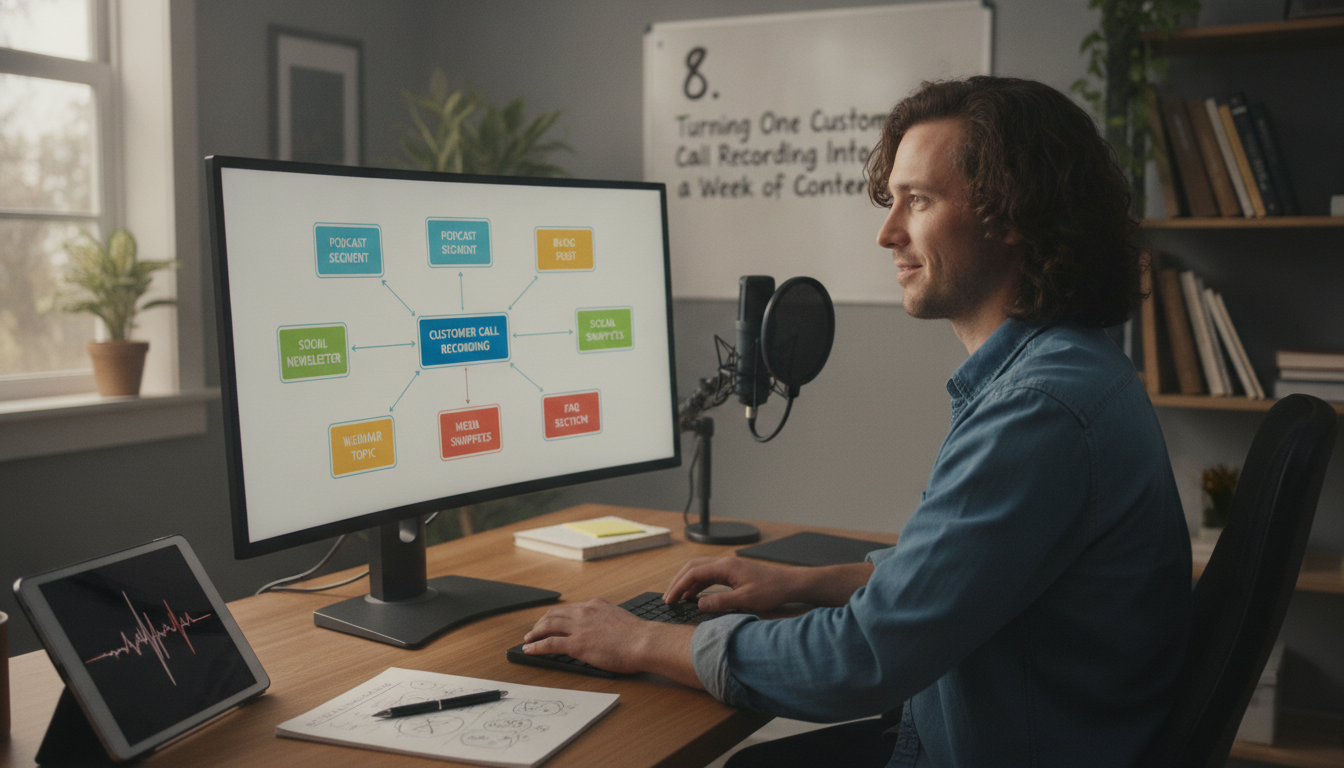
  • 8. Turning One Customer Call Recording Into a Week of Content

    8. Turning One Customer Call Recording Into a Week of Content

    Turning One Customer Call Recording Into a Week of Content

    Creating compelling product walkthroughs and training videos shouldn’t require hours of recording, editing, and writing. What if you could transform a single customer call recording into a week’s worth of valuable content? This post explores how AI-powered solutions can revolutionize your workflow, from the editing process to customization options and practical tips for maximizing efficiency.

    The Problem of Manual Content Creation

    The Time-Consuming Process

    Creating even short product walkthroughs is laborious. A product manager might spend four hours recording, six editing, and a technical writer three creating documentation. This time could be spent on product development or customer feedback analysis. The cumulative effect of these delays impacts time-to-market and team productivity.

    The Quality of Human-Generated Content

    While human-generated content holds value, it’s prone to inconsistencies. Different writers may adopt varying tones and styles, leading to a fragmented user experience. Maintaining consistent branding across all content often falls to a single person, creating a bottleneck. For more on building a consistent brand experience, see our guide to setting up your brand kit.

    How Demofable’s AI Video Editor Works

    The AI Editing Process

    Demofable leverages AI to automate video editing and documentation creation. The platform analyzes screen recordings, identifying key moments and structuring content while removing pauses and stumbles. The AI generates a rough cut with basic transitions and audio adjustments, while simultaneously extracting key steps and actions into a structured, step-by-step guide.
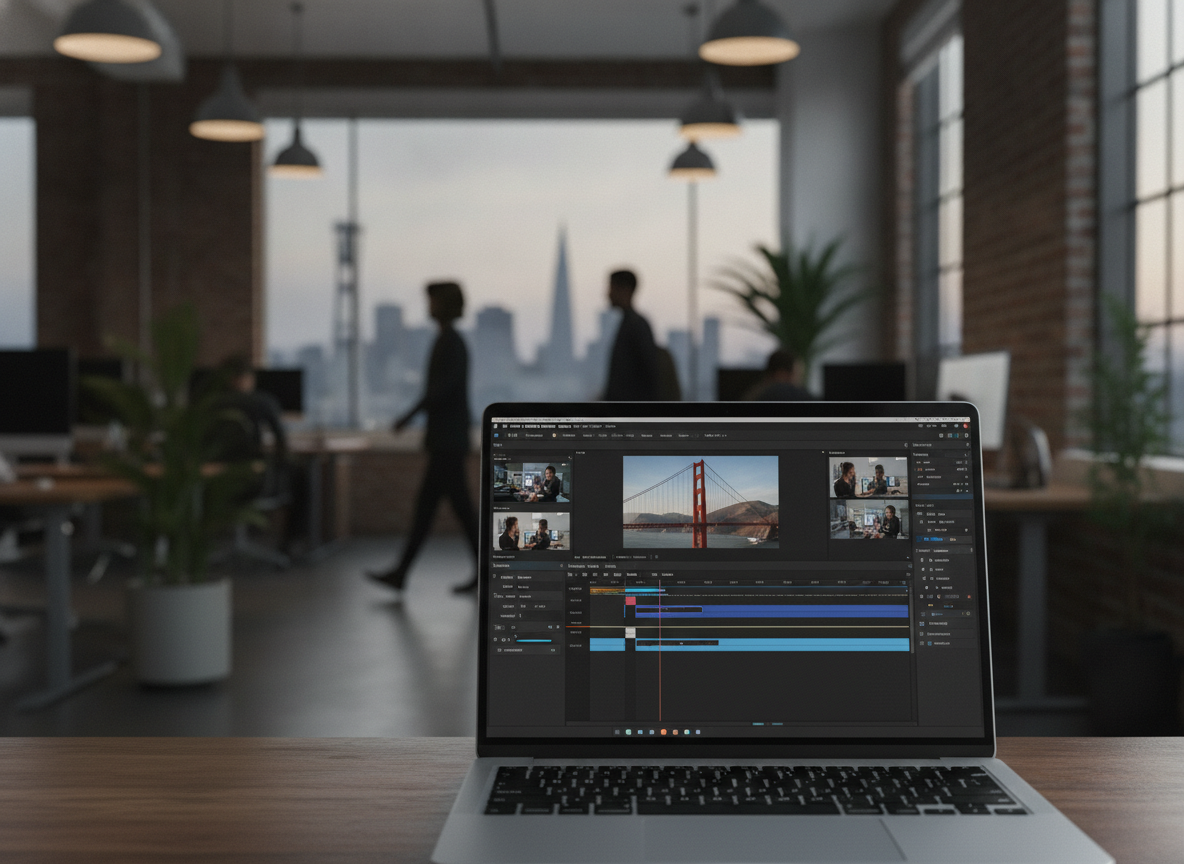
    laptop

    Photo by Quixess Social

    The AI’s understanding of software usage patterns allows it to anticipate user needs and highlight relevant features, reducing editing time. Data shows an average time savings of 70% on video and documentation creation. A 30-minute raw recording might transform into a 3-minute video and a 5-page guide within an hour.

    The Output: A Polished Demo Video and Step-by-Step Guide

    The output is a polished demo video and corresponding step-by-step guide, both ready for distribution. The video is optimized for clarity and engagement with a professional look and feel. Both outputs work together, creating a comprehensive learning experience. For more details, see our guide to one recording, two deliverables.

    Customizing Your Demo Video and Guide

    Branding and Tone

    While the AI handles core editing, customization aligns content with your brand identity. Demofable allows extensive customization of brand colors, fonts, and logos, ensuring a consistent look and feel. The platform also allows users to adjust the tone of generated content to resonate with the target audience.
    videographer operating video camera

    Starting Points and Output Shapes

    Demofable provides multiple starting points for content creation, a full screen recording, specific task, or template, catering to diverse needs. Choosing the right output shape maximizes visibility and engagement, and the platform simplifies this process.

    The Benefits of Using Demofable’s AI Video Editor

    Demofable streamlines the content creation workflow, offering a solution that drastically reduces production time and increases content volume.

    success story

    Photo by Quixess Social

    Increased Efficiency is the most immediate benefit. The platform automates the editing process, leveraging AI to identify key moments and generate documentation. Early adopters report a 70% reduction in video creation time, freeing team members to focus on strategic initiatives. A product update requiring a new onboarding video can be completed in hours rather than days.

    Improved Consistency is another advantage. Manual video editing is subjective, leading to variations in style and quality. The solution enforces brand guidelines and ensures a unified look and feel across all content. Consider setting up a brand kit, as detailed in our guide to brand consistency.

    Tips for Getting the Most Out of Demofable’s AI Video Editor

    Maximizing the platform’s potential requires thoughtful preparation. A well-structured recording forms the foundation for a compelling demo video. Consider your audience and desired outcome before recording.

    Motivational text 'Productive' stamped on canvas with wooden blocks.

    Photo by Kevin Malik on Pexels

    Best Practices for Recording include minimizing distractions and ensuring clear audio. Close unnecessary applications, silence notifications, and use a high-quality microphone. A script or outline helps maintain focus and ensure logical flow. The more structured the recording, the more effectively the AI can interpret and edit the content.

    Optimizing Content for Different Channels requires adjusting video format and length. Social media platforms favor shorter, more engaging videos. Consider creating shorter “teaser” clips from longer demo videos to generate interest and drive traffic to the full content.

    Conclusion

    Creating high-quality product walkthroughs no longer requires extensive time and resources. Demofable’s AI video editor offers a transformative solution, reducing production time while ensuring consistency and enhancing content quality. By automating tedious tasks and generating documentation, the platform empowers product and customer success teams to focus on delivering exceptional user experiences. Get started with Demofable today and turn one customer call recording into a week’s worth of content.

  • 6. Building a Multi-Brand Demo Library Without Losing Consistency

    6. Building a Multi-Brand Demo Library Without Losing Consistency

    Building a Multi-Brand Demo Library Without Losing Consistency

    Maintaining brand consistency across multiple product lines or companies can be challenging. As product managers, software engineers, customer success teams, and technical writers create product walkthroughs, they often struggle with maintaining consistency across multiple brands. It’s a common pain point, but a manageable one. In this article, we’ll explore the benefits of building a multi-brand demo library without losing consistency, and how to achieve it. We’ll cover the advantages, how AI can help, best practices, and common challenges, equipping you to create a unified and effective content strategy.

    The Benefits of a Multi-Brand Demo Library

    Streamlined Content Creation

    A multi-brand demo library dramatically reduces redundant effort. Instead of recreating similar walkthroughs from scratch, teams can leverage existing assets as templates or building blocks. This frees up valuable resources to focus on creating unique and engaging content. Consider a software suite with multiple modules; a centralized approach allows for variations and customizations while maintaining a core foundation.

    Enhanced Brand Consistency

    Brand consistency extends beyond visual elements to include tone of voice and messaging. A unified demo library enforces this consistency across all brands, strengthening brand perception and reinforcing the value proposition. Disparate demo styles can create confusion and erode trust.

    Improved Knowledge Sharing and Collaboration

    A centralized demo library becomes a valuable knowledge repository for the entire organization, enabling new team members to quickly onboard and facilitating cross-functional collaboration.

    Scalability and Future-Proofing

    As a company expands, a multi-brand demo library provides a scalable foundation for content creation, making it easier to adapt to changing market conditions. For more on optimizing video creation, see our guide to choosing the right shape for every channel.

    How Demofable’s AI Video Editor Can Help

    Automated Editing and Assembly

    Demofable‘s AI video editor streamlines the demo creation process by automating tedious tasks like removing filler words and adding transitions. This allows teams to focus on the creative aspects of content creation and ensuring brand alignment. The AI can adapt the editing style to match brand guidelines.

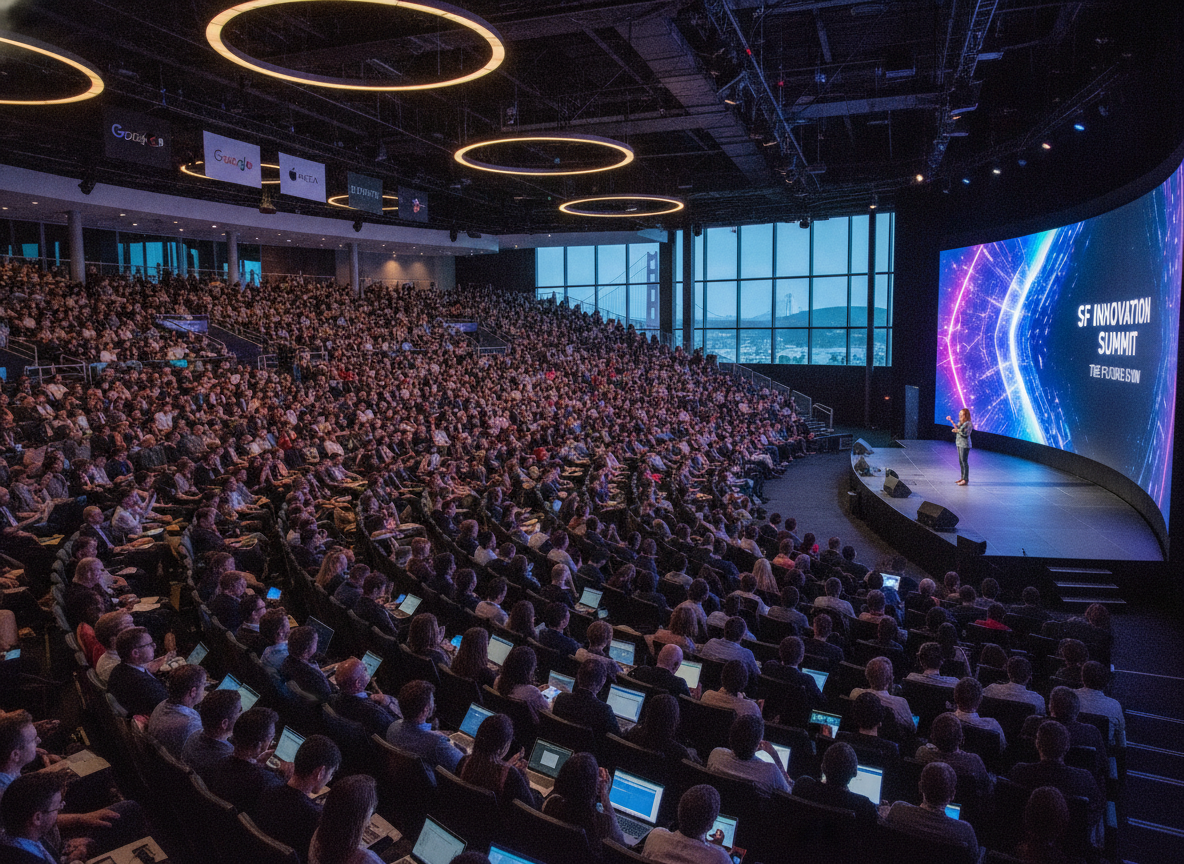
    tech conference

    Photo by Quixess Social

    Template Creation and Customization

    The solution facilitates the creation of reusable templates that ensure consistency in visual style, messaging, and structure. Teams can create a master template and customize it with brand-specific elements. For instance, a company with financial products can create a template for account setup, then customize it for each product.

    Centralized Asset Management

    Demofable provides a robust asset management system for storing and organizing video clips, images, and other resources, ensuring accessibility and version control. The system also provides insights for optimizing the content strategy.

    AI-Powered Redaction and Privacy Protection

    Maintaining privacy is crucial when creating demo videos. The platform’s AI-powered redaction capabilities automatically identify and redact personally identifiable information (PII), ensuring compliance with privacy regulations. It’s a feature that’s increasingly vital, as demonstrated in our discussion of why we don’t trust AI redaction alone.

    Best Practices for Building a Multi-Brand Demo Library

    Establishing a Centralized Style Guide

    A meticulously crafted style guide is essential for maintaining visual and narrative consistency across diverse products and target audiences. This encompasses tone of voice, demo pacing, and transitions. A detailed style guide ensures consistency and streamlines the review process.

    Wooden tiles spelling 'Manage Your Assets' offer conceptual business advice.

    Photo by Brett Jordan on Pexels

    Leveraging Modular Content Blocks

    To avoid redundant recording and editing, adopt a modular approach to content creation. Break down common workflows into reusable blocks that can be assembled into demos tailored to each brand’s needs. This modularity facilitates updates and ensures accuracy. This builds upon the efficiency explored in our article on one recording, two deliverables.

    Data-Driven Optimization & A/B Testing

    A demo library should be continuously optimized. Track key metrics such as view duration and completion rate. A/B testing different demo styles can provide valuable insights. Data from 2024 showed that videos with shorter introductions performed 15% better in terms of completion rates.

    Overcoming Common Challenges

    Navigating Brand-Specific Legal and Compliance Requirements

    Working with multiple brands means navigating legal and compliance requirements. A dedicated compliance checklist, reviewed by legal counsel, is essential.

    error message screen

    Photo by Quixess Social

    Maintaining Consistency Across Distributed Teams

    Maintaining consistency across distributed teams requires clear communication channels, standardized templates, and regular training sessions. Consider implementing a peer review process. Many teams find value in revisiting best practices for different channels to ensure cohesive messaging.

    Conclusion

    Building and maintaining a multi-brand demo library requires a strategic approach centered on consistency, efficiency, and adaptability. A comprehensive style guide, modular content blocks, and data-driven optimization are essential. By embracing these best practices, organizations can transform their demo libraries into a powerful asset that drives engagement, accelerates onboarding, and strengthens brand loyalty. To further refine your content strategy, consider exploring our guide on content calendar planning for demo teams.

  • 3. Picking the Right Starting Point: Product Demo vs. Sales Deep Dive vs. Social Clip

    3. Picking the Right Starting Point: Product Demo vs. Sales Deep Dive vs. Social Clip

    Picking the Right Starting Point: Product Demo vs. Sales Deep Dive vs. Social Clip

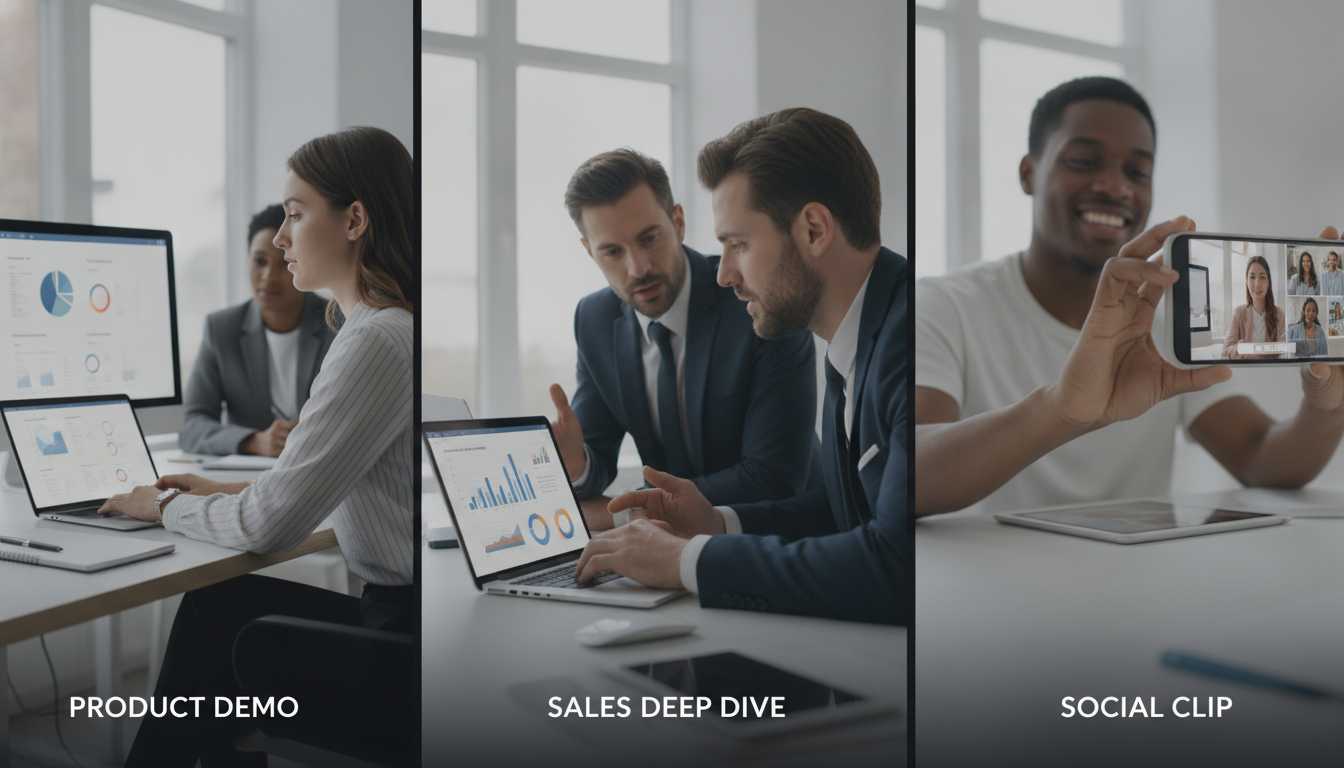
    Creating product walkthroughs that resonate across sales, marketing, and social media requires choosing the right approach. This post explores three strategies, detailed sales deep dives, polished product demos, and snappy social clips, outlining their unique benefits. We’ll also reveal how Demofable‘s AI-powered solution streamlines generating engaging product demos and boosts content creation efficiency.

    Choosing the Right Starting Point: Product Demo vs. Sales Deep Dive

    What is a product demo?

    A product demo showcases functionality and value to educate and excite potential customers by highlighting key features and demonstrating how they solve problems. These demos target a broader audience, appearing on websites, in marketing campaigns, and within onboarding materials. Concise, visually appealing demos focused on core user experience can shorten sales cycles and increase conversion rates.

    The structure typically follows a narrative arc: problem, solution, demonstration, benefits. For example, a SaaS project management tool might illustrate the chaos of disorganized tasks, then demonstrate how the tool brings order and efficiency.

    When to use a sales deep dive

    A sales deep dive is a personalized, in-depth presentation tailored to a specific prospect’s needs. Unlike a general product demo, it focuses on addressing their unique challenges and goals through interactive Q&A and customized demonstrations. This approach requires deeper understanding of the prospect’s business and extensive preparation. For instance, a manufacturing prospect struggling with inventory management would receive a deep dive focused specifically on inventory tracking and reporting features.

    The Benefits of a Social Clip

    Why social clips are perfect for short-form content

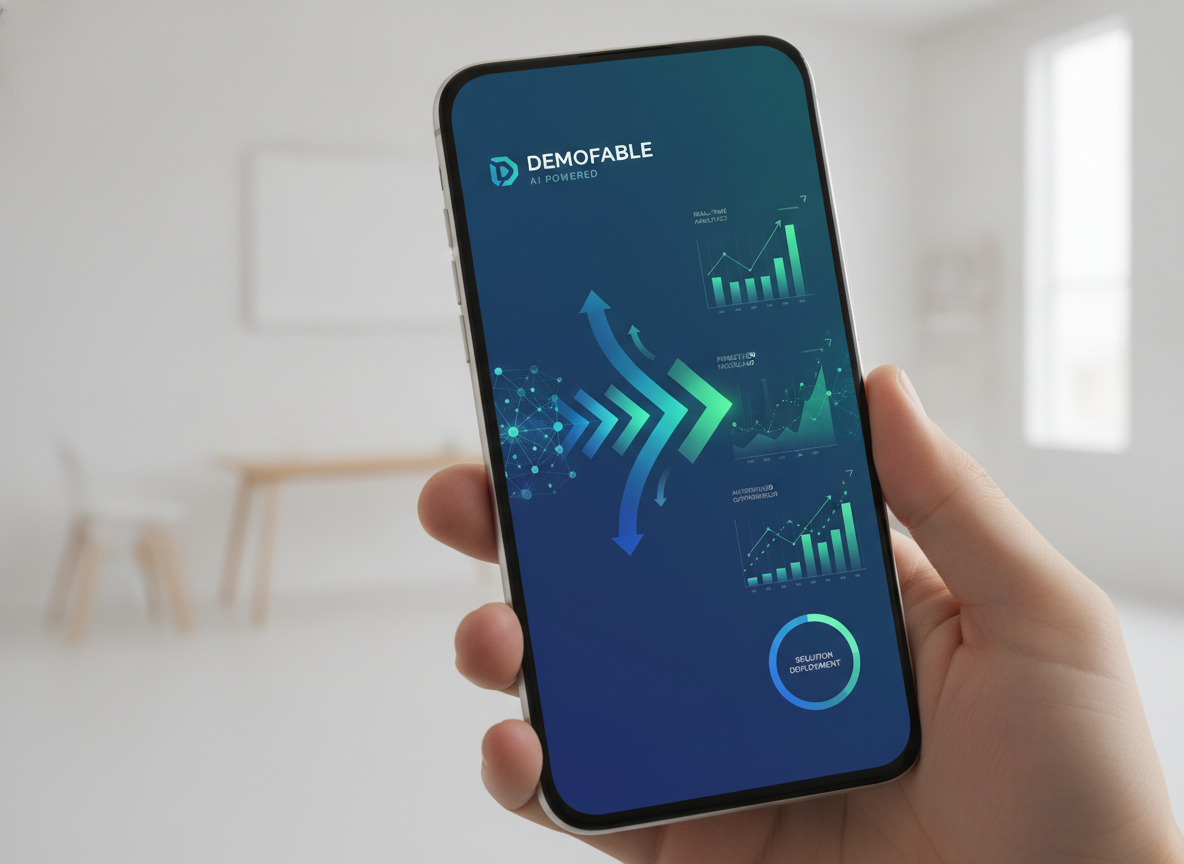
    Short-form videos under 60 seconds capture attention quickly and deliver concise messages on platforms like TikTok, Instagram Reels, and YouTube Shorts. They prioritize visual appeal and entertainment over exhaustive detail, making them ideal for brand awareness, lead generation, and driving traffic to longer-form content. Q3 2026 data shows short-form video accounts for 78% of all video consumption across major social platforms.

    coffee shop

    Photo by Quixess Social

    Maximizing Impact

    Effective social clips require thinking visually, embracing trends, and prioritizing entertainment. Use eye-catching graphics, upbeat music, and concise messaging. The goal isn’t a comprehensive tutorial but to pique interest and leave viewers wanting more.

    Demofable’s AI-Powered Solution: How it Works

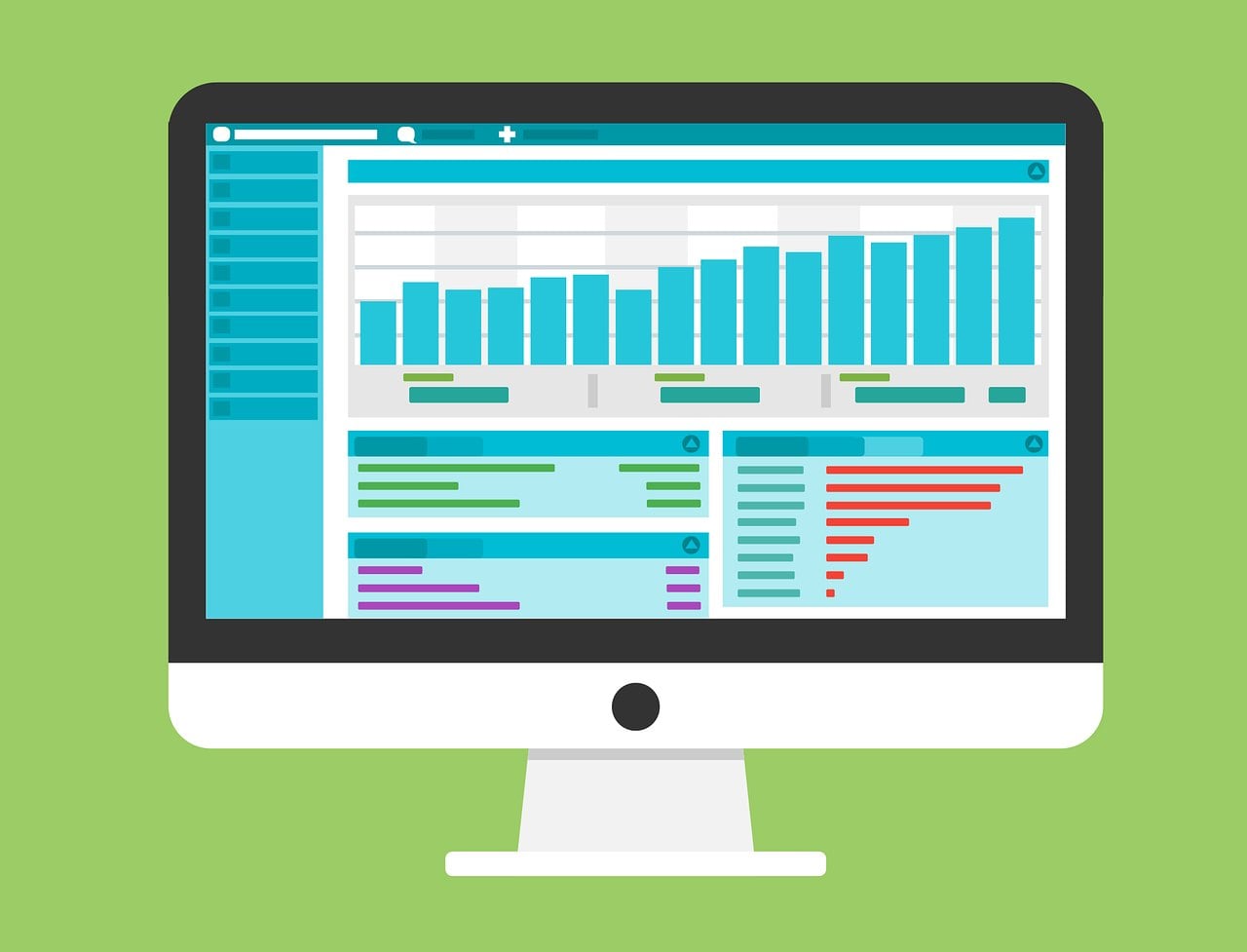
    Transforming raw screen recordings into polished product demos and documentation can overwhelm teams. Demofable streamlines this workflow by leveraging AI to automate traditionally manual steps. The platform analyzes recordings, identifies key actions, and automatically generates edit-ready sequences.

    computer monitor displaying data dashboard

    How Demofable’s AI edits a recording

    The AI operates through scene detection (identifying logical breaks), action analysis (recognizing clicks and keystrokes), and intelligent redaction (masking sensitive information). It automatically generates captions, transcripts, and step-by-step documentation from the same recording, ensuring consistency while saving time and resources.

    Key point 1

    The AI intelligently flags areas needing attention.

    Key point 2

    The AI generates transcripts and documentation.

    Key point 3

    The AI incorporates intelligent redaction.

    Tips for Getting the Most Out of Demofable

    smartphone screen

    Photo by Quixess Social

    How to choose the right starting point

    Product demos target broad audiences showcasing overall functionality. Sales deep dives target qualified audiences addressing specific pain points. Social clips prioritize maximum reach and virality. To determine the best starting point, consider your target audience and desired outcome. Demofable’s flexible platform accommodates any approach.

    Key point 1

    Product demos target a broad audience.

    Key point 2

    Sales deep dives address specific pain points.

    Key point 3

    Social clips aim for maximum reach.

    Conclusion

    Creating engaging product walkthroughs doesn’t have to be time-consuming. By understanding different approaches, product demos, sales deep dives, and social clips, and leveraging the right tools, you can streamline your workflow and deliver compelling content. Demofable’s AI-powered solution automates manual tasks, freeing your team to refine content. Start creating with Demofable today.