
Beyond Raw Footage: How Modern AI Video Editors Transform Product Demos
Product teams waste countless hours re-recording and editing demo videos because traditional screen recording treats footage as finished pixels rather than structured data. AI video editors that understand intent, what was clicked, what was said, what needs privacy protection, can automate the entire pipeline from raw recording to polished output. This article explores why conventional workflows fail, how modern AI reverses the production cycle, privacy-first principles that protect sensitive data, and real use cases showing who benefits most.
Why Traditional Screen Recording Workflows Still Feel Broken
The Re-recording Penalty
A single stumble, a misclick or verbal mistake, forces teams back to square one. Unlike live performance, screen recordings offer no graceful recovery. A five-minute demo might require fifteen minutes of raw footage after false starts. The fundamental problem is that editing mistakes mid-narrative is extraordinarily difficult: cutting a three-second flub requires managing audio sync, ensuring visual continuity, and preventing jarring jump cuts that confuse viewers.
Manual Editing Is a Time Sink
After recording, manually blurring sensitive data, customer names, account IDs, email addresses, is tedious and error-prone. A single overlooked detail can expose confidential information. Creating multiple aspect ratios compounds this burden: teams need widescreen for web, vertical for social media, and square crops for ads. This typically means exporting and reformatting the same video three times separately, doubling the work required.
How an AI Video Editor Reverses the Workflow
Understanding Structure, Not Just Pixels
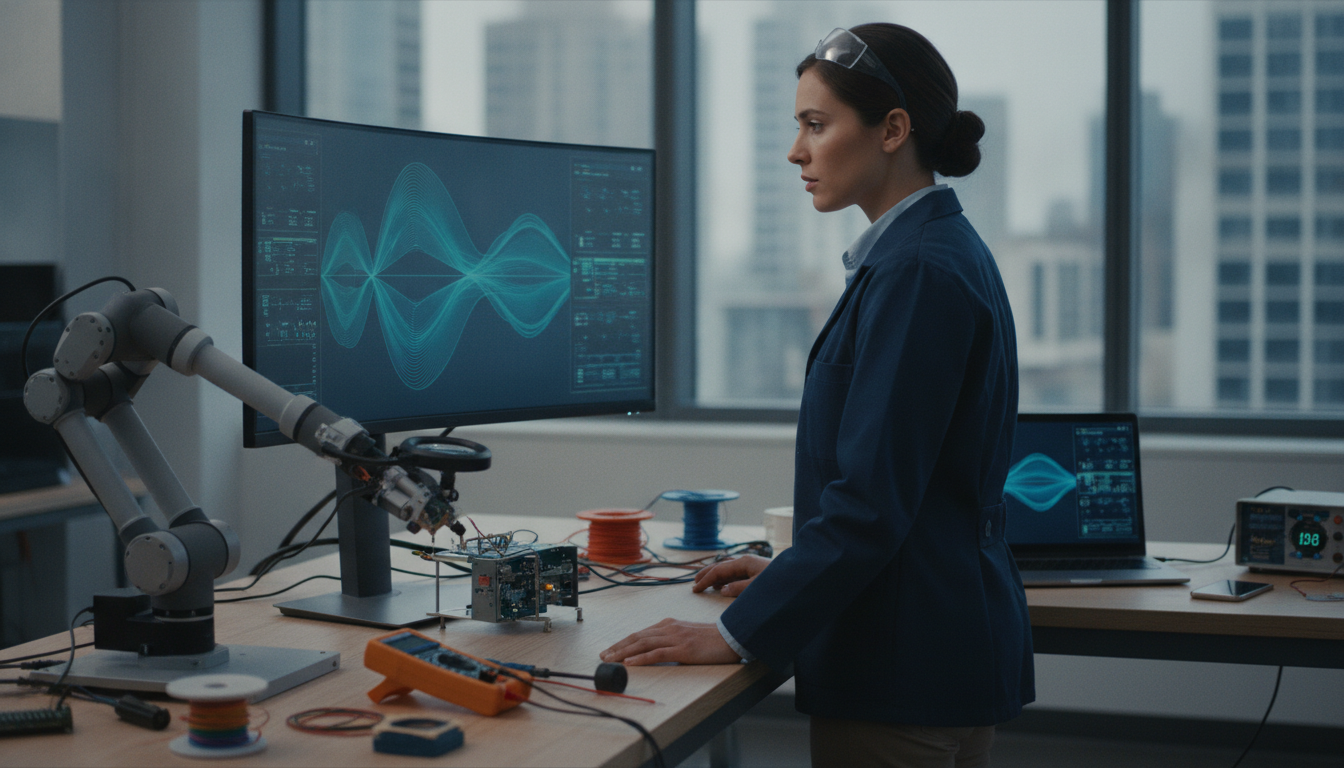
Modern AI video editors capture metadata during recording, what you clicked, typed, scrolled, and navigated, so the system understands the logical flow of your demo rather than treating it as a stream of pixels. This structural awareness is foundational. The platform recognizes semantic meaning: “The user opened Settings, then clicked Billing,” rather than just observing pixel changes.

Photo by Quixess Social
Because the solution understands intent, it can make intelligent decisions about where cuts belong, which sections merit emphasis, and what requires redaction. Analysis shows that video editing platforms leveraging structural metadata reduced manual review time by up to 60% compared to pixel-based approaches. When the system knows that a click triggered a navigation action, it can auto-generate chapter markers, suggest optimal cut points, and propose which sections need re-voicing or zooming.
Proposing Edits Before Rendering
Instead of handing you a finished product, intelligent systems show you an edit plan first: where cuts will happen, which sections will be zoomed, where narration will be re-voiced, and what will be blurred. This human review step catches AI mistakes, especially critical for privacy detection, before the video ships to customers.
One recording automatically generates multiple output formats because the tool understands underlying structure and can reshape it for any medium. A widescreen recording becomes a vertical social clip and a square ad version without separate exports. Teams can review the proposed edit in minutes rather than spending hours in a traditional editing suite. For teams creating frequent product walkthroughs, see our detailed guide on converting unscripted screen recordings to step-by-step guides.
The Privacy-First Approach That Sets Modern Tools Apart
Semantic Detection vs. Pixel-Based Guessing
Traditional tools handle sensitive data reactively, scanning finished video for patterns using pixel-level image analysis after recording. This approach is fundamentally unreliable, a customer’s email might render differently across browsers, and internal metrics lack consistent visual markers.

Human Approval Is Non-Negotiable
The best privacy workflow doesn’t automate the final decision. Instead of automatically blurring detected data, the platform generates a detailed edit plan for human review. A product manager can see exactly what the AI flagged and approve the blurring strategy before rendering. This makes privacy deliberate, not invisible.
Real Use Cases: Who Benefits Most
Sales Teams Personalizing Demos at Scale
Sales reps record quick, unscripted walkthroughs tailored to each prospect without worrying about perfect delivery or accidental data exposure. The AI handles polishing: removing pauses, tightening pacing, and flagging sensitive data for review. One rep can produce personalized demos for multiple prospects without studio production overhead. A recorded walkthrough becomes shareable within hours, personalized enough to feel genuine but polished enough to represent the product credibly.
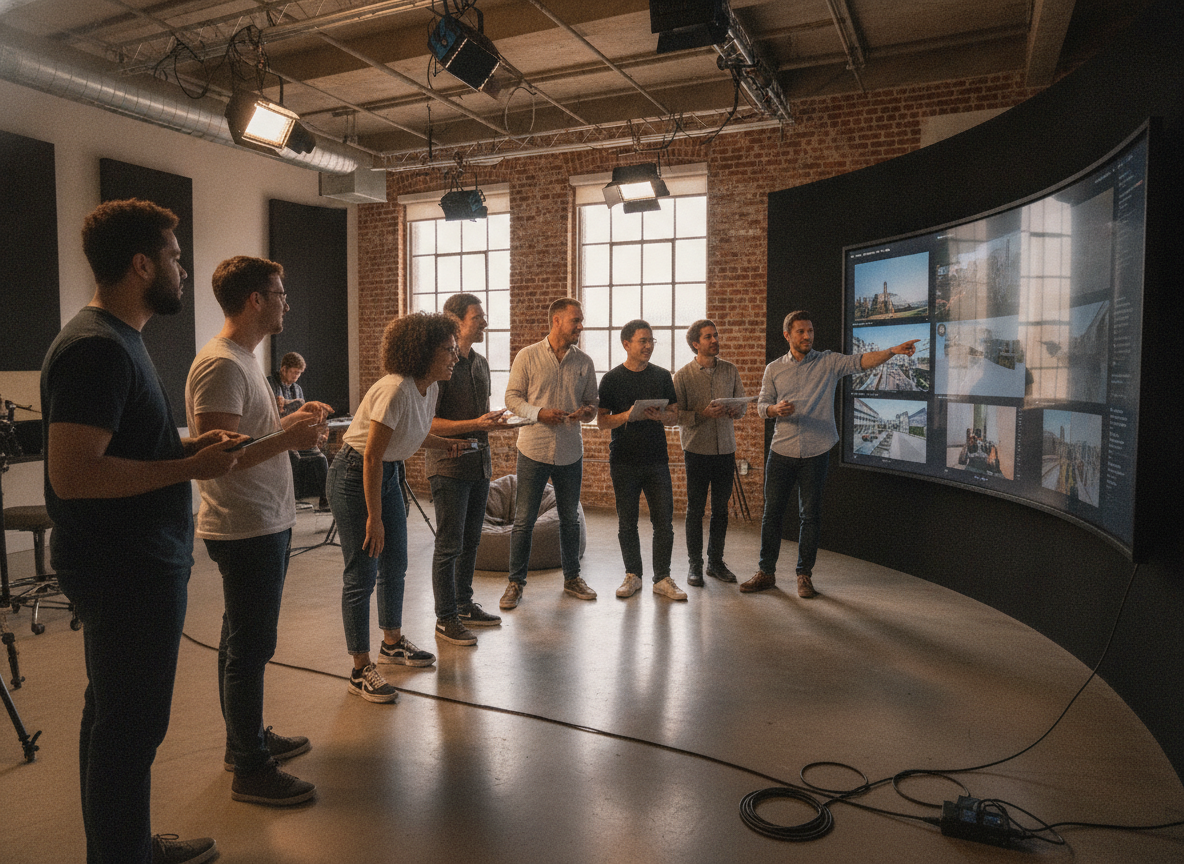
Photo by Quixess Social
Support and Product Teams Building Evergreen Assets
A single recorded session becomes multiple outputs: a help-center video, step-by-step documentation, and social-ready clips in different formats. Customer success teams no longer choose between video and written guides, they get both automatically from one source. Product managers announcing features can publish vertical clips for social media, widescreen versions for webinars, and square formats for email, all extracted from one recording.
Conclusion
The next generation of screen recording tools understand demo logic, what was clicked, what was said, what needs protection, not just pixels on screen. By shifting from a finished-video model to a human-approved edit-plan model, teams gain speed and control, freeing engineers and product managers from manual editing. If your team still re-records mistakes or manually stitches demos together, explore tools designed around AI editing. Record once, review the edit plan, and get polished videos and documentation automatically ready to share.