Category: AI Video Editor

  • 10. demofable vs. Guidde and Scribe: Do You Need the Video or Just the Guide?

    10. demofable vs. Guidde and Scribe: Do You Need the Video or Just the Guide?

    demofable vs. Guidde and Scribe: Do You Need the Video or Just the Guide?

    Product demos and documentation are essential for onboarding and driving adoption. Traditional manual screen recordings are time-consuming and often become outdated. AI-powered tools like demofable are changing this, offering faster, more consistent ways to generate both videos and step-by-step guides. This post compares demofable to alternatives like Guidde and Scribe to help you choose the right solution.

    The Problem with Traditional Product Demos

    The Limitations of Screen Recordings

    Traditional screen recordings quickly expose their limitations. Footage includes unnecessary steps and verbal stumbles, requiring significant manual editing to create polished demos. Ensuring consistency across multiple demos as products evolve is challenging. Transcription is laborious and prone to errors, and video demos often become disjointed from written documentation. For a look at how AI is changing video editing, see our comparison of demofable and Loom.

    The Benefits of Automated Demos with demofable

    AI-powered editing

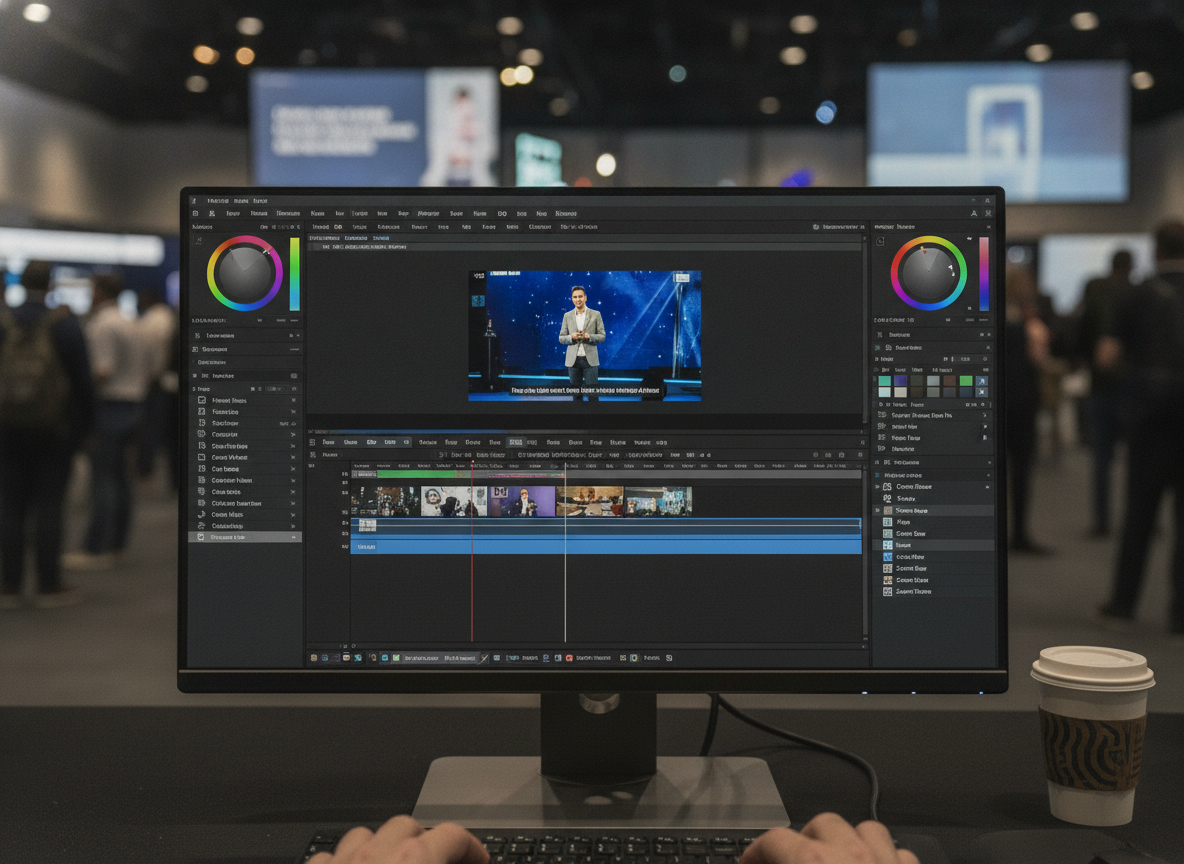
    demofable leverages AI to automate the demo creation process. Instead of hours manually editing, the AI intelligently identifies key actions and removes extraneous content, producing high-quality product demos and documentation in a fraction of the time. This frees up teams for product development and customer engagement.

    tech team meeting

    Photo by Quixess Social

    Seamless integration with documentation

    Beyond video editing, demofable excels at generating step-by-step documentation. The AI automatically transcribes spoken explanations and links them to specific actions within the video, creating synchronized resources that cater to different learning styles. This integration simplifies onboarding and self-service support while maintaining consistency across demonstrations and documentation. For teams maximizing content creation, turning one customer call recording into a week of content is a powerful strategy.

    Guidde vs. demofable: A Comparison of Features

    Video editing capabilities

    While Guidde focuses primarily on video editing with markup features, demofable distinguishes itself with AI-powered editing that automatically identifies key actions, removes unnecessary content, and generates synchronized documentation. This streamlines the workflow compared to Guidde’s more manual approach.
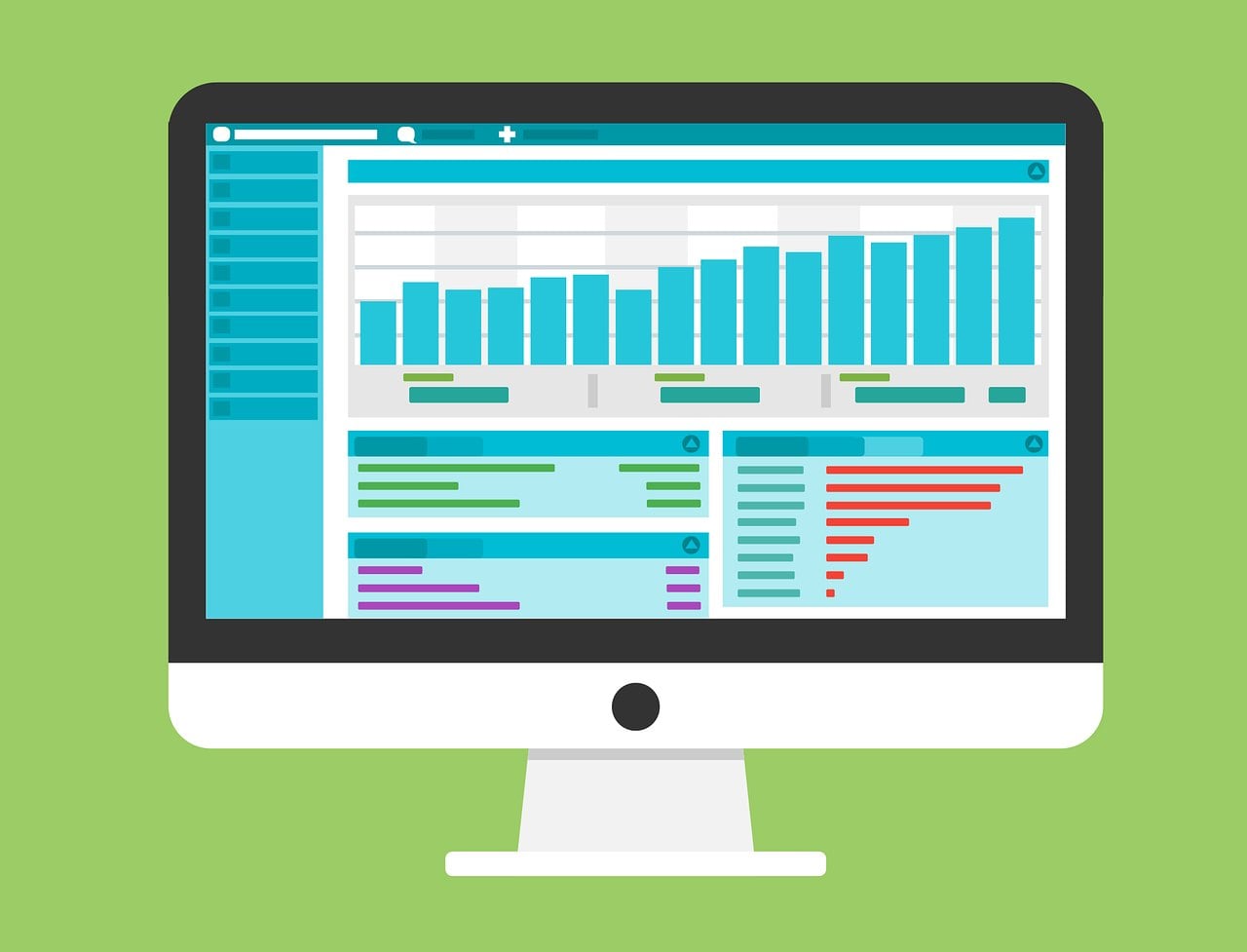
    computer monitor displaying data dashboard

    Documentation generation

    While Guidde offers transcription, demofable goes further by automatically linking transcripts to specific video actions, creating a truly synchronized and interactive learning experience. For standardizing content creation, setting up a brand kit once is crucial.

    Scribe vs. demofable: Which is Right for Your Team?

    Ease of use

    demofable prioritizes user-friendliness with an intuitive interface requiring minimal training. AI-powered automation reduces the learning curve, allowing teams to quickly create high-quality demos and documentation. Scribe, while feature-rich, can be more complex to navigate.

    team discussion

    Photo by Quixess Social

    Customization options

    Scribe excels in flexibility with extensive customization and granular control over creation. While demofable offers a streamlined workflow, its customization options are more limited. Teams requiring high control may find Scribe more appealing. For building demo libraries efficiently, building a multi-brand demo library is important.

    Real-World Examples of demofable in Action

    female dancer jumping mid-air

    Product Demo

    A SaaS company launching a new feature set traditionally requires a week for marketing to create a demo video. Using demofable, the same video is produced in hours. Automated editing and synchronized documentation provide comprehensive learning resources for new users, freeing the team for strategy and promotion.

    Documentation

    A hardware manufacturer needing to update user manuals found that documentation was a bottleneck. demofable’s ability to convert screen recordings into structured documentation accelerates the process, ensuring documentation stays current. For insights into choosing content formats, check our guide on picking the right starting point.

    The Future of Product Demos and Documentation

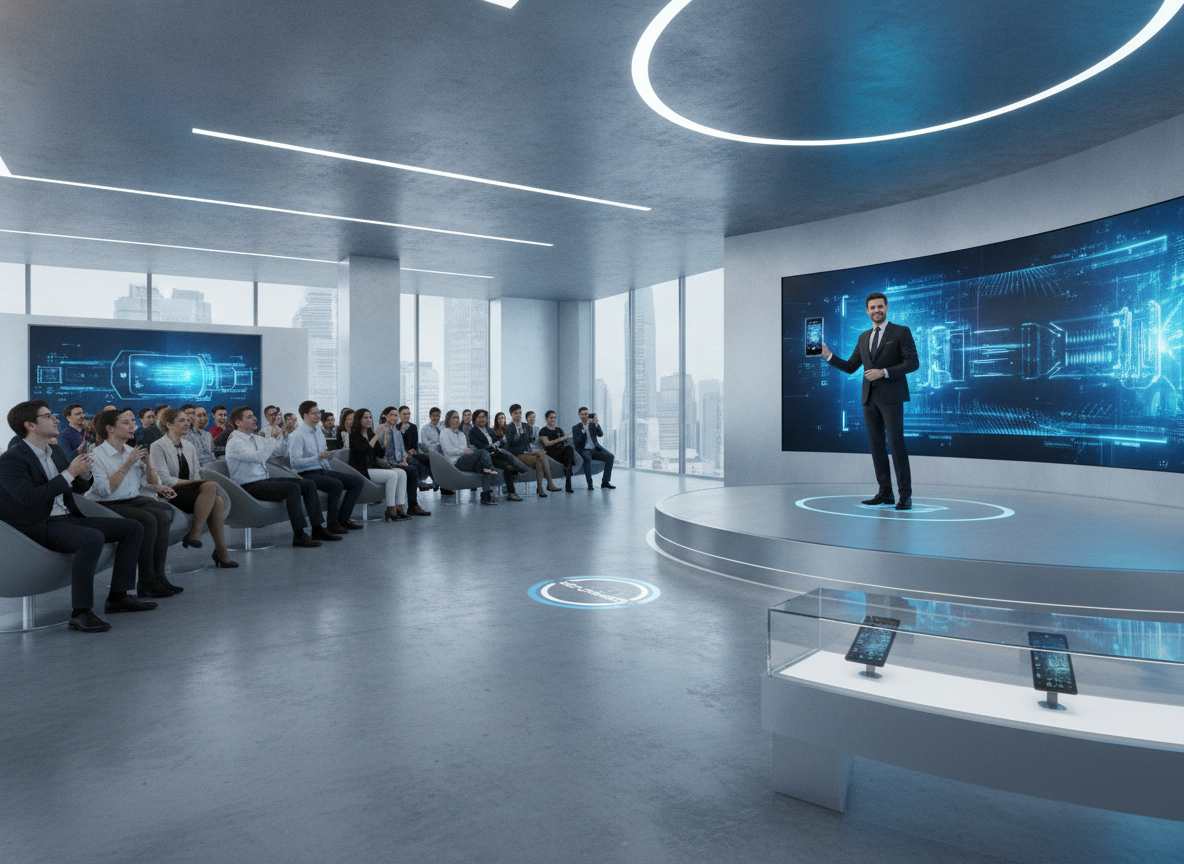
    The landscape is rapidly evolving with AI advancements. AI-powered tools are essential for organizations scaling content creation. We’re seeing a shift toward automated workflows that empower teams to produce high-quality content at scale.

    tech industry trends

    Photo by Quixess Social

    Generative AI will further revolutionize the
  • 7. Setting Up Your Brand Kit Once So Every Video Matches

    7. Setting Up Your Brand Kit Once So Every Video Matches

    Setting Up Your Brand Kit Once So Every Video Matches

    Creating compelling product walkthroughs is a cornerstone of successful product launches and ongoing customer education. Creating those walkthroughs can be time-consuming. Imagine instantly converting recordings into engaging, branded content, that’s the power of Demofable. This article explores how to leverage the platform to streamline your workflow, covering everything from initial recording to brand customization and ultimately, using the solution for effective product education.

    Getting Started with Demofable

    How to Record a Demo

    Recording a polished demo video and written guide with the platform is straightforward. Simply click the record button, walk through your product, and click stop. That single recording becomes the foundation for a professional-grade demo and a detailed guide. There’s no need for complex setups or technical expertise.

    What You’ll Get from the AI

    The AI engine analyzes your screen recording, identifying key actions and interactions. This analysis forms the basis for both the video edit and the written guide. You’ll receive a fully edited video and a detailed, step-by-step guide. For teams needing to produce many product demos, this efficiency is invaluable. Consider building a multi-brand demo library.

    The AI Editing Process

    How Demofable Trims Dead Air

    The platform automatically eliminates awkward pauses and extended periods of dead air, creating a more engaging viewing experience. This automated trimming process drastically reduces editing time.

    laptop screen

    Photo by Quixess Social

    What the AI Zooms In On

    The AI dynamically zooms in on the precise area you’re discussing, ensuring viewers can clearly see every interaction. This improves comprehension and reduces confusion. Find guidance on video shape and format here.

    Customizing Your Brand Kit

    Adding Your Logo and Colors

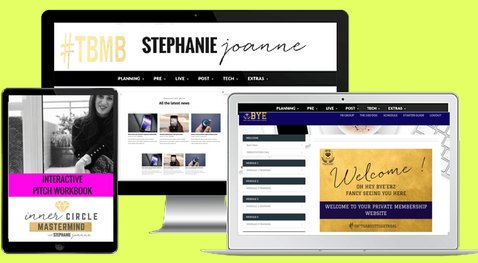
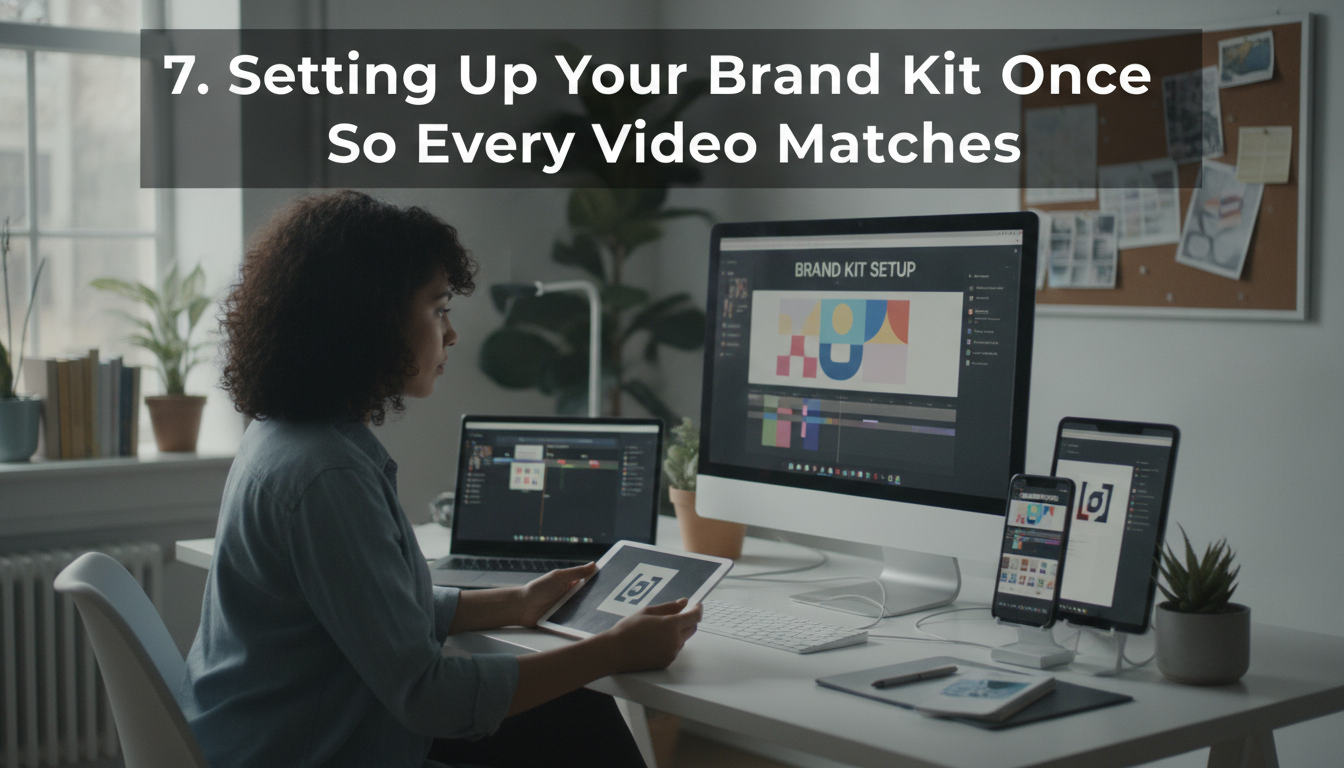
    Consistency is key to building a recognizable brand. With the platform, establishing that consistency is effortless. You can set your company colors, upload your logo, and define your preferred font styles, all in one centralized location. Every video and guide created afterward will automatically adhere to these brand guidelines, reinforcing your brand identity.

    digital device website mockup

    Choosing a Narration Voice

    The platform allows you to select a narration voice that aligns with your brand’s personality and tone. This customization extends beyond just the voice; you can also adjust the pacing and intonation. What’s more, the platform can turn your library of recordings into a chat assistant you embed on your own website. Learn more about the workflow here.

    Using Demofable for Product Education

    Creating a Multi-Brand Demo Library

    Maintaining consistency across product demonstrations, especially with multiple brands, can be a logistical challenge. A centralized demo library allows for version control, easy updates, and a consistent brand experience. This approach streamlines the creation process and ensures every demonstration aligns with the overarching brand identity.

    product demo

    Photo by Quixess Social

    A well-organized demo library simplifies onboarding for new team members and makes it easier to track which demos are most effective.

    Choosing the Right Starting Point

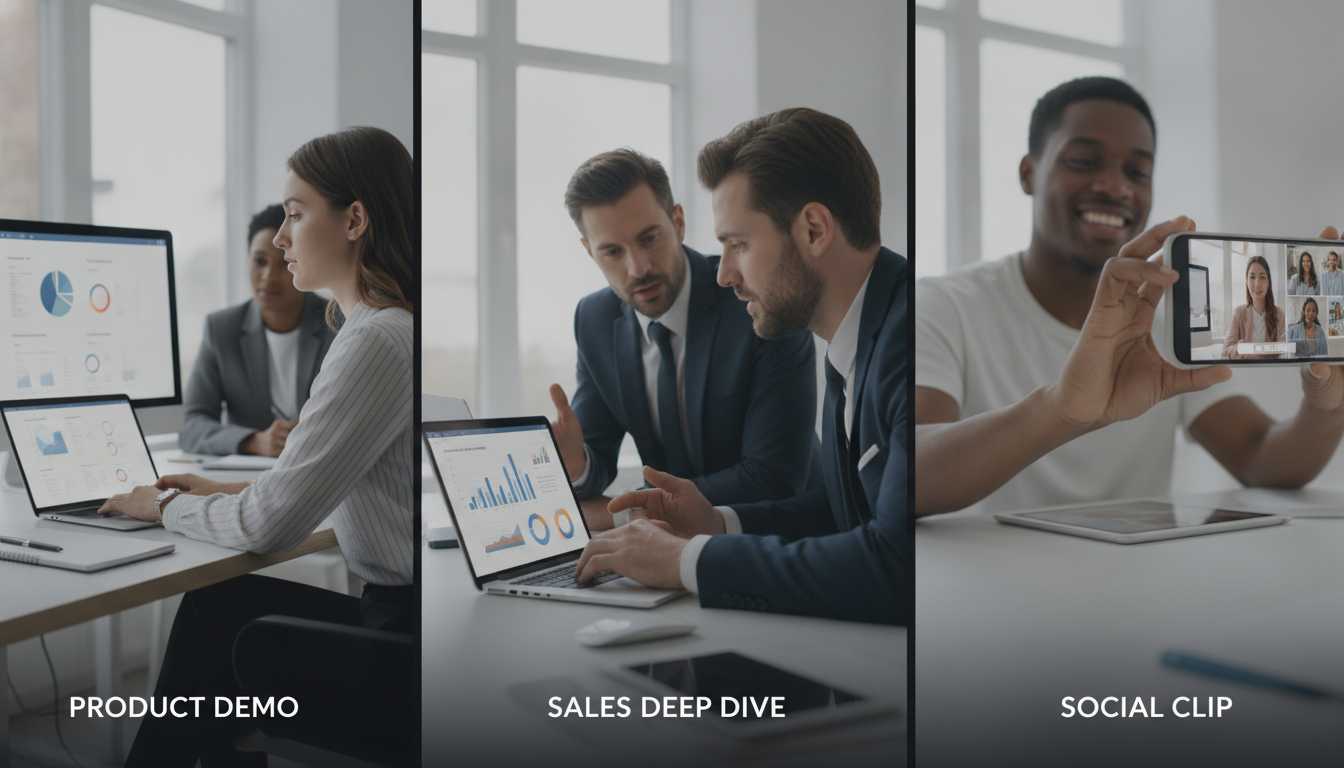
    Selecting the right starting point is critically important. Consider the purpose of the demo: is it a comprehensive product overview, a deep dive into a specific feature, or a short clip for social media? A product demo provides a broad introduction, while a sales deep dive focuses on specific benefits. Social clips are designed to be attention-grabbing and shareable. Our guide provides a detailed breakdown.

    Often, teams need various formats. For example, a detailed product demo might be used internally for training, while shorter clips are shared on social media. The ability to repurpose a single recording into multiple formats significantly reduces the overall workload. Understanding your audience and tailoring the demo accordingly is key to maximizing its impact. Find guidance on video shape here.

    Final Thoughts and Next Steps

    Summarize Key Takeaways

    Creating compelling product walkthroughs doesn’t have to be daunting. By embracing a structured approach and leveraging intelligent tools, teams can streamline the process and produce high-quality videos and guides that effectively showcase their products. Understanding the nuances of different demo types is crucial for ensuring your content resonates.

    Final Thought or Call-to-Action

    The efficiency gains offered by Demofable are substantial, allowing product teams to focus on delivering exceptional product experiences. Try Demofable today and see how it can help you create polished demo videos and written guides. The journey to efficient product education starts now.

    Conclusion

    Throughout this exploration, we’ve emphasized the power of structured content creation for product education. Understanding the nuances of product demos, sales deep dives, and social clips allows teams to tailor their content for maximum impact. Demofable is a powerful tool for creating polished demo videos and written guides that showcase your product. By using this tool, you can save time and effort when creating product walkthroughs, ensuring a consistent brand experience and empowering your team to focus on delivering exceptional product experiences. Start your journey towards streamlined product education today, explore the features and unlock the potential to create impactful content that drives engagement and understanding.

  • 3. Picking the Right Starting Point: Product Demo vs. Sales Deep Dive vs. Social Clip

    3. Picking the Right Starting Point: Product Demo vs. Sales Deep Dive vs. Social Clip

    Picking the Right Starting Point: Product Demo vs. Sales Deep Dive vs. Social Clip

    Creating product walkthroughs that resonate across sales, marketing, and social media requires choosing the right approach. This post explores three strategies, detailed sales deep dives, polished product demos, and snappy social clips, outlining their unique benefits. We’ll also reveal how Demofable‘s AI-powered solution streamlines generating engaging product demos and boosts content creation efficiency.

    Choosing the Right Starting Point: Product Demo vs. Sales Deep Dive

    What is a product demo?

    A product demo showcases functionality and value to educate and excite potential customers by highlighting key features and demonstrating how they solve problems. These demos target a broader audience, appearing on websites, in marketing campaigns, and within onboarding materials. Concise, visually appealing demos focused on core user experience can shorten sales cycles and increase conversion rates.

    The structure typically follows a narrative arc: problem, solution, demonstration, benefits. For example, a SaaS project management tool might illustrate the chaos of disorganized tasks, then demonstrate how the tool brings order and efficiency.

    When to use a sales deep dive

    A sales deep dive is a personalized, in-depth presentation tailored to a specific prospect’s needs. Unlike a general product demo, it focuses on addressing their unique challenges and goals through interactive Q&A and customized demonstrations. This approach requires deeper understanding of the prospect’s business and extensive preparation. For instance, a manufacturing prospect struggling with inventory management would receive a deep dive focused specifically on inventory tracking and reporting features.

    The Benefits of a Social Clip

    Why social clips are perfect for short-form content

    Short-form videos under 60 seconds capture attention quickly and deliver concise messages on platforms like TikTok, Instagram Reels, and YouTube Shorts. They prioritize visual appeal and entertainment over exhaustive detail, making them ideal for brand awareness, lead generation, and driving traffic to longer-form content. Q3 2026 data shows short-form video accounts for 78% of all video consumption across major social platforms.

    coffee shop

    Photo by Quixess Social

    Maximizing Impact

    Effective social clips require thinking visually, embracing trends, and prioritizing entertainment. Use eye-catching graphics, upbeat music, and concise messaging. The goal isn’t a comprehensive tutorial but to pique interest and leave viewers wanting more.

    Demofable’s AI-Powered Solution: How it Works

    Transforming raw screen recordings into polished product demos and documentation can overwhelm teams. Demofable streamlines this workflow by leveraging AI to automate traditionally manual steps. The platform analyzes recordings, identifies key actions, and automatically generates edit-ready sequences.

    computer monitor displaying data dashboard

    How Demofable’s AI edits a recording

    The AI operates through scene detection (identifying logical breaks), action analysis (recognizing clicks and keystrokes), and intelligent redaction (masking sensitive information). It automatically generates captions, transcripts, and step-by-step documentation from the same recording, ensuring consistency while saving time and resources.

    Key point 1

    The AI intelligently flags areas needing attention.

    Key point 2

    The AI generates transcripts and documentation.

    Key point 3

    The AI incorporates intelligent redaction.

    Tips for Getting the Most Out of Demofable

    smartphone screen

    Photo by Quixess Social

    How to choose the right starting point

    Product demos target broad audiences showcasing overall functionality. Sales deep dives target qualified audiences addressing specific pain points. Social clips prioritize maximum reach and virality. To determine the best starting point, consider your target audience and desired outcome. Demofable’s flexible platform accommodates any approach.

    Key point 1

    Product demos target a broad audience.

    Key point 2

    Sales deep dives address specific pain points.

    Key point 3

    Social clips aim for maximum reach.

    Conclusion

    Creating engaging product walkthroughs doesn’t have to be time-consuming. By understanding different approaches, product demos, sales deep dives, and social clips, and leveraging the right tools, you can streamline your workflow and deliver compelling content. Demofable’s AI-powered solution automates manual tasks, freeing your team to refine content. Start creating with Demofable today.