
Why Product Teams Are Ditching Separate Tools for AI Video Editors
Product managers and technical writers spend hours juggling multiple tools: a screen recorder, a video editor, a documentation platform, and a design tool just to create one product demo
The result is fragmented workflows, duplicate effort, and demos that feel disjointed because the video and the written guide don’t actually align
This article explores how modern AI video editors are consolidating this workflow and why that shift matters for cross-functional teams in 2026
The AI handles the tedious editing work
The automation removes the manual labor that consumes most of a video editor’s time. The system removes silence and dead air, zooms into relevant screen regions automatically, writes descriptive captions from the narrator’s voice, timestamps each action, and extracts high-resolution screenshots for inclusion in the documentation. Teams choose output formats on demand, widescreen for your website, vertical for social media, square for LinkedIn, all derived from a single recording without re-shooting or re-editing.
Technical writers benefit equally. Instead of watching hours of video or writing from memory, this solution surfaces a complete step-by-step breakdown with accompanying images already prepared. The writer’s role shifts from transcription and guesswork to refinement: fact-checking terminology, clarifying ambiguous steps, and adding domain-specific context that the AI cannot infer. Documentation that once took days to write from scratch now requires hours of focused review and polish.
The Control You Keep: Why This Isn’t a Black Box
Review before publish
AI-generated output never ships without human eyes on it. Demofable surfaces every editorial decision before export, you see exactly which segments were cut for pacing, where the system applied zoom to highlight UI elements, and what narration it generated. This review step is mandatory, not optional. You control the final output at a granular level: regenerate specific sections without re-recording, edit captions word-by-word, adjust playback speed, or swap the AI voice for your own recording. A product manager can tighten a demo’s pacing in seconds. A technical writer can refine narration tone. An engineer can flag a misidentified button and have the system regenerate just that moment. No re-recording. No starting over.
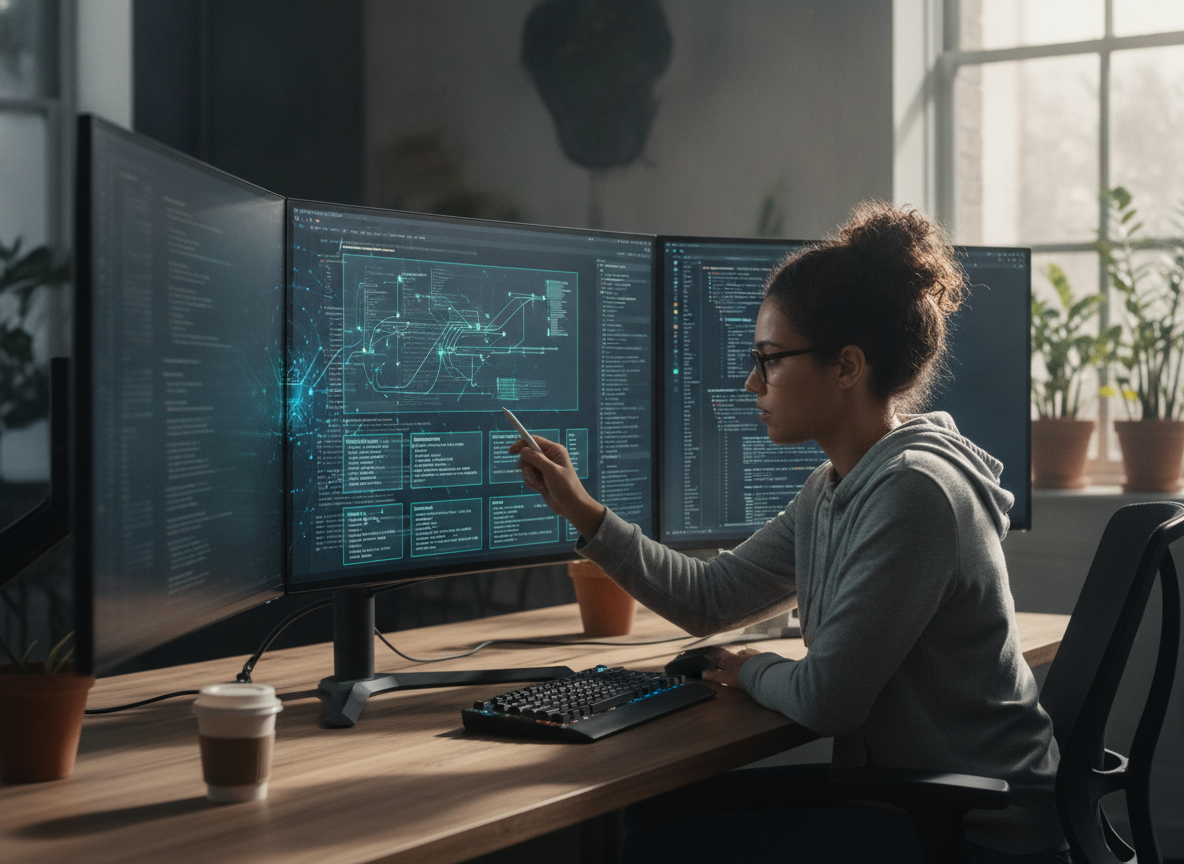
Photo by Quixess Social
Privacy and sensitive data flagging
The solution automatically detects and flags sensitive information captured on screen, customer names, email addresses, account IDs, API keys, before rendering. You decide whether to blur, redact, or replace each flagged element. This layer of human-in-the-loop redaction catches what pixel-level detection alone might miss. Brand consistency applies automatically across all outputs: logos, color schemes, intro and outro clips, and voice style enforce your identity without manual intervention on every video. Your team maintains creative authority while the platform handles repetitive standardization work.
Conclusion
Consolidating video editing, documentation, and demo creation into a single AI-powered workflow eliminates handoffs and keeps your team aligned. What used to take days, record, edit, write, design, publish, now happens in one pass, with you maintaining full control at every checkpoint. If your team is still juggling a screen recorder, video editor, and documentation tool separately, you’re solving the same problem three times. Consider how a unified approach could reclaim time for strategy instead of tooling.
