
Why We Don’t Predict How Long Narration Will Take
Product teams often try to predict demo narration length before recording starts. It seems rational, plan your content calendar, schedule reviews, set audience expectations. But this approach fails the moment your narrator hits record. Unscripted walkthroughs contain natural pauses, corrections, and moments of discovery that no pre-recording estimate can capture. This article explores why narration duration remains fundamentally unpredictable and how accepting this reality streamlines your entire demo creation workflow.
The Estimation Problem Nobody Talks About
Why product teams estimate narration length upfront
Marketing teams want to know if a walkthrough fits a 60-second social media slot or requires a 5-minute format. Sales organizations need to schedule prospect demos within time-boxed calls. Estimating upfront feels like planning and taking control of an uncertain process. Scripts get word counts, speaking pace assumptions get applied, and a rough duration emerges as a commitment. Yet this estimate collapses under the weight of reality.
The hidden variables that destroy predictions
Real walkthroughs contain pauses, corrections, and thinking moments that never appear in written scripts. A narrator might hesitate before clicking a button, backtrack to clarify a point, or pause to let a concept sink in. One speaker might explain a feature in 90 seconds; another might take three minutes covering the exact same ground with natural breathing room. Product complexity adds another layer, explaining a feature to an internal engineering team differs fundamentally from walking a prospect through the same functionality. Actual narration time becomes a function of speaker pace, product familiarity, and audience background, variables that only become clear during recording.
What Makes Unscripted Screen Recordings Unpredictable
Natural speech patterns create timing chaos
Humans don’t speak like scripts read. Speakers naturally hesitate when formulating explanations, repeat themselves for emphasis, and backtrack when repositioning points. These verbal behaviors are features of effective communication, but they’re invisible to pre-recording estimation models.
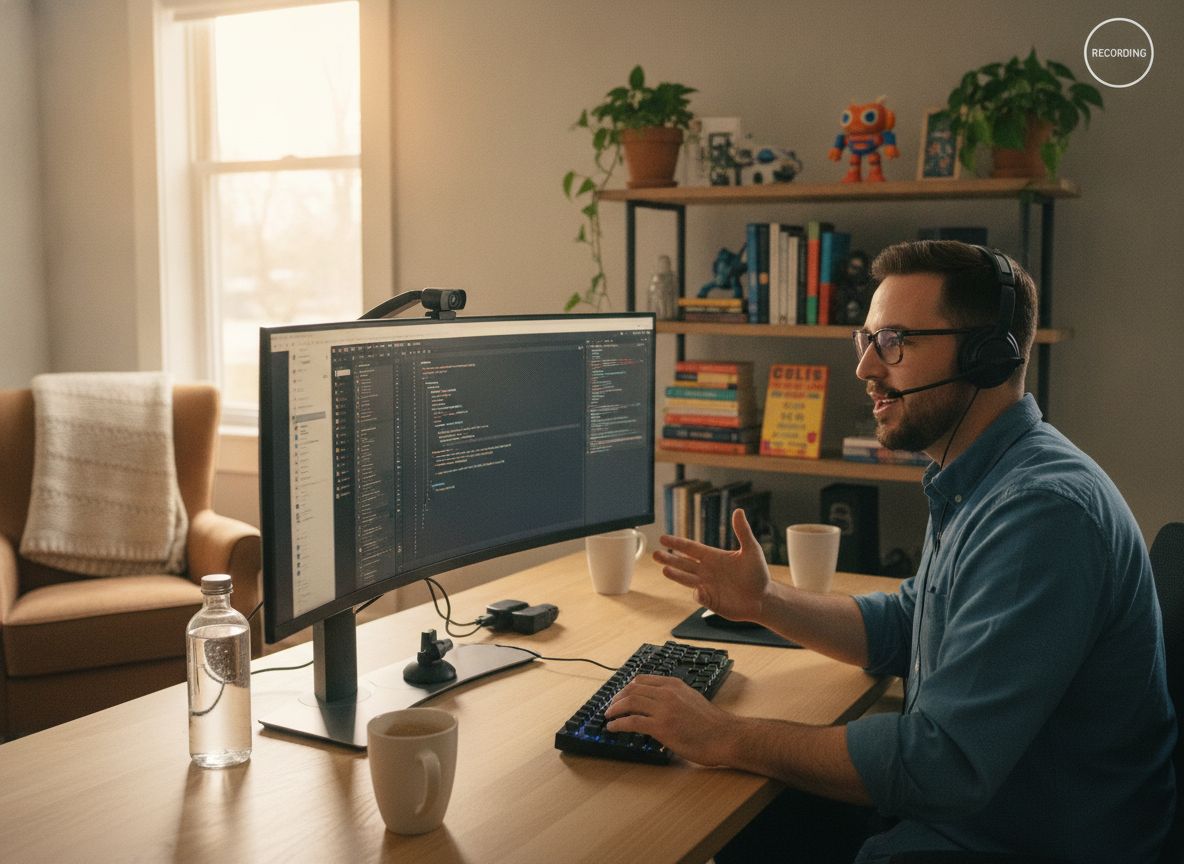
Photo by Quixess Social
Consider a product walkthrough explaining a dashboard feature. A script might read: “Click the settings icon and select analytics.” The actual narration might unfold as: “So here, um, if you click this settings icon, or actually, let me show you the easier way, you see this dropdown menu? Click it, and then you’ll see analytics, which is probably what you want.” That’s natural explanation, 40% longer than the script suggested, and that variance cascades across your entire demo.
Product interaction speed varies by scenario
Clicking speed, scrolling duration, and page load times add unmeasurable delays. A demonstration filmed on a fast development environment might take 30% longer in front of a customer with a slower network. Different audiences also require different pacing, a sales prospect demo needs more context than an internal training video, while a support walkthrough for power users covers ground faster than one targeting new customers. The same feature explanation spans 2-5 minutes depending on context, making a single predicted duration meaningless.
The AI Video Editor Approach: Measure After, Not Before
Recording first removes the guessing game
When you record without a locked script, you’re capturing authentic user behavior: natural pauses, clarifications, and real-time thinking. This raw footage contains the truth about how long your explanation actually takes to deliver, unlike estimates based on assumptions.
Let editing tools work with actual data
Once your screen recording is complete, AI-powered editors can transcribe narration in real time and analyze the timeline with precision. These tools intelligently trim dead air, remove false starts, and clean up verbal stumbles without altering meaning or flow. An AI video editor works backward from recorded reality rather than forward from guesses, making your final demo length a measurement based on actual delivery.
Why This Matters for Your Demo Workflow
Planning timelines without predictions
When you know the exact length only after editing is complete, project bottlenecks disappear upstream. Teams stop asking “How long will this narration take?” and start asking “What version do we need?” A five-minute walkthrough can be cut to two minutes for social media, expanded to eight minutes for documentation, or segmented into thirty-second clips for onboarding.
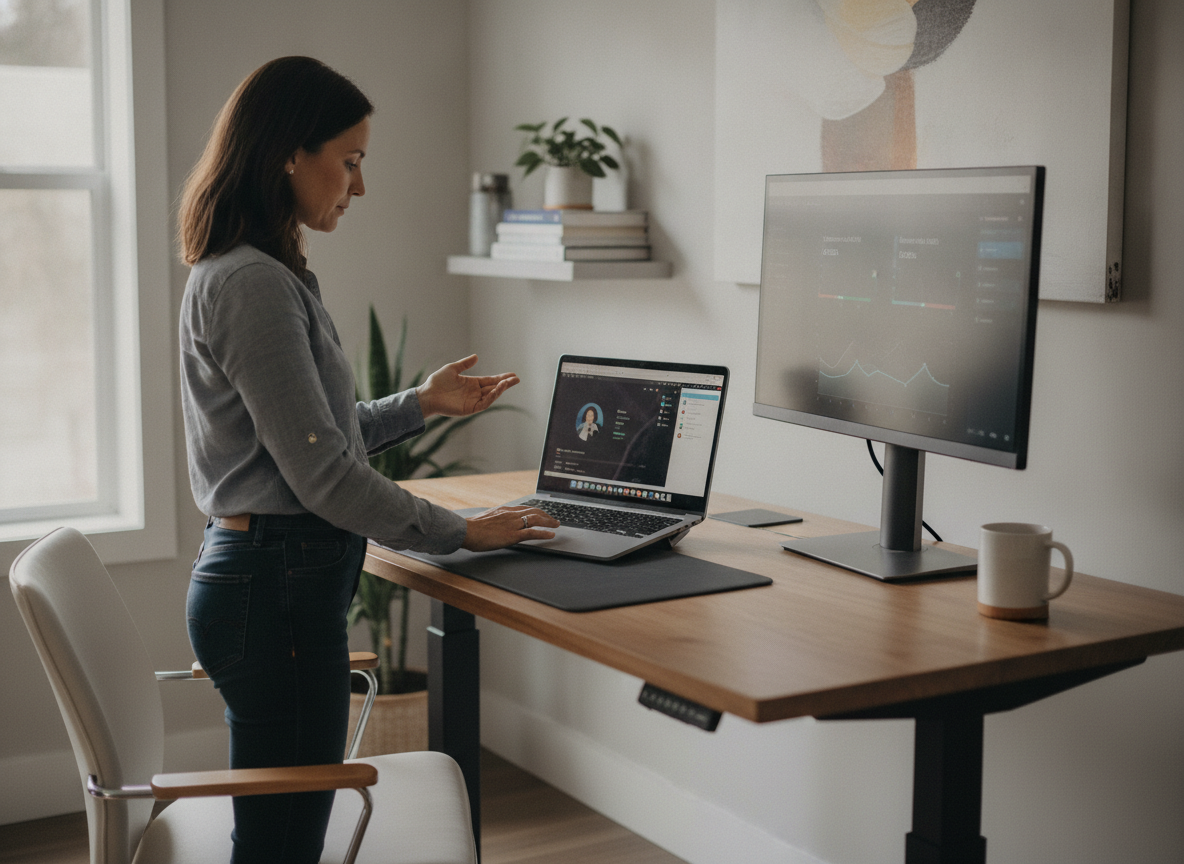
Photo by Quixess Social
Building flexibility into your process
Tools that function as documentation generators and product demo builders enable you to produce multiple formats without re-recording. Your screen recording is captured once, then intelligently shaped into different assets, each with known timing and scope. This flexibility frees teams to focus on format and audience rather than duration uncertainty.
Conclusion
Stop trying to predict narration length; let the recording reveal it. The most efficient demo workflows measure after capture, not before, removing estimation errors entirely. When your screen recording becomes your source of truth and your editing process is data-driven, every version of your demo arrives with precision and confidence. Start recording first. Measure second. Build your timelines based on what actually happened.
