Author: Dele Osayande

  • 7. Setting Up Your Brand Kit Once So Every Video Matches

    7. Setting Up Your Brand Kit Once So Every Video Matches

    Setting Up Your Brand Kit Once So Every Video Matches

    Creating compelling product walkthroughs is a cornerstone of successful product launches and ongoing customer education. Creating those walkthroughs can be time-consuming. Imagine instantly converting recordings into engaging, branded content, that’s the power of Demofable. This article explores how to leverage the platform to streamline your workflow, covering everything from initial recording to brand customization and ultimately, using the solution for effective product education.

    Getting Started with Demofable

    How to Record a Demo

    Recording a polished demo video and written guide with the platform is straightforward. Simply click the record button, walk through your product, and click stop. That single recording becomes the foundation for a professional-grade demo and a detailed guide. There’s no need for complex setups or technical expertise.

    What You’ll Get from the AI

    The AI engine analyzes your screen recording, identifying key actions and interactions. This analysis forms the basis for both the video edit and the written guide. You’ll receive a fully edited video and a detailed, step-by-step guide. For teams needing to produce many product demos, this efficiency is invaluable. Consider building a multi-brand demo library.

    The AI Editing Process

    How Demofable Trims Dead Air

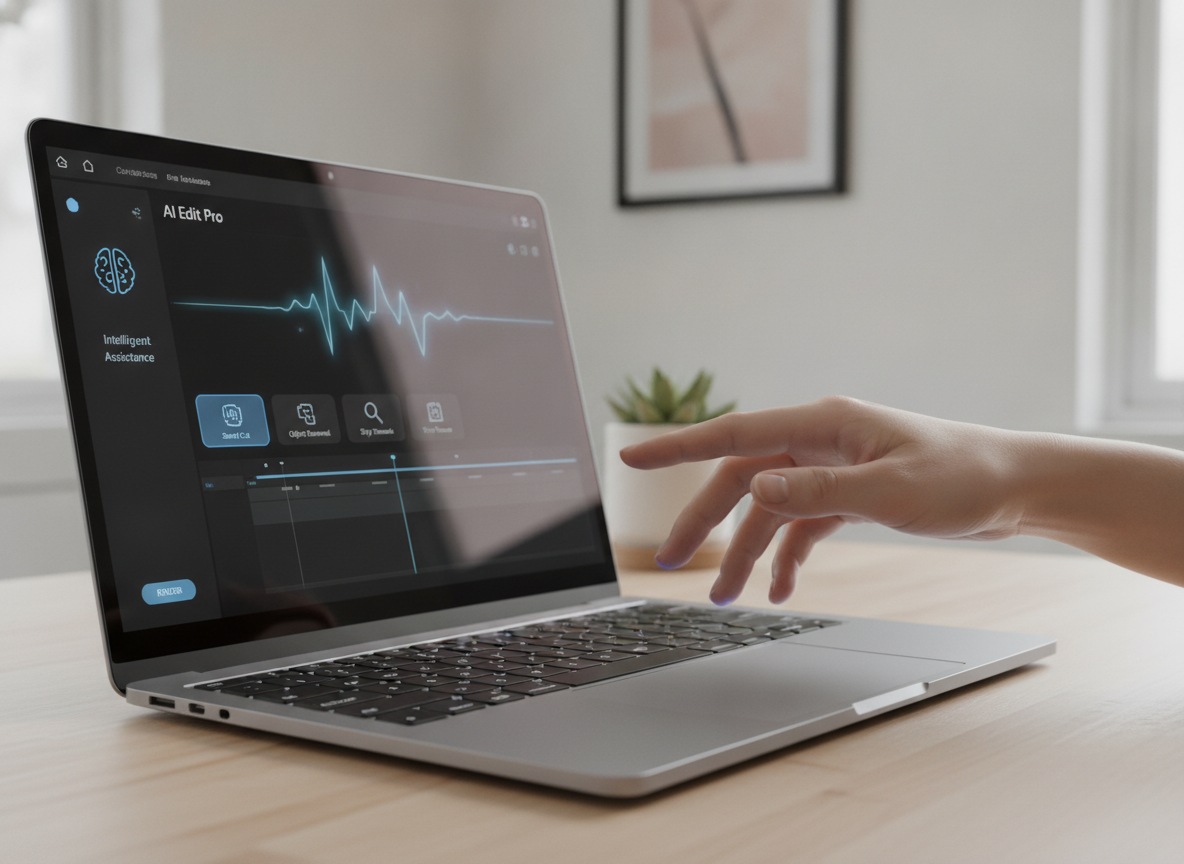
    The platform automatically eliminates awkward pauses and extended periods of dead air, creating a more engaging viewing experience. This automated trimming process drastically reduces editing time.
    laptop screen

    Photo by Quixess Social

    What the AI Zooms In On

    The AI dynamically zooms in on the precise area you’re discussing, ensuring viewers can clearly see every interaction. This improves comprehension and reduces confusion. Find guidance on video shape and format here.

    Customizing Your Brand Kit

    Adding Your Logo and Colors

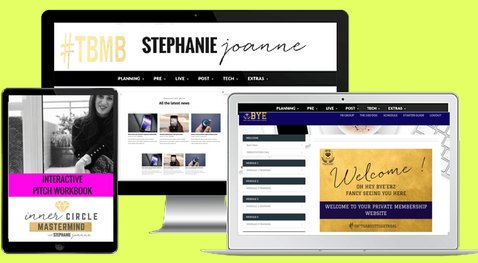
    Consistency is key to building a recognizable brand. With the platform, establishing that consistency is effortless. You can set your company colors, upload your logo, and define your preferred font styles, all in one centralized location. Every video and guide created afterward will automatically adhere to these brand guidelines, reinforcing your brand identity.
    digital device website mockup

    Choosing a Narration Voice

    The platform allows you to select a narration voice that aligns with your brand’s personality and tone. This customization extends beyond just the voice; you can also adjust the pacing and intonation. What’s more, the platform can turn your library of recordings into a chat assistant you embed on your own website. Learn more about the workflow here.

    Using Demofable for Product Education

    Creating a Multi-Brand Demo Library

    Maintaining consistency across product demonstrations, especially with multiple brands, can be a logistical challenge. A centralized demo library allows for version control, easy updates, and a consistent brand experience. This approach streamlines the creation process and ensures every demonstration aligns with the overarching brand identity.
    product demo

    Photo by Quixess Social

    A well-organized demo library simplifies onboarding for new team members and makes it easier to track which demos are most effective.

    Choosing the Right Starting Point

    Selecting the right starting point is critically important. Consider the purpose of the demo: is it a comprehensive product overview, a deep dive into a specific feature, or a short clip for social media? A product demo provides a broad introduction, while a sales deep dive focuses on specific benefits. Social clips are designed to be attention-grabbing and shareable. Our guide provides a detailed breakdown.

    Often, teams need various formats. For example, a detailed product demo might be used internally for training, while shorter clips are shared on social media. The ability to repurpose a single recording into multiple formats significantly reduces the overall workload. Understanding your audience and tailoring the demo accordingly is key to maximizing its impact. Find guidance on video shape here.

    Final Thoughts and Next Steps

    Summarize Key Takeaways

    Creating compelling product walkthroughs doesn’t have to be daunting. By embracing a structured approach and leveraging intelligent tools, teams can streamline the process and produce high-quality videos and guides that effectively showcase their products. Understanding the nuances of different demo types is crucial for ensuring your content resonates.

    Final Thought or Call-to-Action

    The efficiency gains offered by Demofable are substantial, allowing product teams to focus on delivering exceptional product experiences. Try Demofable today and see how it can help you create polished demo videos and written guides. The journey to efficient product education starts now.

    Conclusion

    Throughout this exploration, we’ve emphasized the power of structured content creation for product education. Understanding the nuances of product demos, sales deep dives, and social clips allows teams to tailor their content for maximum impact. Demofable is a powerful tool for creating polished demo videos and written guides that showcase your product. By using this tool, you can save time and effort when creating product walkthroughs, ensuring a consistent brand experience and empowering your team to focus on delivering exceptional product experiences. Start your journey towards streamlined product education today, explore the features and unlock the potential to create impactful content that drives engagement and understanding.

  • 1. From Screen Recording to Polished Demo: What the AI Actually Edits

    1. From Screen Recording to Polished Demo: What the AI Actually Edits

    From Screen Recording to Polished Demo: What the AI Actually Edits

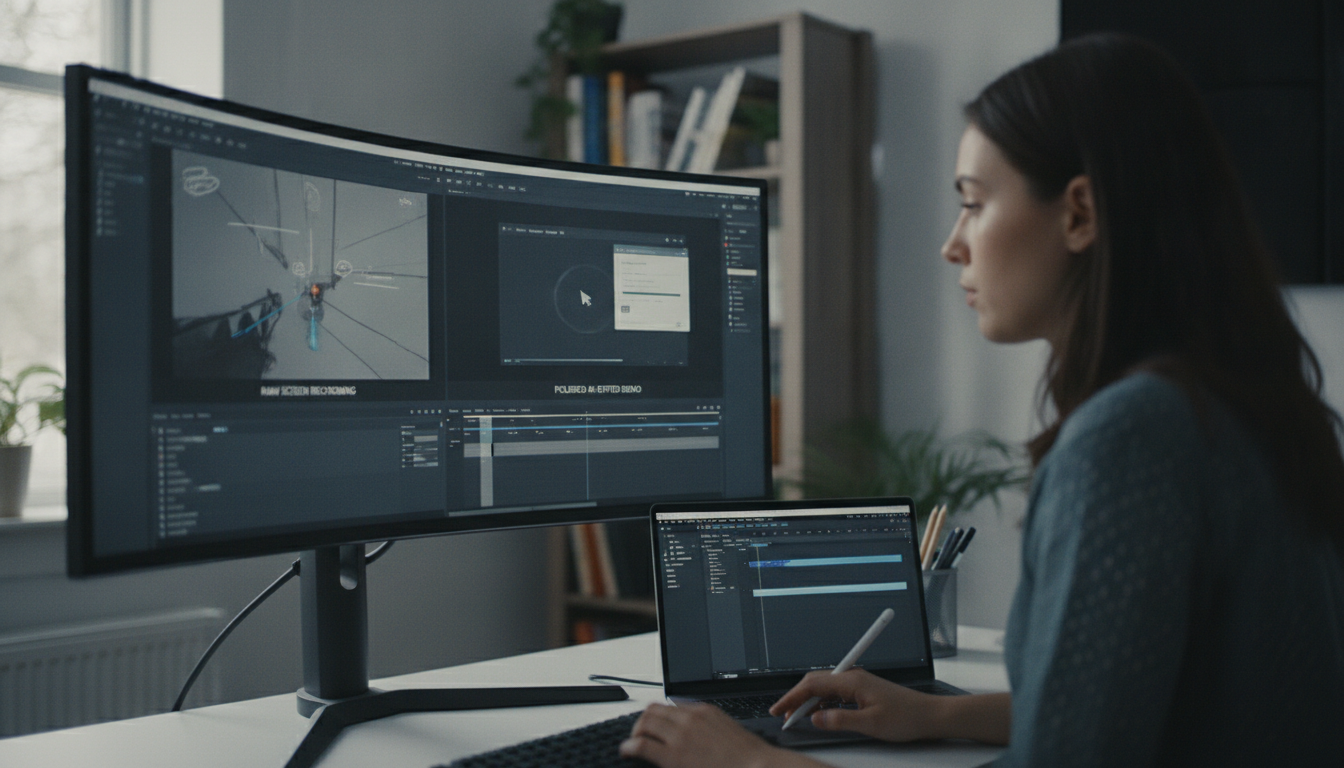
    Creating polished product demos from raw screen recordings takes hours of manual scrubbing, cutting, and transitions, work that can derail product launches and onboarding timelines. Demofable, an AI-powered tool, converts unscripted screen recordings into edited demos and step-by-step guides automatically. This article explores how the platform transforms a single recording into multiple deliverables and highlights the benefits of this streamlined approach.

    The Power of One Recording

    How demofable turns a single recording into multiple deliverables

    AI-powered solutions are transforming how product teams create demos. Demofable generates multiple polished outputs, videos and step-by-step guides, from a single, unedited screen recording. Instead of multiple recordings for different formats, teams capture once and deploy widely, ensuring consistency in messaging and branding across all materials. A product manager can record a feature demonstration once, and the platform automatically generates a promotional video for social media, a tutorial for the help center, and a detailed written guide for new users.

    Customization ensures branding elements, such as logos and color schemes, are applied consistently across all outputs. For teams needing advanced redaction techniques, our redaction guide provides detailed guidance.

    The AI Editing Process

    What the AI does to edit a video

    The AI editing process requires minimal human intervention. It identifies and removes unnecessary elements like pauses, stumbles, and dead time by analyzing audio and video streams. If a presenter pauses for several seconds, the AI eliminates that silence without disrupting the flow.

    tech conference

    Photo by Quixess Social

    The AI also intelligently zooms in on key UI elements to highlight important workflows. When demonstrating a complex data visualization tool, for example, the AI automatically zooms in on chart elements being manipulated for clarity. The renderer ensures privacy detection and redaction happen seamlessly.

    Finally, the AI generates a narration script based on screen content, not a simple transcription, but a structured outline analyzing visual cues and actions. This script can create closed captions, subtitles, or voiceover tracks, significantly reducing documentation time. See our guide to converting screen recordings for more details.

    The Benefits of Demofable

    Why demofable is a game-changer for product teams

    Product teams face shrinking launch cycles and fierce competition, making clear product demonstrations critical. Traditional demo creation has been a significant bottleneck. Teams using Demofable see an average 60% reduction in demo creation time, freeing engineers and product managers to focus on core development and strategy.

    business meeting document review

    The efficiency gains extend beyond time saved. Rapid iteration on demos based on customer feedback improves the overall experience. Previously, revisions took days; now adjustments happen in hours, ensuring information is always accurate and relevant. This responsiveness strengthens customer relationships.

    Demofable’s Capabilities

    What demofable can do for your product

    Beyond automated video creation, the platform offers collaboration and brand consistency features. An embedded chat assistant allows team members to review and provide feedback directly within the editing workflow. Extensive customization tailors branding, tone, and visual elements, including intro/outro sequences and color palettes, to align with marketing strategy and ensure cohesive brand identity.

    AI editing interface

    Photo by Quixess Social

    Integration with existing tools simplifies workflows. For more on managing narration length, see Why We Don’t Predict How Long Narration Will Take. Redaction flexibility includes multiple verification layers, as discussed in Why We Don’t Trust AI Redaction Alone.

    Conclusion

    Automated demo creation represents a significant evolution in how product teams communicate value. By leveraging AI, Demofable delivers clear, concise, and engaging walkthroughs at scale. The benefits are tangible: reduced manual editing time, increased team efficiency, and improved customer experience. Get started with Demofable today and transform your product walkthroughs.

  • One Recording, Three Shapes: Solving Multi-Aspect-Ratio Video

    One Recording, Three Shapes: Solving Multi-Aspect-Ratio Video

    One Recording, Three Shapes: Solving Multi-Aspect-Ratio Video Production

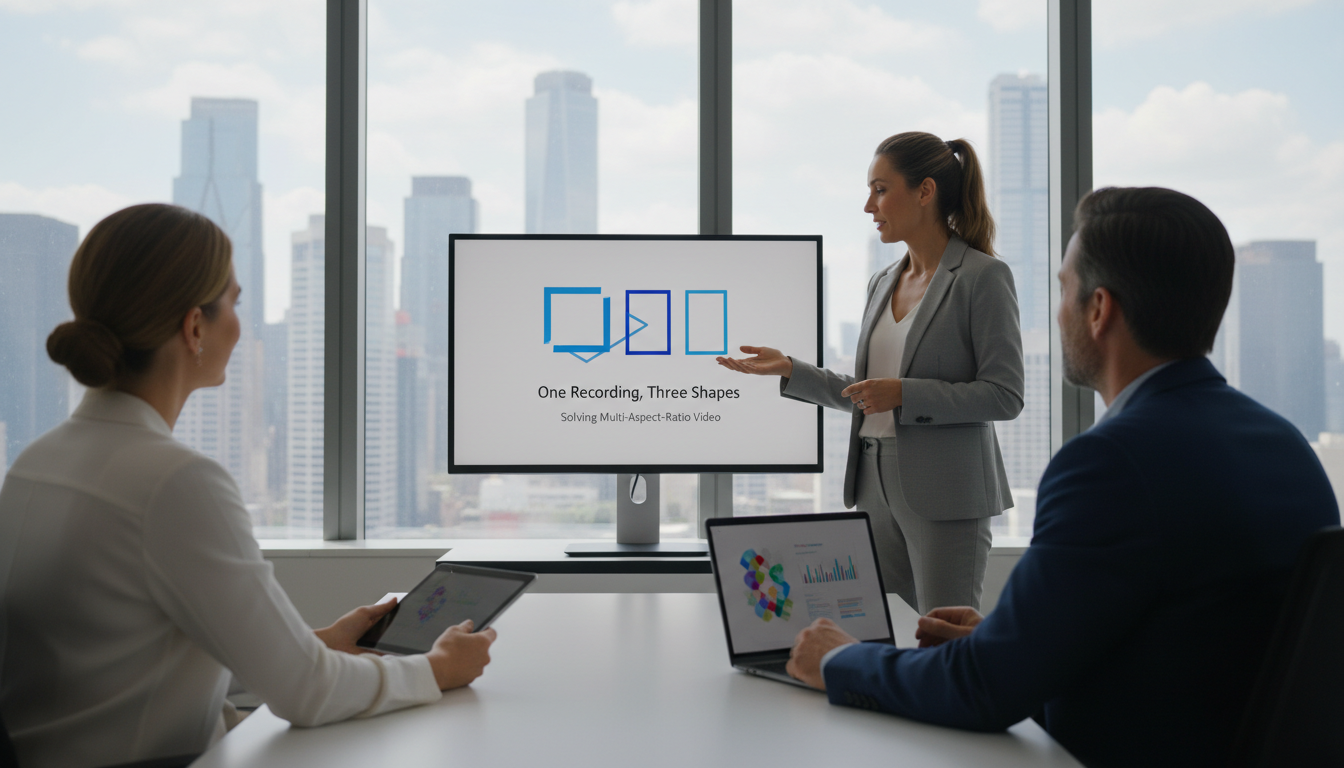
    Creating demo videos for multiple platforms requires endless reshaping: a website walkthrough needs reworking for TikTok, reformatting for LinkedIn, and resizing for Instagram ads. Teams spend hours in post-production cropping and resizing what should be a single asset. Multi-aspect-ratio video production has shifted from nice-to-have to necessity. This guide explores how AI-powered tools solve the multi-format problem and enable scalable video strategy across every platform without re-recording.

    The Multi-Format Problem: Why One Recording Isn’t Enough

    Different platforms demand different shapes

    Platform requirements create production bottlenecks. Widescreen 16:9 dominates website homepages and YouTube. Vertical 9:16 is standard on TikTok, Instagram Reels, and mobile platforms. Square 1:1 thrives on LinkedIn feeds and Meta ads. A single three-minute screen recording requires three entirely different creative treatments. Compositional choices that work for websites become cramped on smartphones, while TikTok-optimized vertical video loses context when forced into square format.

    The hidden cost of manual reformatting

    Manual reformatting introduces significant time and consistency penalties. Production teams spend 3-5 hours per video manually cropping and resizing. A 2025 survey showed 64% of marketing teams re-record demos multiple times rather than attempt manual conversion, recognizing quality suffers when forcing one format into another. Consistency problems compound as messaging shifts when different elements are emphasized, and teams manage three separate versions of the same narrative, each requiring different editing decisions.

    Product Updates That Changed Video Efficiency

    AI-powered automatic aspect ratio conversion

    Modern AI video technology has fundamentally shifted what’s possible in a single production session. Intelligent algorithms analyze recording content, identifying important action and critical UI elements, then reframe scenes for different dimensions without losing information. The system understands compositional hierarchy: what deserves centering, what can be cropped, and where zooming enhances the message.

    video editing software screen

    Photo by Quixess Social

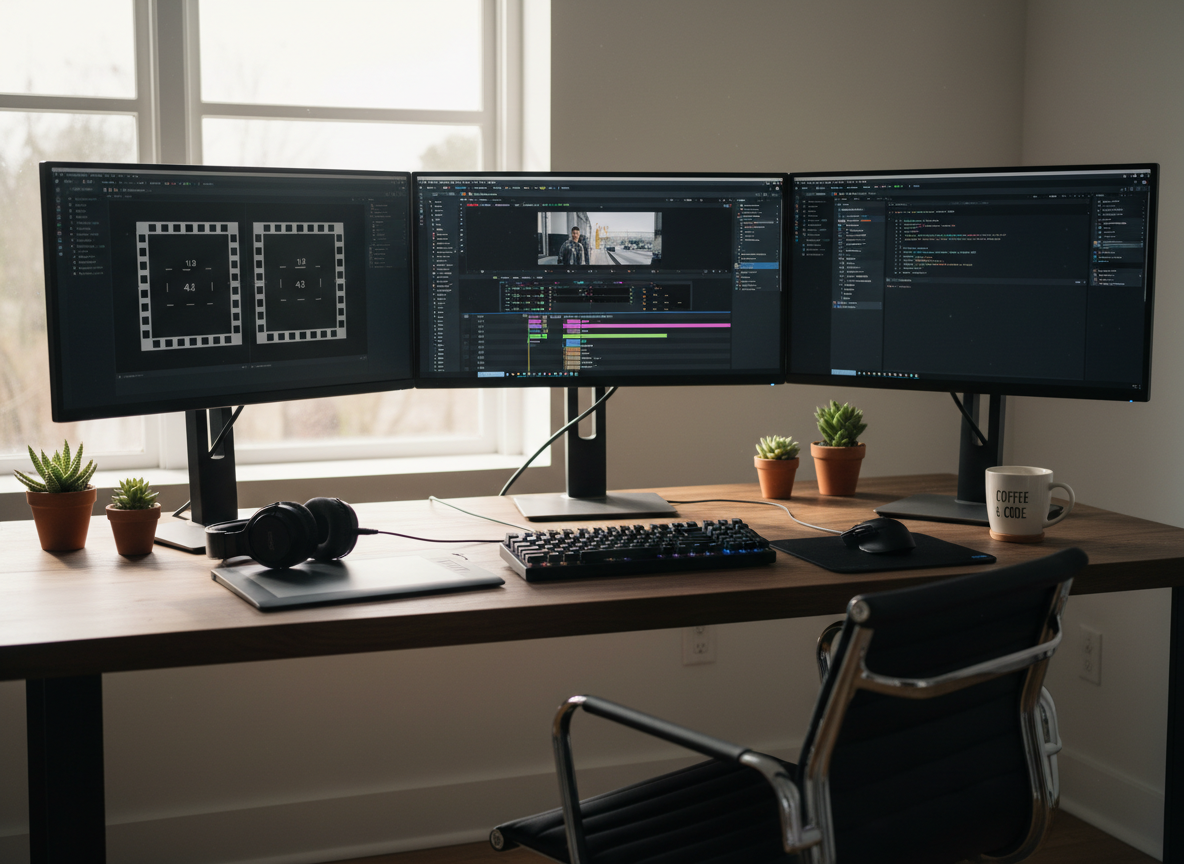
    Demofable represents this approach. It detects key elements within screen recordings, cursor movement, highlighted buttons, text input, and visual focus points, then automatically generates platform-ready versions in 16:9, 9:16, and 1:1 formats simultaneously. Rather than degrading a “master” version through manual cropping, the platform intelligently adapts composition for each format, preserving clarity and context.

    One walkthrough, infinite output possibilities

    The technological shift eliminates the false choice between re-recording and reformatting. A single screen recording produces polished, platform-optimized video in every required format without additional recording time or extensive post-production labor. The intelligence goes beyond mechanical resizing, the tool recognizes that vertical mobile ads need tighter framing than desktop demos, and square content requires different visual balance than widescreen formats. For a SaaS walkthrough, the system highlights specific features for mobile viewers while maintaining broader overviews for desktop audiences, all from one source recording.

    Transforming Your Video Workflow

    How multi-aspect-ratio video improves production speed

    Traditional workflows waste enormous time on format conversion. A sales demo recorded in 16:9 requires hours resizing for LinkedIn (1:1), TikTok (9:16), and email (4:3). Intelligent format conversion transforms a single raw recording into multiple optimized formats automatically. Sales teams report 60-70% reductions in demo production time when shifting from manual editing to intelligent conversion. What previously required freelance editors happens in minutes, compounding across dozens of monthly videos.

    Close-up of a video editing timeline on a computer screen, showcasing modern technology.

    Photo by Vito Goričan on Pexels

    Real-world applications across teams

    Sales teams send personalized demos without recording separate takes. A single 10-minute recording becomes a 60-second vertical demo for mobile prospects, detailed 16:9 for enterprise desktop review, and quick 1:1 clips for LinkedIn outreach.

    Marketing teams generate social formats instantly. A product announcement becomes native content for Instagram Reels, YouTube Shorts, TikTok, LinkedIn, and email, each properly formatted and paced for platform algorithms.

    Customer support scales by producing vertical help videos from the same workflow as desktop tutorials, offering both detailed desktop reference and quick mobile-optimized walkthroughs.

    Product teams announce features once across all channels in optimized formats, with internal training, customer webinars, and public social media all from one recording. For detailed insights, explore our guide on converting screen recordings to step-by-step guides.

    Building a Scalable Video Strategy for 2026

    Why platform optimization matters to your bottom line

    Video efficiency directly impacts measurable outcomes. Sales teams using properly formatted vertical demos see 35-40% faster response times, while mobile-optimized content loads instantly and holds attention. Demo-to-close rates improve when prospects review content on preferred devices. A four-person team spending 12 hours weekly on video editing represents $40,000+ annual labor cost. Intelligent format conversion reduces that to 2-3 hours weekly, freeing 400+ hours annually for strategy and content creation.

    technology team planning session

    Photo by Quixess Social

    The future of adaptive video content

    Teams mastering adaptive workflows will outpace competitors still editing manually. A company publishing one demo weekly across six formats produces 312 video pieces annually, while competitors publishing only horizontal versions create 52. Content multiplication compounds audience reach and establishes presence across platforms where competitors are absent. AI video tools now enable teams to compete on content quality and volume rather than production budget.

    Conclusion

    Multi-aspect-ratio video is now the foundation of modern content production. Intelligent video saves teams hundreds of hours annually while multiplying audience reach across every platform. One recording that transforms into multiple shapes eliminates bottlenecks while enabling competition on quality and volume rather than budget. Start with one demo video and observe how much time your team reclaims.